Fliplyx
Make motion and pauses from a few images
Learn to add photos, arrange frames, set durations, preview ping-pong playback, split sprite sheets and save a Fliplyx project.
Read the guide →
Tap the Share button, then “Add to Home Screen”.
In-depth guides for getting the most out of Tracelyx tools.
Learn to add photos, arrange frames, set durations, preview ping-pong playback, split sprite sheets and save a Fliplyx project.
Read the guide →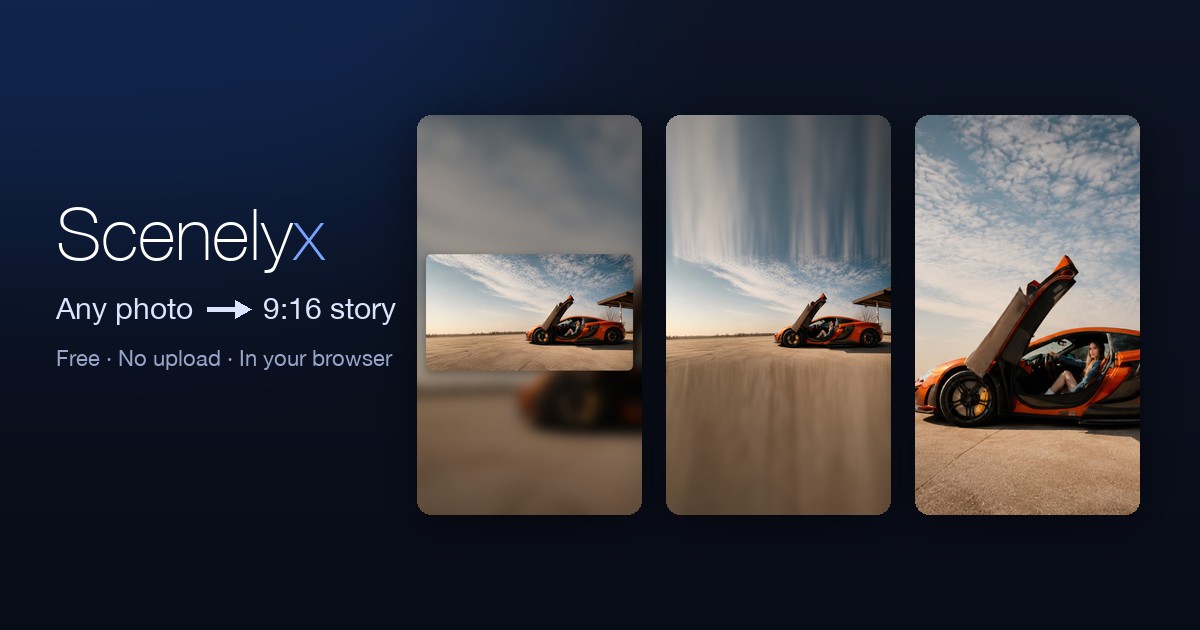
Turn landscape or square photos into polished 1080×1920 story images — blurred, gradient, colour or extended backgrounds, a free-size inset card, and captions, all in your browser.
Read the guide →
How DMC, Anchor, COSMO and Olympus floss numbering works, an approximate DMC-to-Anchor conversion table with on-screen colors, and why dye lots mean no cross-reference is ever exact.
Read the guide →
A 2026 reference table of recommended pixel sizes and aspect ratios for Instagram, X, YouTube, TikTok, Facebook, LinkedIn and Pinterest — posts, stories, thumbnails, covers and profiles.
Read the guide →
Lossy vs lossless compression, transparency and animation support, and a comparison table of JPEG, PNG, WebP, GIF and AVIF — so you can pick the right format for photos, graphics, and the web.
Read the guide →
What EXIF metadata stores, why GPS location in photos is a real privacy risk, which platforms strip it on upload, and how to remove it yourself before sharing — without uploading your photos anywhere.
Read the guide →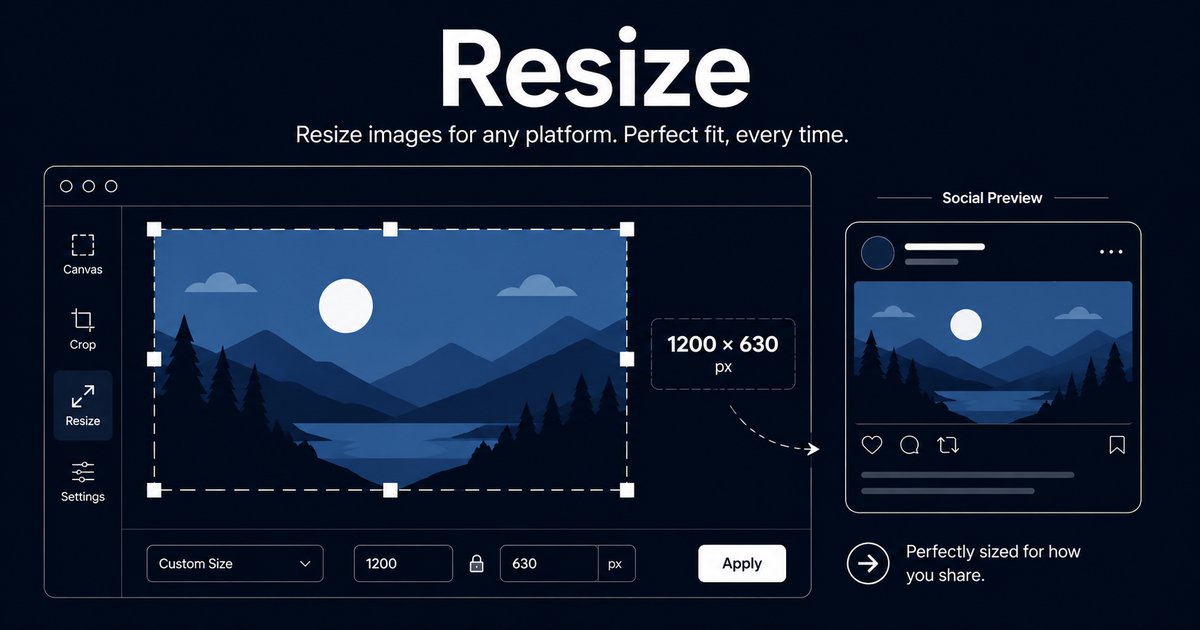
What resolution, DPI/PPI and pixels really mean, why DPI is irrelevant on screen but critical for print, a table of recommended resolutions by use, and the one calculation for the pixels you need.
Read the guide →
A beginner's guide to reading cross-stitch charts: what the grid and symbols mean, the common stitch types, a fabric-count table showing finished size, and how to start a project from the center.
Read the guide →
A guide for crafters, pixel artists, and makers: turn any photo into a pixel mosaic, then export a printable numbered design chart on tiled A4 (cross-stitch, beads, perler) or a clean retro block PNG — all in your browser.
Read the guide →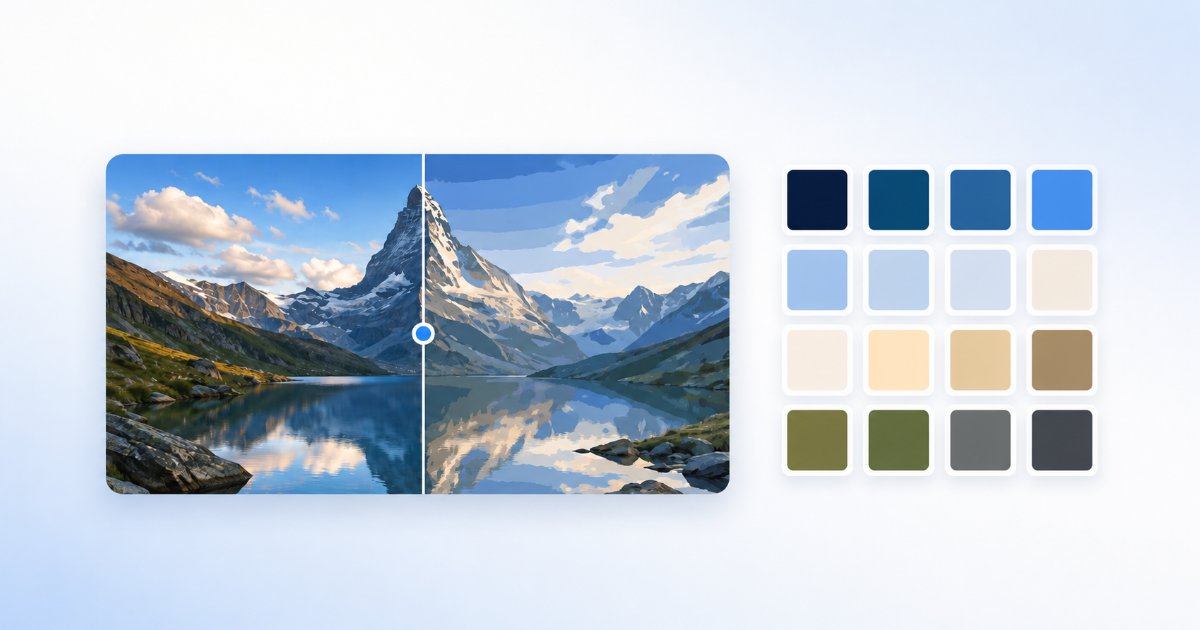
A guide for designers, developers, and pixel artists: reduce an image to an exact number of colors with median-cut and dithering, then export the palette as HEX, CSS, JSON, GIMP .gpl, or Adobe .ase — all in your browser.
Read the guide →
How to enlarge and transfer a drawing accurately with a grid: setting the real-world size to read exact cell dimensions, numbering, mirroring, faint underlays, and tiling across A4 sheets for murals — all in your browser.
Read the guide →
Add Tracelyx to your home screen or desktop for a full-screen, one-tap experience — on iPhone, iPad, Android, and PC. Same private, in-browser tools, no app store or account.
Read the guide →
Local, in-browser processing means your photos never reach a server. Here is what that means for your privacy, speed, file limits, and when an upload-based tool is still the right call.
Read the guide →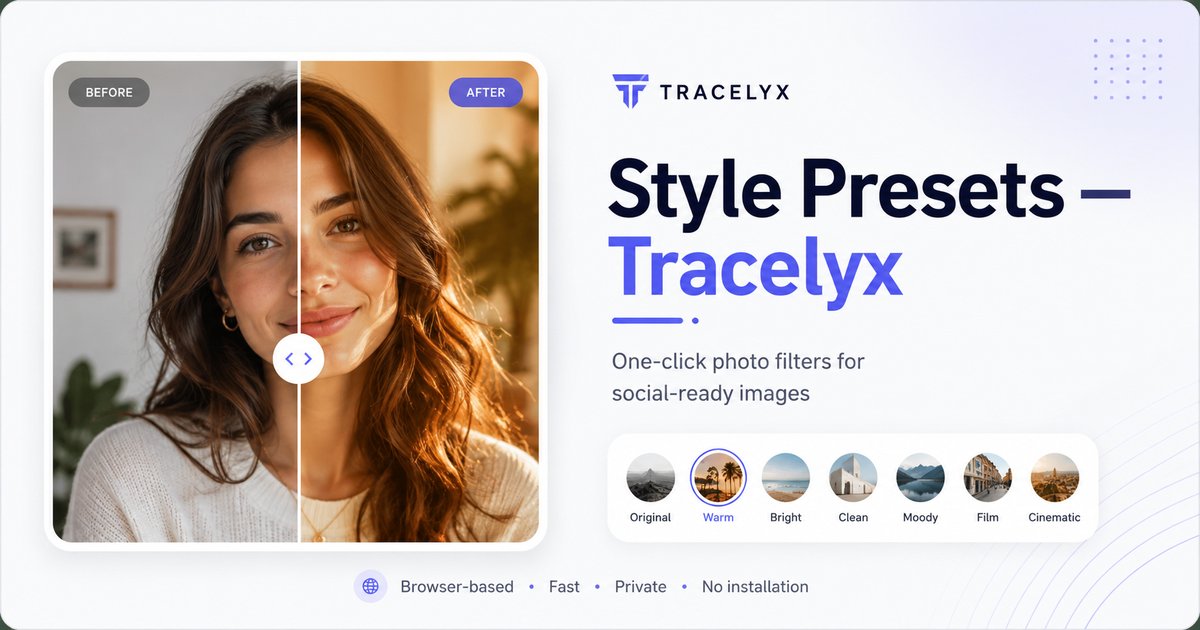
A practical guide to one-click photo looks: choosing presets, tuning strength and fade, adding illustration strokes, and keeping your photos private while you style them.
Read the guide →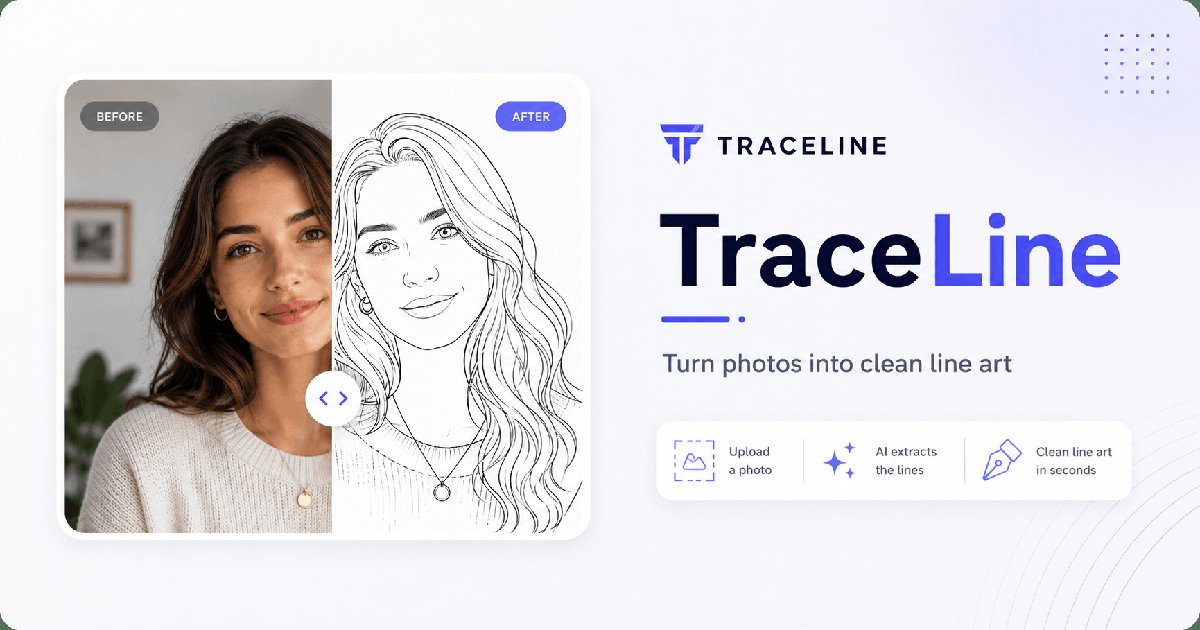
A complete guide for illustrators and designers: source image preparation, line extraction settings, manual refinement, and using your output in Procreate, Illustrator, and Clip Studio Paint.
Read the guide →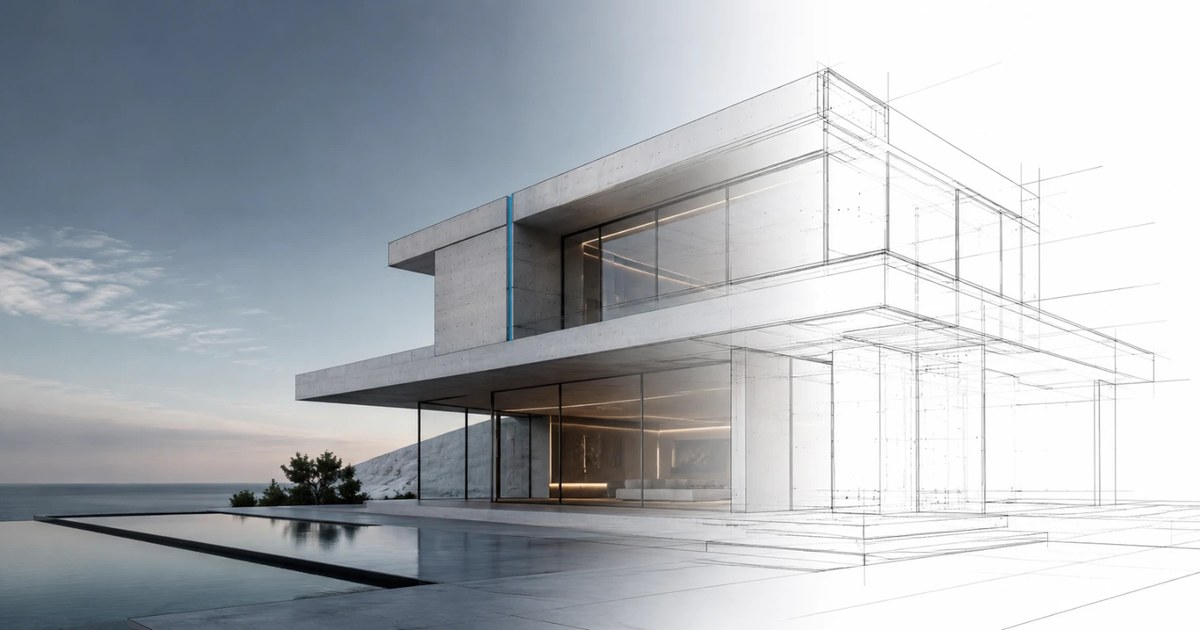
A guide for architects and designers: choosing a source photo, tuning edge and noise settings for clean structural lines, and exporting vector SVG for Illustrator and CAD.
Read the guide →
A practical guide for web developers, bloggers, and designers: understanding compression settings, format selection (JPEG vs PNG vs WebP), EXIF removal, and keeping your images private while compressing.
Read the guide →
A practical guide to aspect ratios, platform-specific dimensions, the Lock crop box feature for batch consistency, and why browser-only cropping is the right choice for private assets.
Read the guide →
A practical guide to batch image processing: when to use it, how to configure format conversion and resizing, file renaming for organized exports, and how to process sensitive assets without uploading to any server.
Read the guide →
A practical guide to precise pixel-dimension exports: canvas sizing for e-commerce, OGP images, and social media; Smart Sharpen for clarity after scaling; and browser-local processing that keeps your images private.
Read the guide →
A practical guide to image redaction: when to use blur vs black box, why browser-local processing matters for sensitive content, and common workflows for customer support, legal, and personal use.
Read the guide →
A practical guide to one-click photo correction: what Auto Fix adjusts, when to use it instead of manual editing, and how browser-local processing keeps your photos private.
Read the guide →
A practical guide to image format conversion: choosing the right format for your use case, understanding quality vs file size tradeoffs, when to use transparency, and why browser-local processing keeps sensitive images private.
Read the guide →
A practical guide to image resizing: platform-specific dimensions for social media, aspect ratio control, percentage-based scaling, and how to resize images without uploading them to any server.
Read the guide →
A practical guide to photo enhancement: understanding sharpness, clarity, and noise reduction controls; when to use each; and how browser-local processing keeps your photos private.
Read the guide →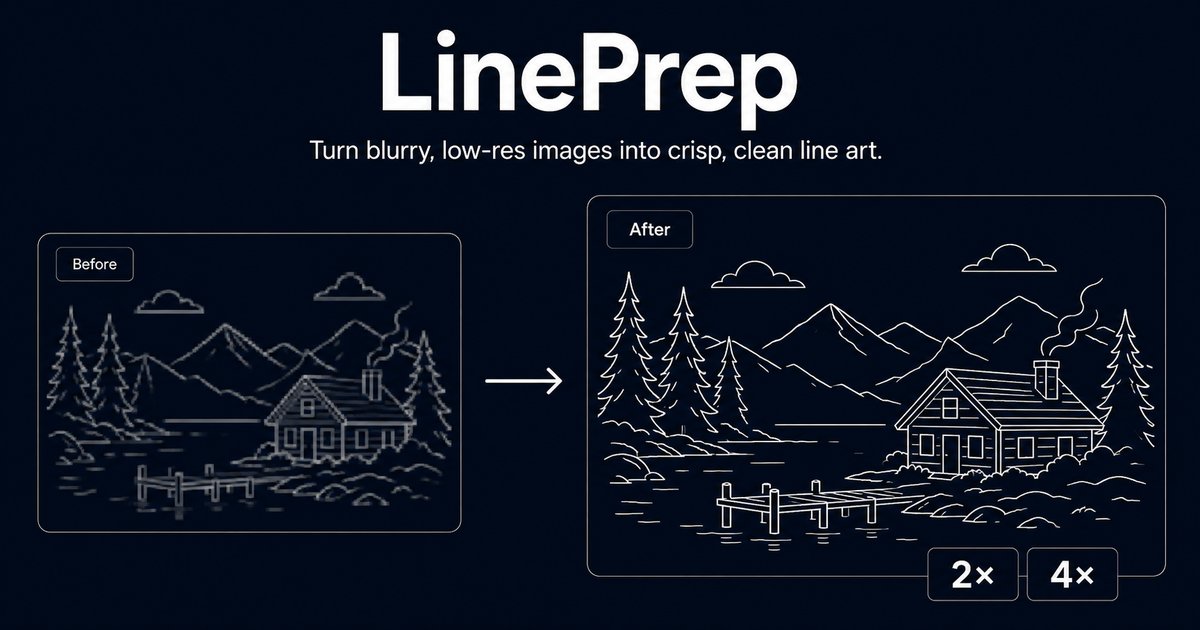
A practical guide to preparing source images for TraceLine: why resolution matters for line art, how LinePrep's upscaling and sharpening improves tracing accuracy, and the full workflow from photo to clean digital line art.
Read the guide →
A practical guide to image metadata cleaning: what EXIF contains, why GPS data in photos is a privacy risk, how sRGB conversion fixes color consistency on the web, and how to clean images without uploading them.
Read the guide →
A practical guide to image upscaling: why naive enlargement looks soft, how sharpening compensates, when to use 2× vs 4×, and how browser-local processing keeps your images private.
Read the guide →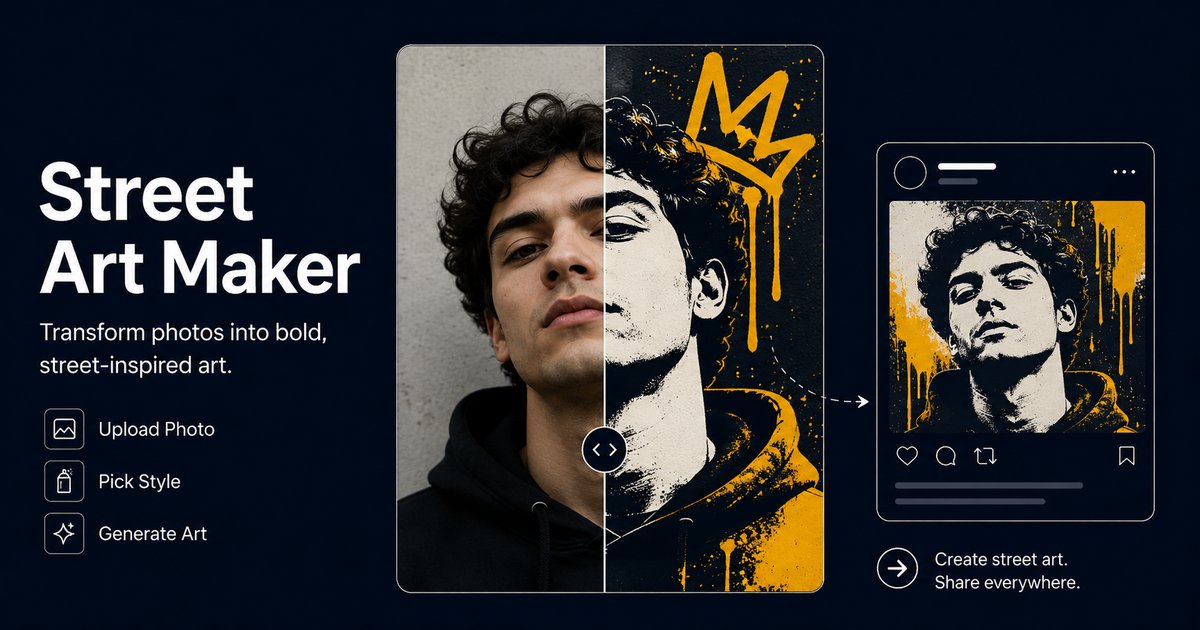
A practical guide to using StreetArt Maker: choosing source photos, understanding style presets, graffiti vs stencil vs mural styles, and browser-local processing with no uploads.
Read the guide →
Trace-ready line art with manual control — all processed locally.
Open tool →Overlay a precise grid, set the real size, and print to scale across A4 sheets.
Open tool →
Turn photos into stencil-style street art on real walls.
Open tool →
Turn building photos into clean line drawings — SVG & PNG.
Open tool →Set a canvas size, drop your image, adjust position and scale — then export at exact pixel dimensions.
Open tool →
Reduce, control and reuse image colors precisely — export to HEX, CSS, JSON, .gpl & .ase.
Open tool →
Calculate fabric size from stitch counts, compare cloth counts and add finishing margins.
Open tool →
Turn a few photos or drawings into a flipbook preview. Adjust order, timing and ping-pong.

Any photo → a polished 9:16 story. Blur, gradient, extend & card layouts.
Open tool →