

Turn photos into something you can make.
Create line art, transfer grids, stencils, palettes and printable charts — privately, in your browser.
Try TraceLineExamples
What you can create with TraceLine.
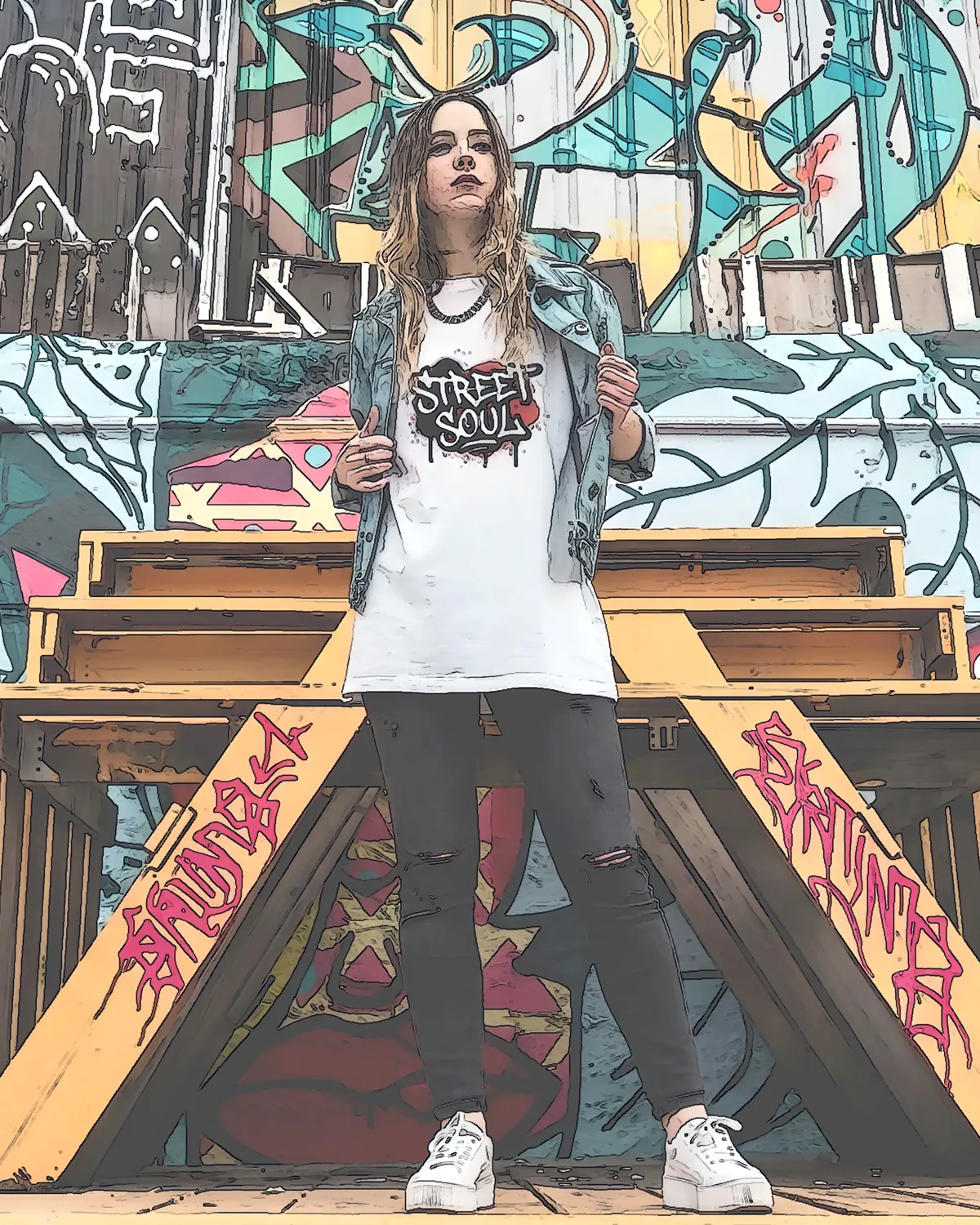
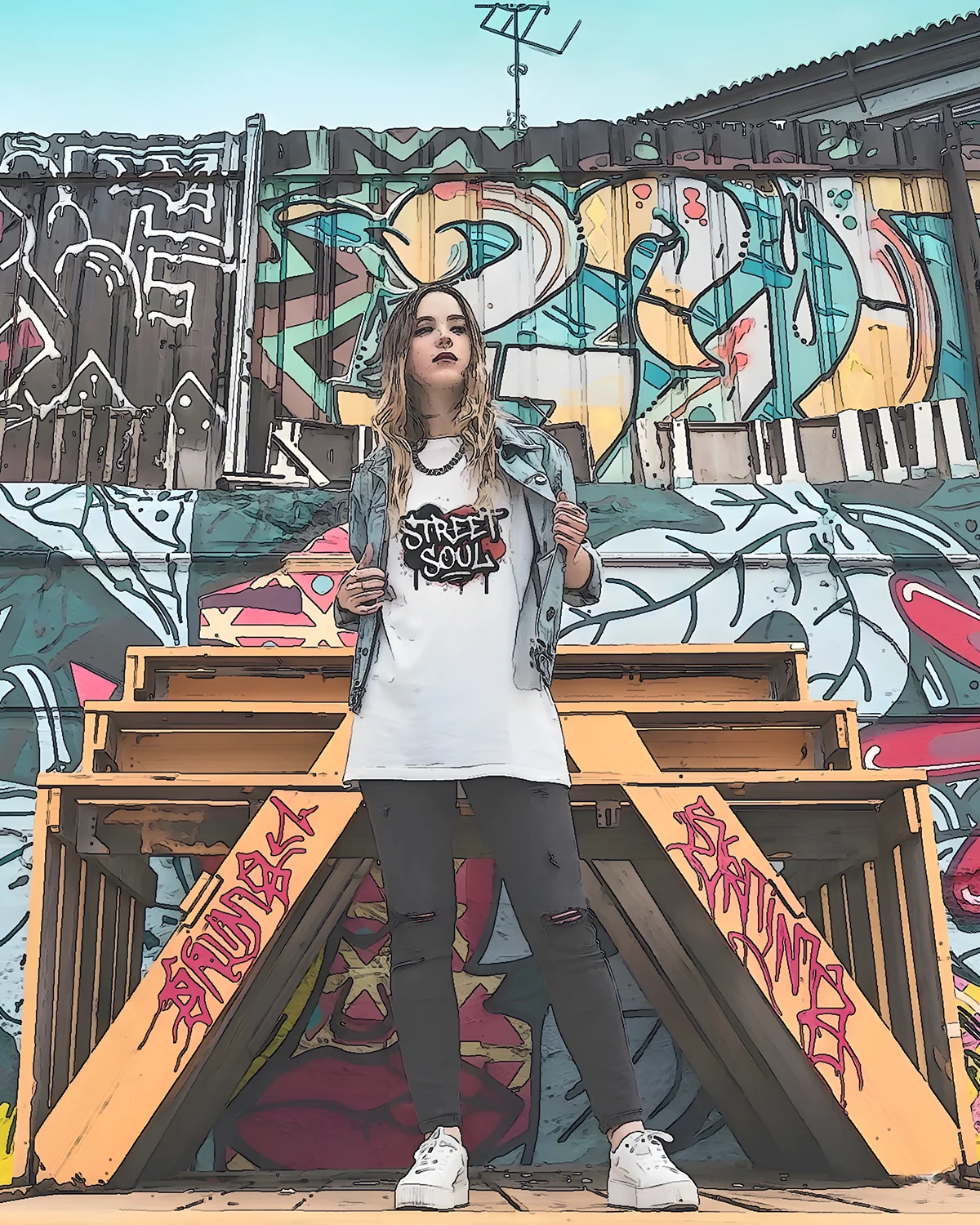
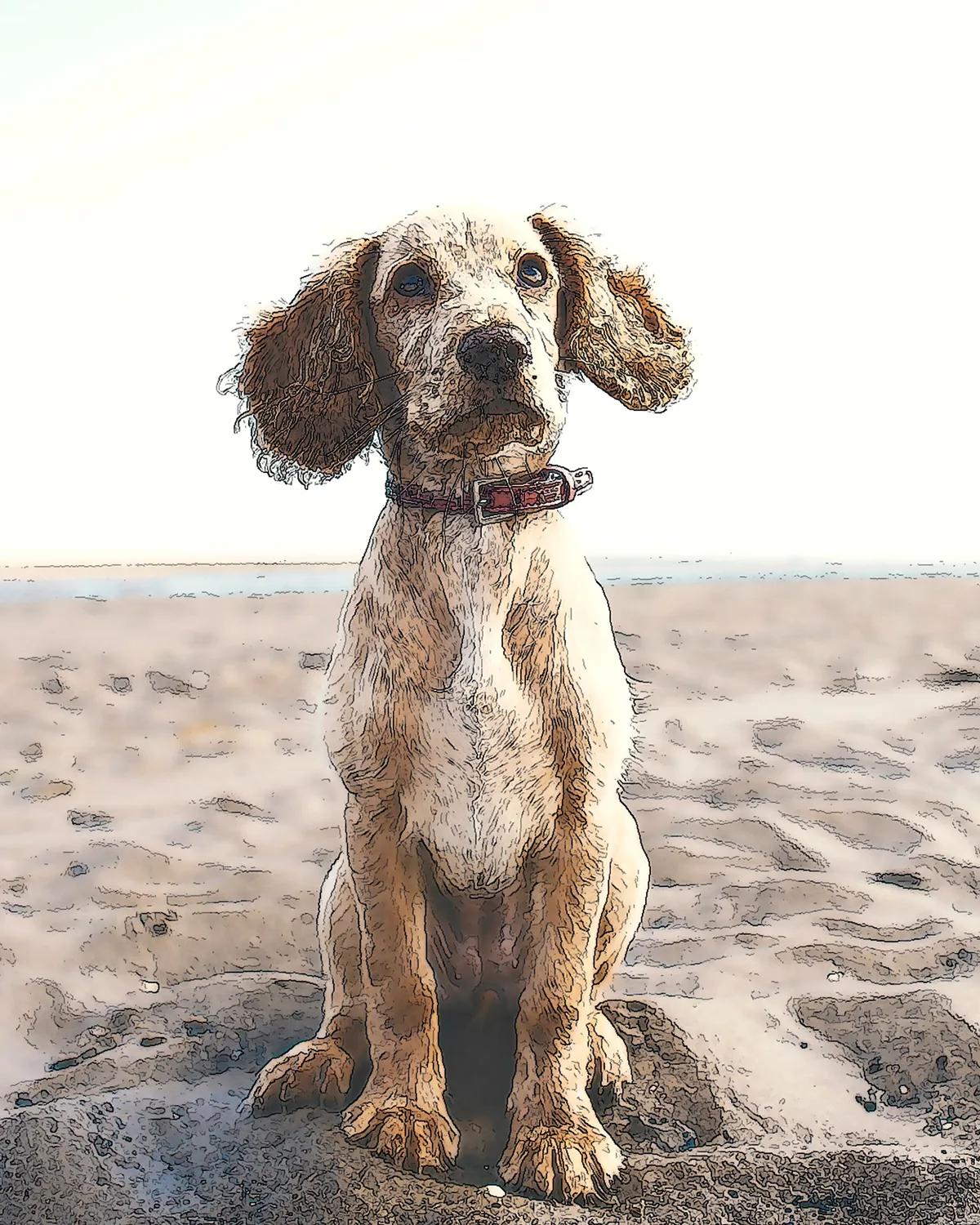
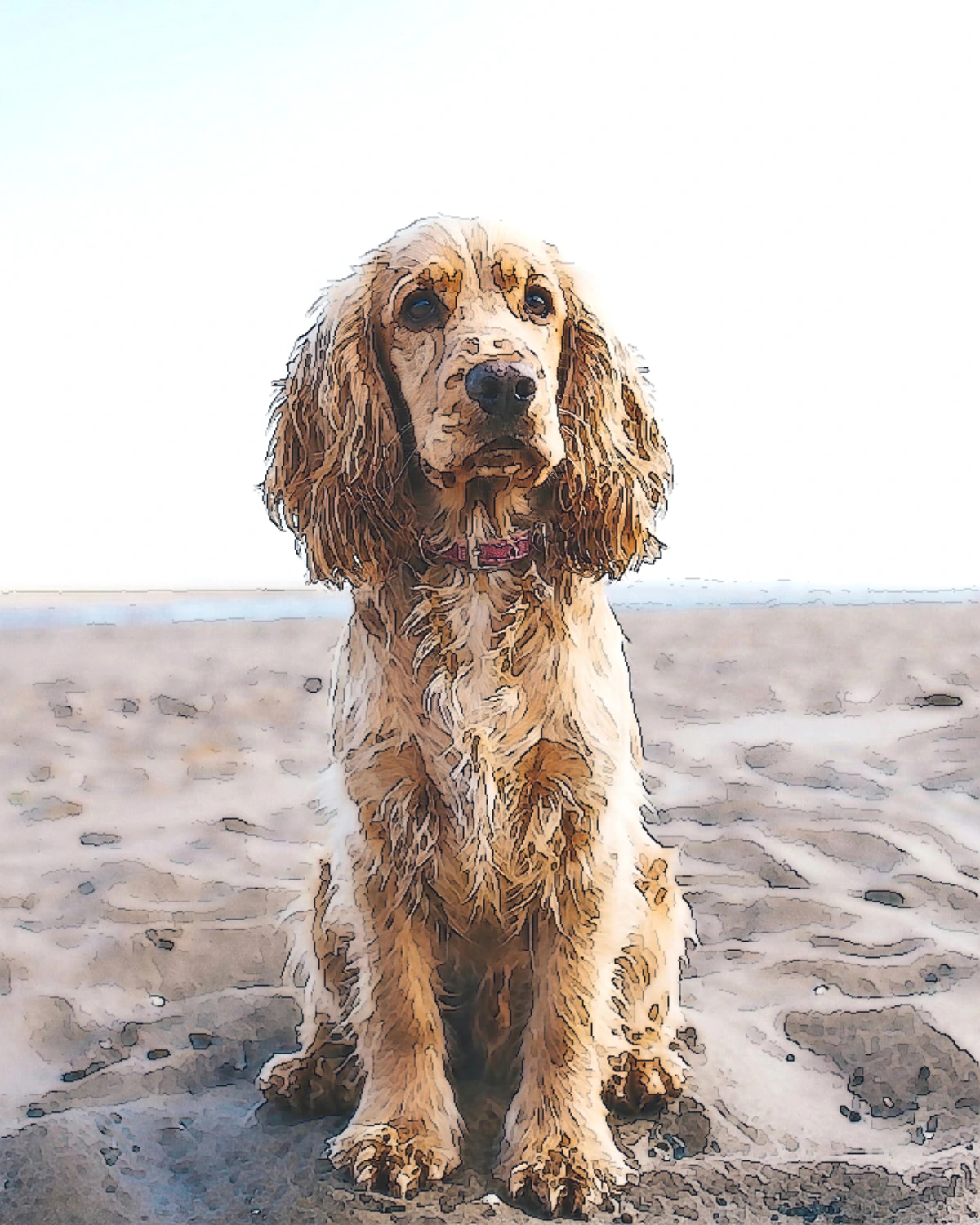
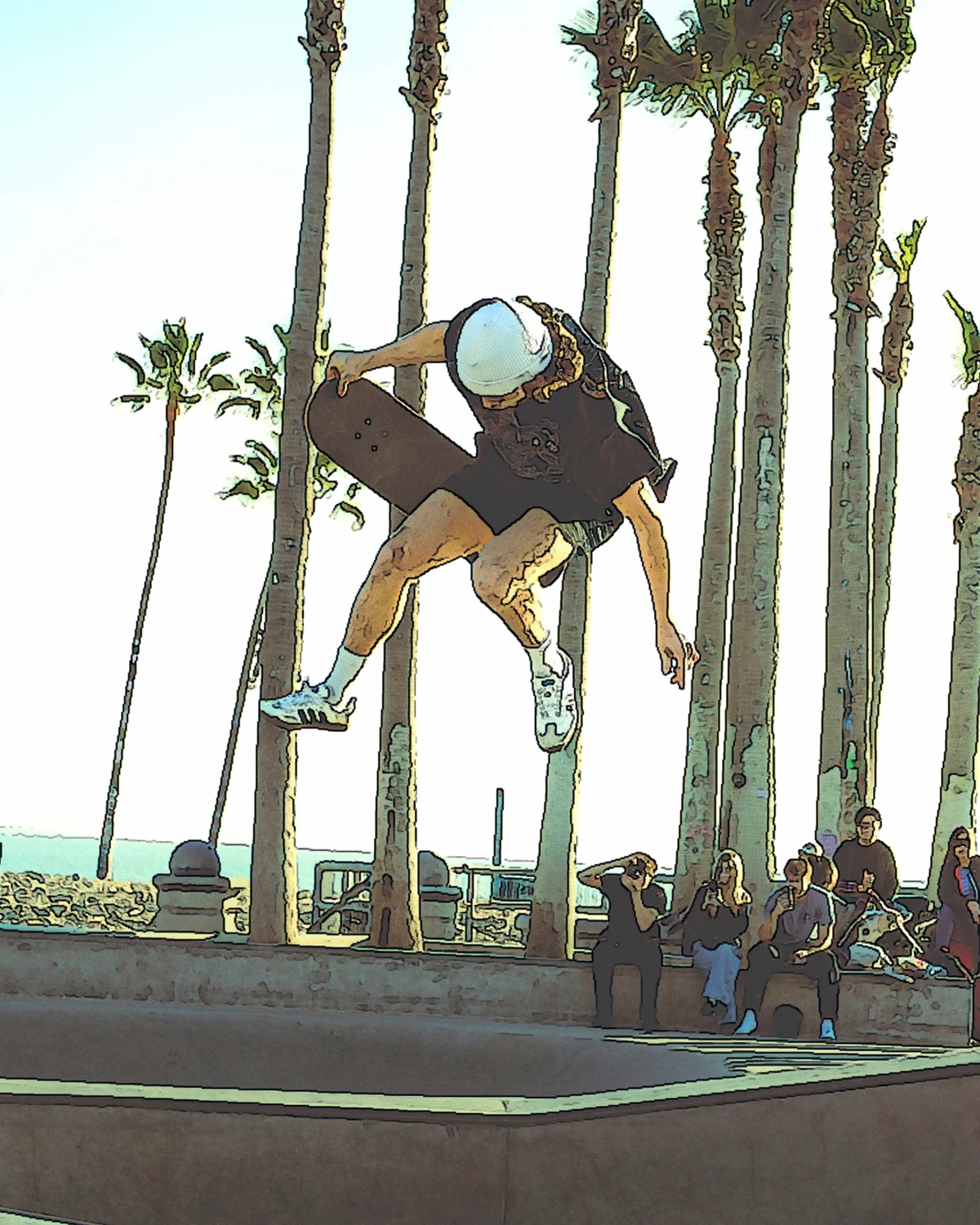
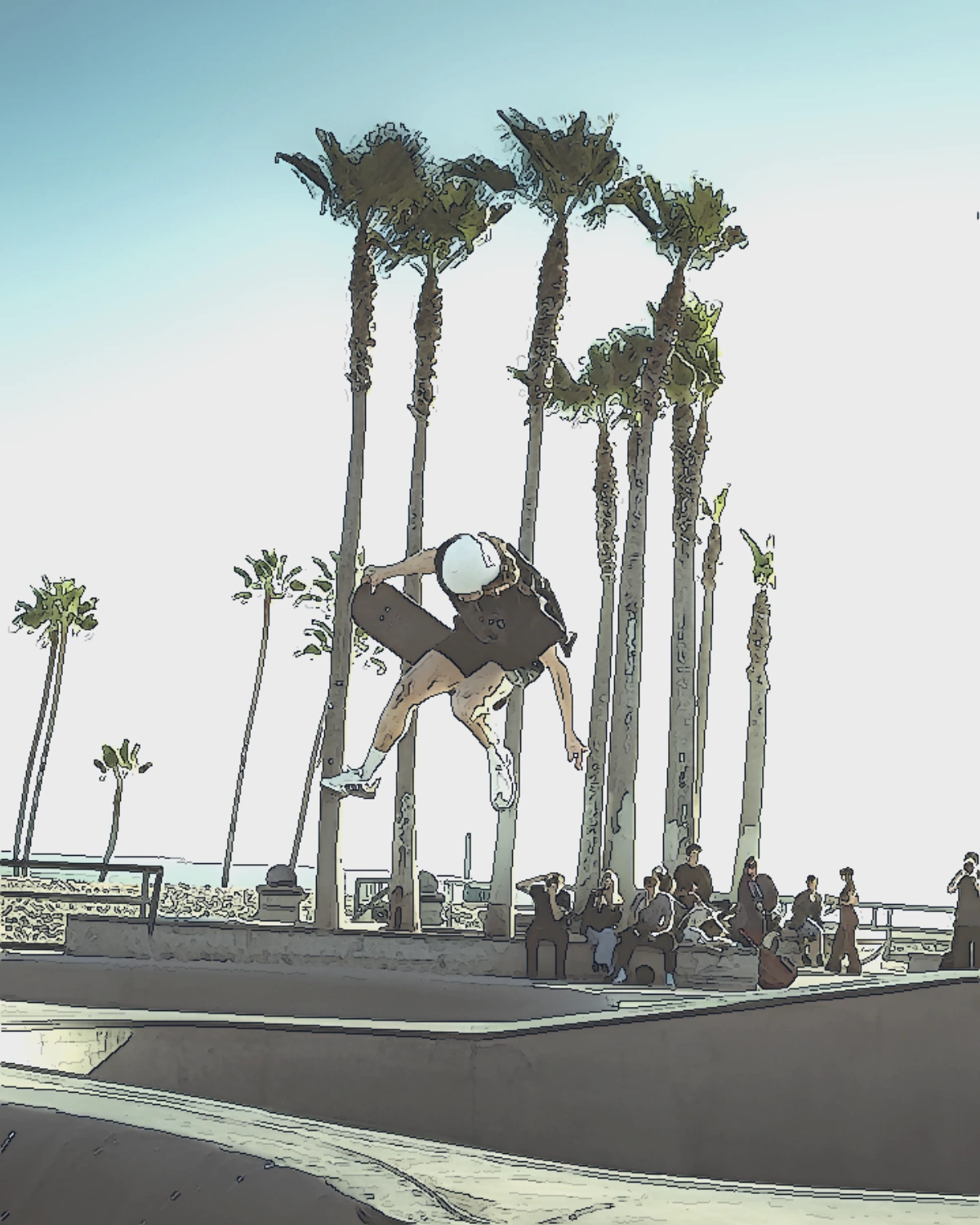




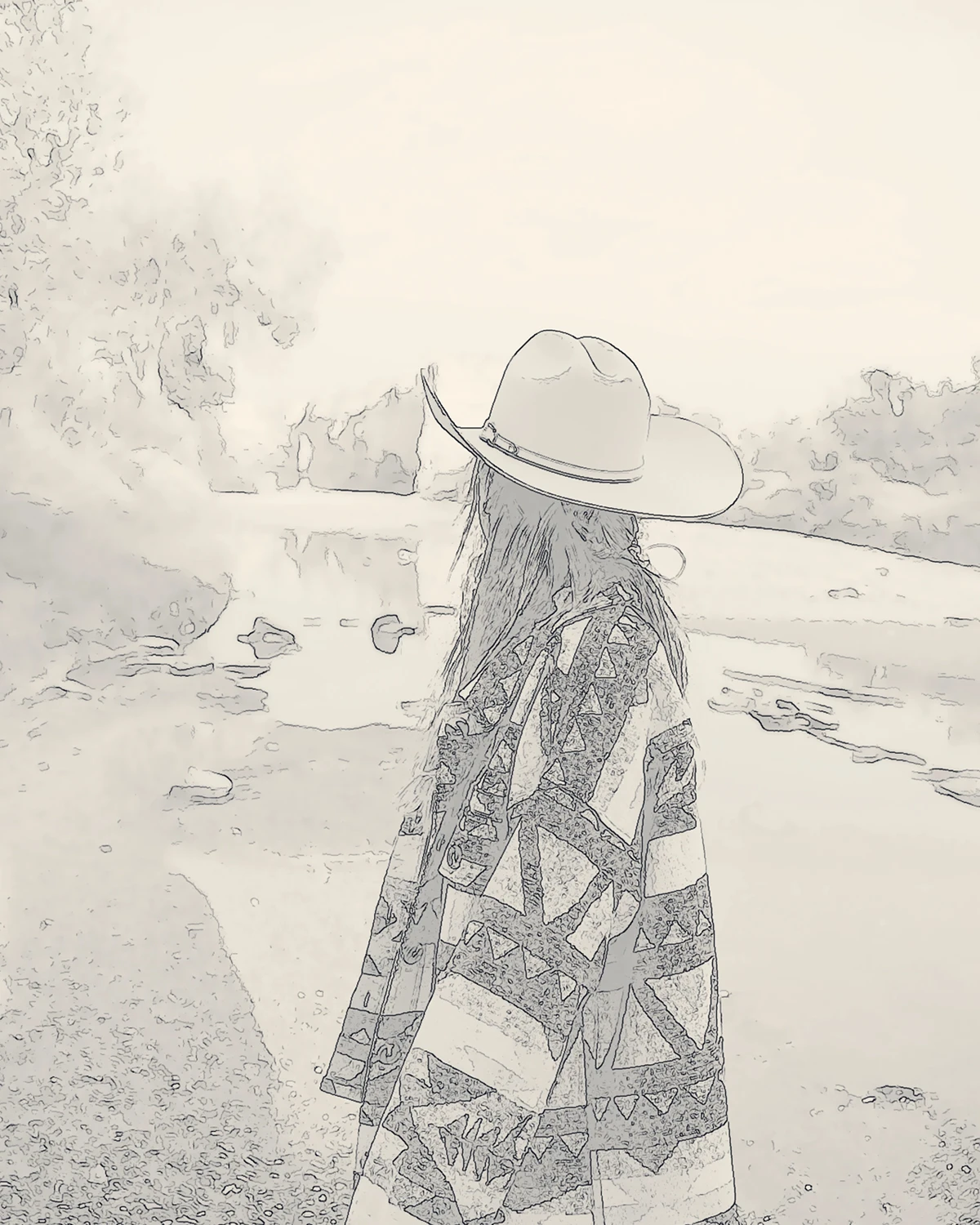
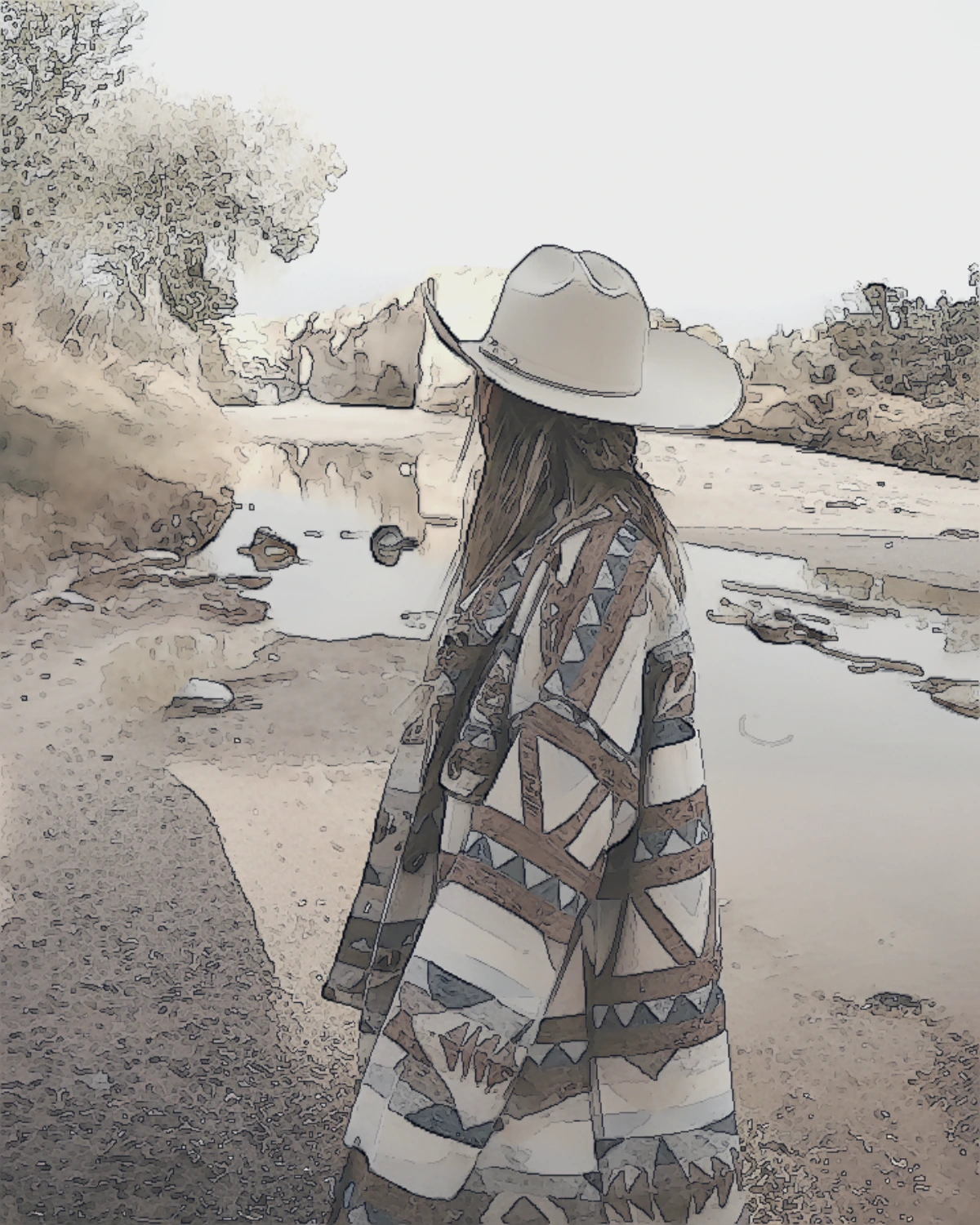
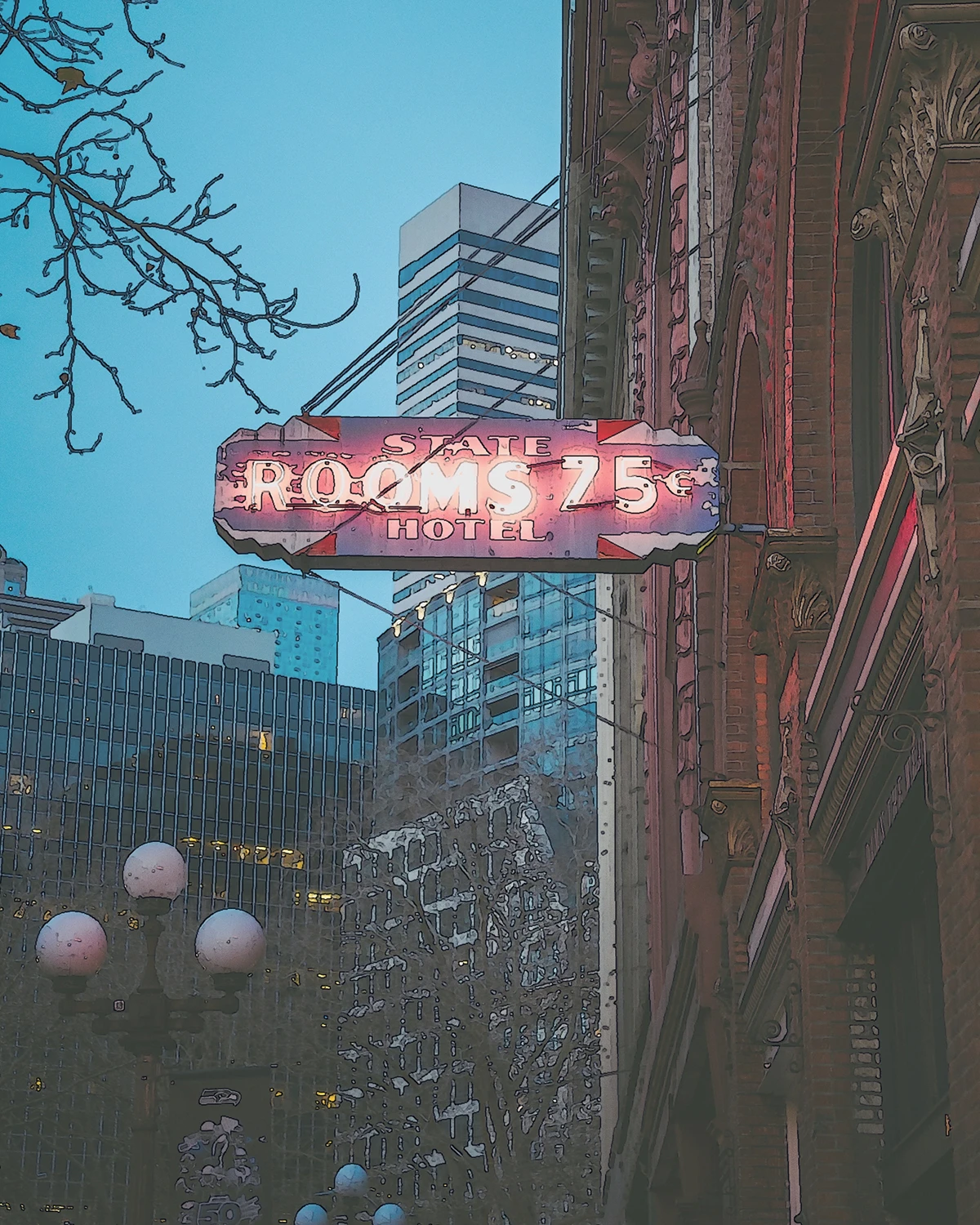
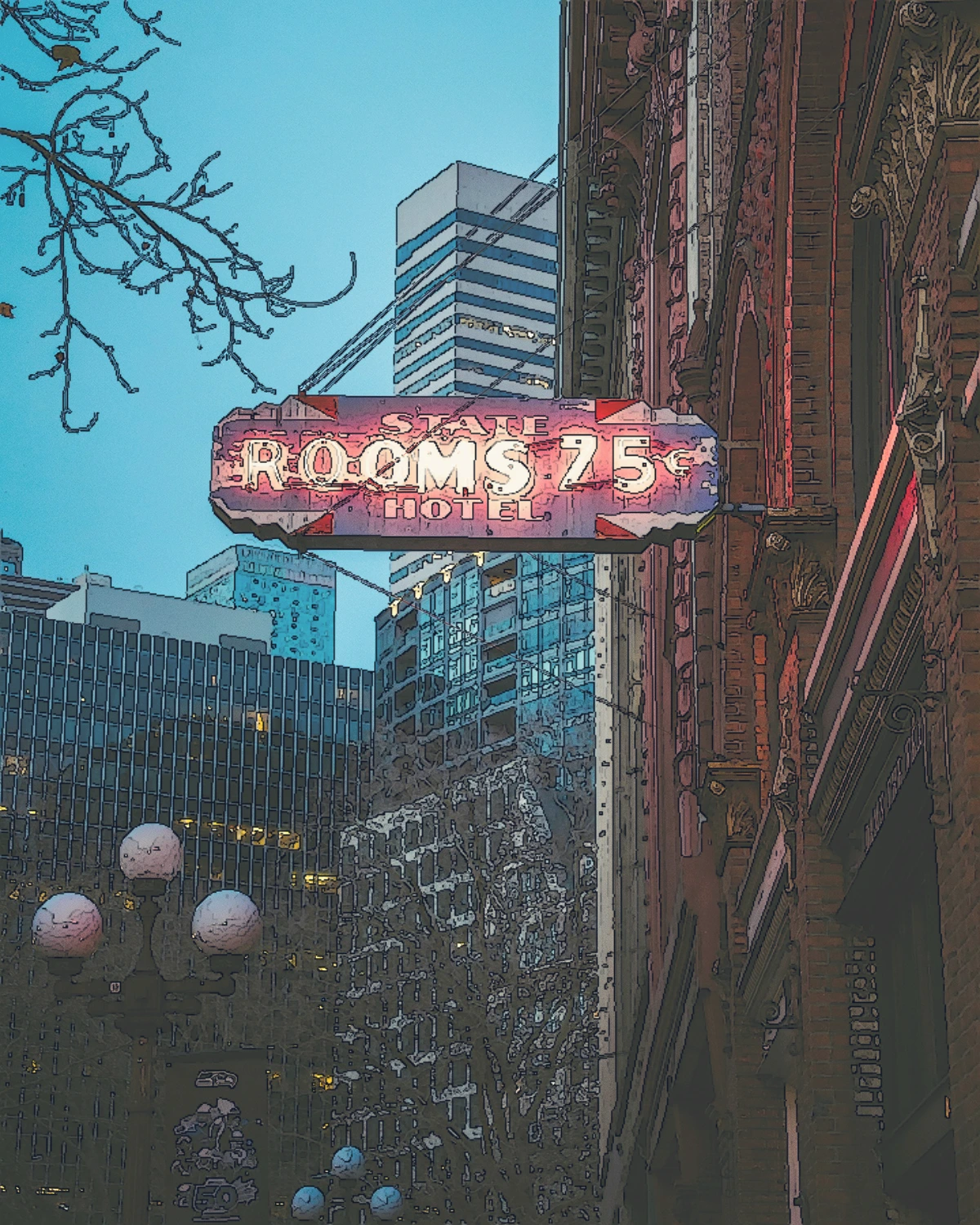
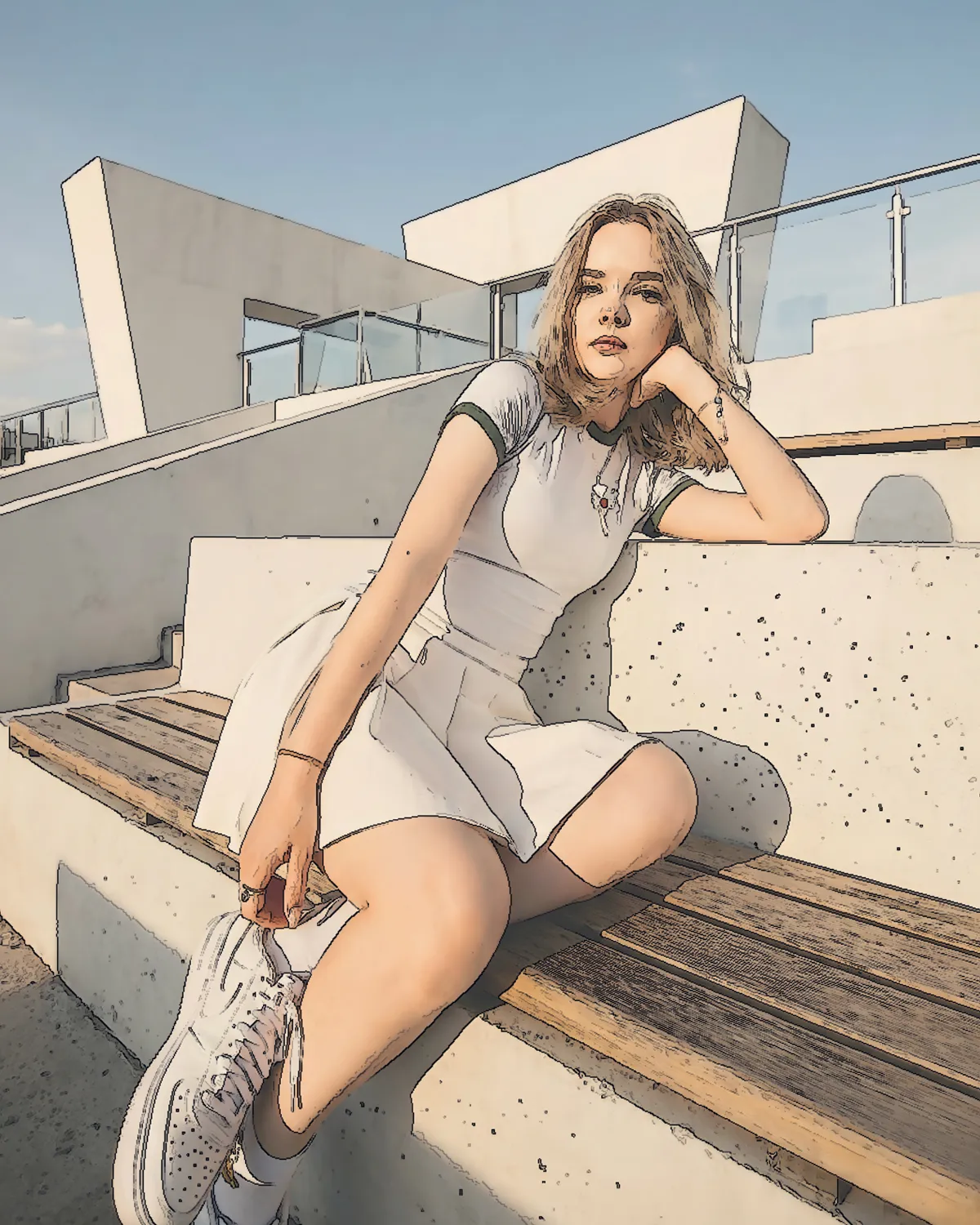
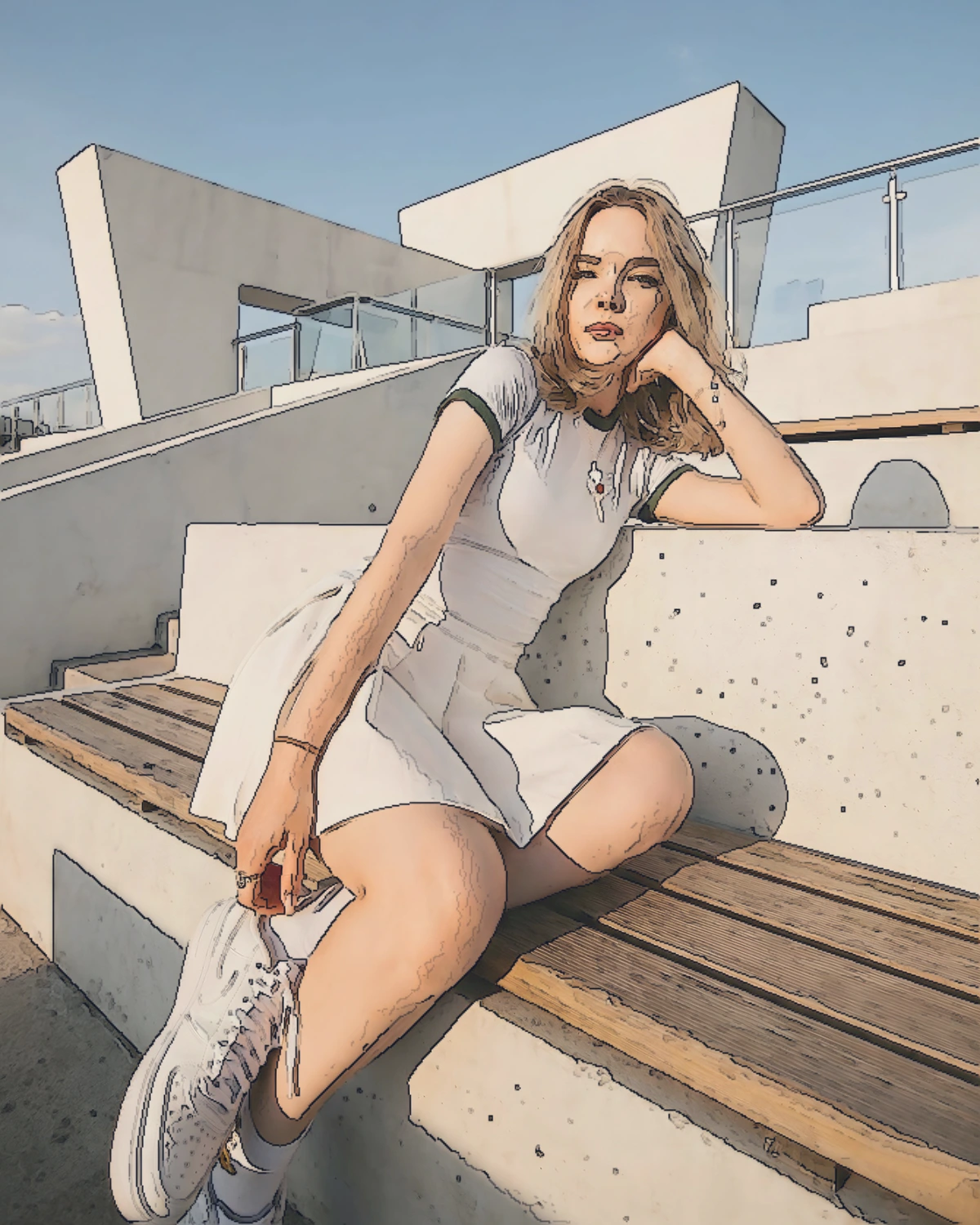
Creative production tools — all in your browser
From photo preparation and line extraction to grids, palettes, printable charts and private image utilities. No uploads and no account.
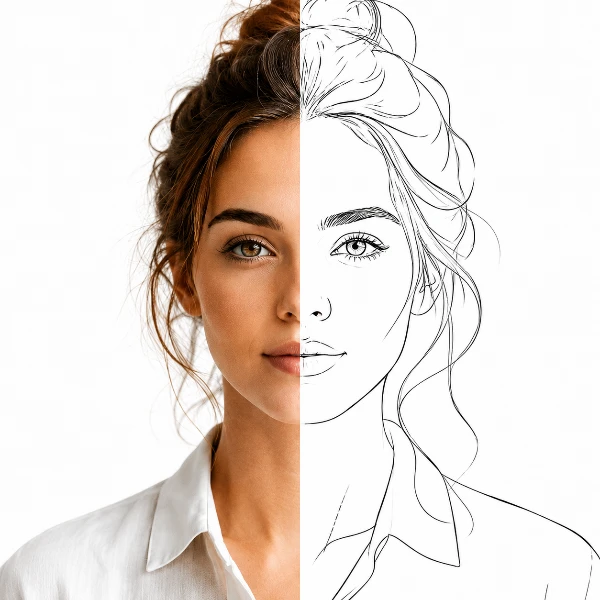
TraceLine
Trace-ready line art with professional manual control — all processed locally.
Open tool →
ArchitectLine
Turn building photos into clean line drawings — SVG & PNG.
Open tool →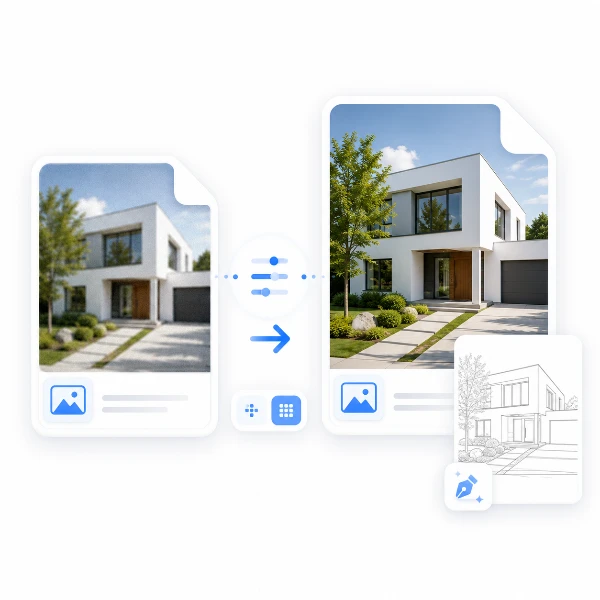
LinePrep
Prepare images for precise tracing. Refine details and scale for TraceLine.
Open tool →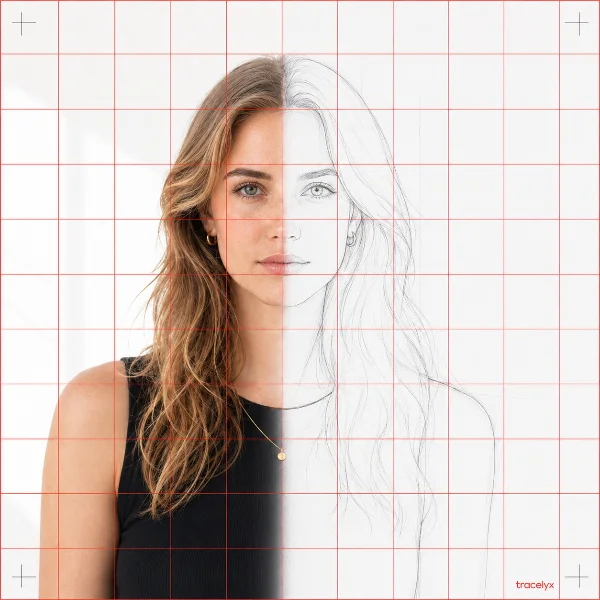
TraceGrid
Overlay a precise grid, set the real size, and print to scale across A4 sheets.
Open tool →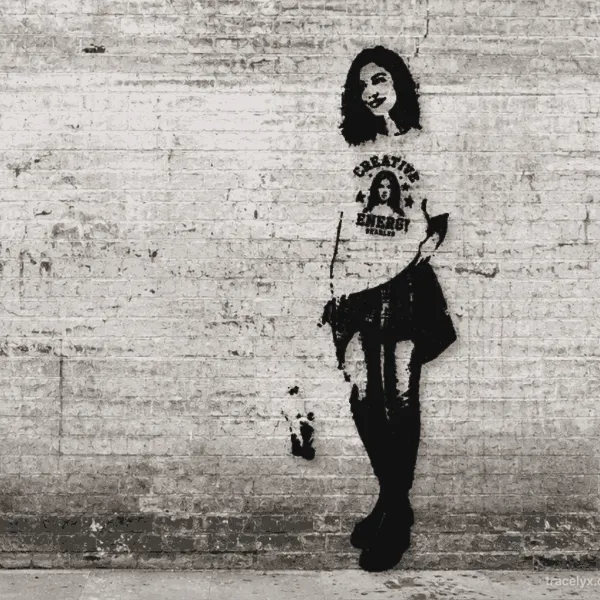
StreetArt
Turn photos into stencil-style street art on real walls.
Open tool →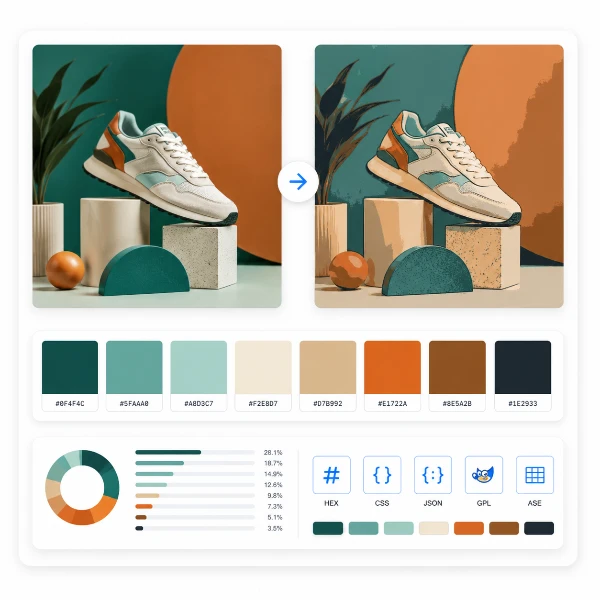
PaletteForge
Reduce, control and reuse image colors precisely — export to HEX, CSS, JSON, .gpl & .ase.
Open tool →
Fliplyx
Turn a few photos or drawings into a flipbook preview. Adjust order, timing and ping-pong.
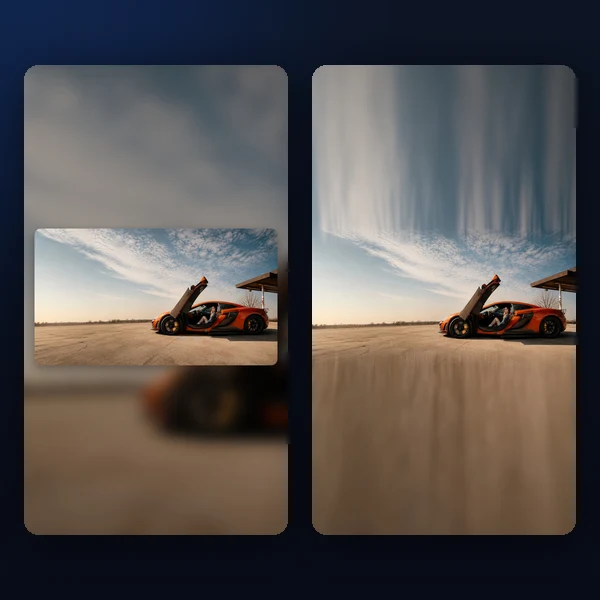
Scenelyx
Any photo → a polished 9:16 story. Blur, gradient, extend & card layouts.
Open tool →
PixelForge
Photo → printable pixel chart (A4 PDF) or retro block PNG.
Open tool →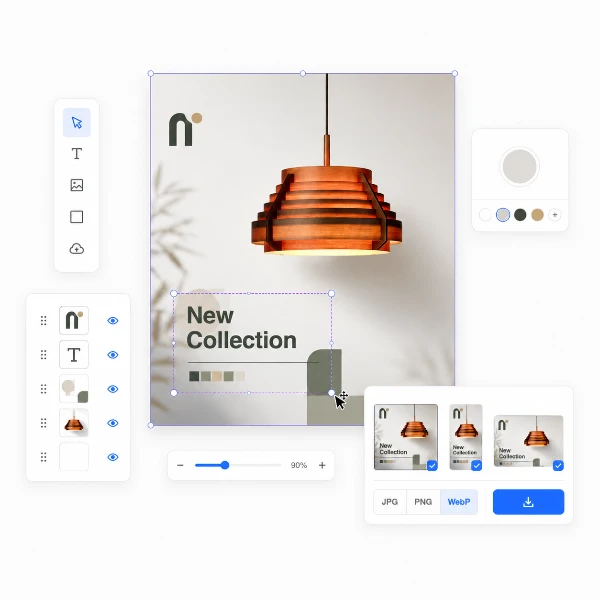
Canvas Studio
Set a canvas size, drop your image, adjust position and scale — then export at exact pixel dimensions.
Open tool →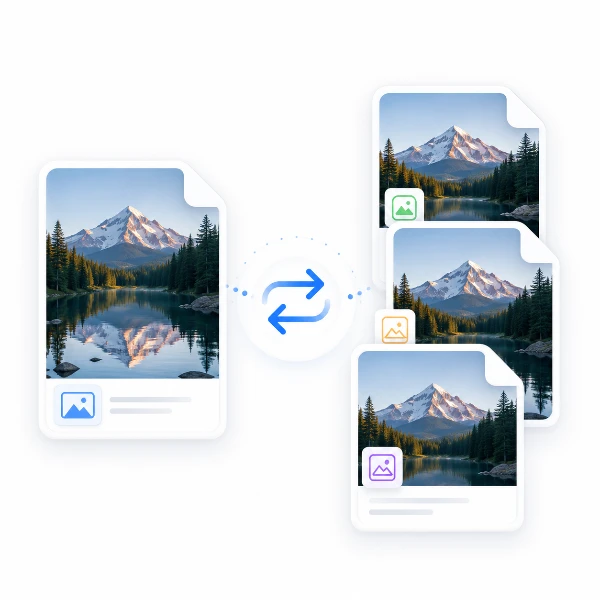
Convert
Change the format. Keep the quality.
Open tool →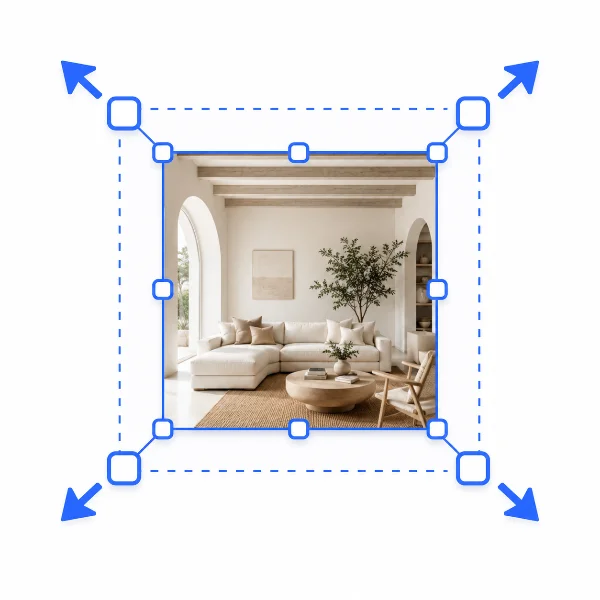
Resize
Perfect sizes for web and social.
Open tool →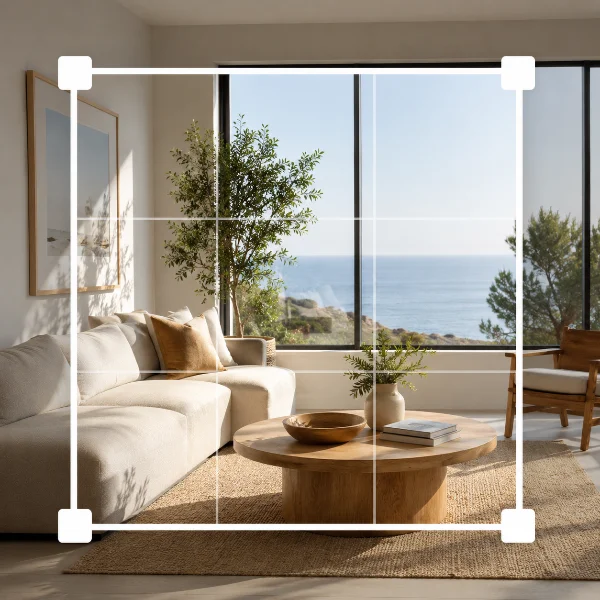
Crop
Keep only what you need.
Open tool →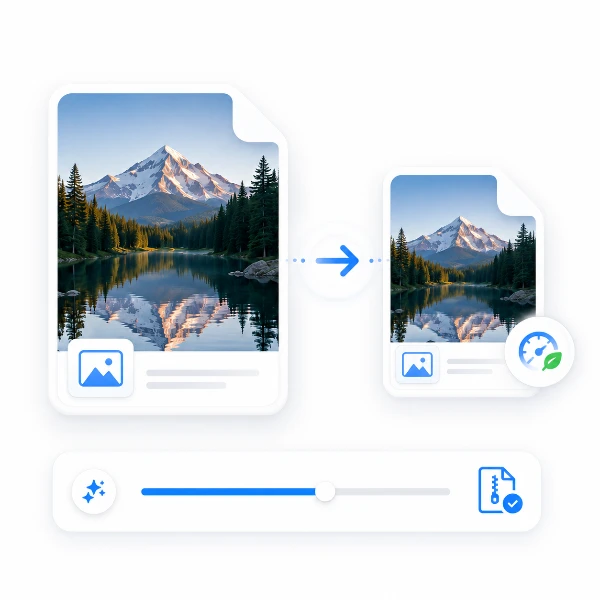
Compress
Keep it clean. Make images lighter.
Open tool →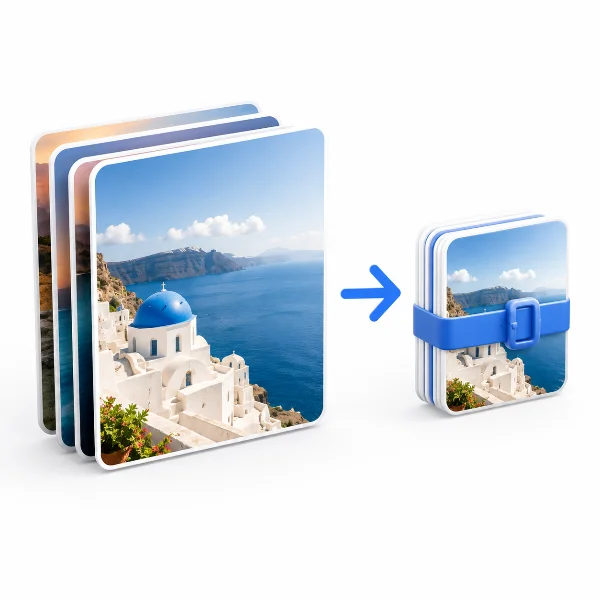
Batch
Process multiple images at once.
Open tool →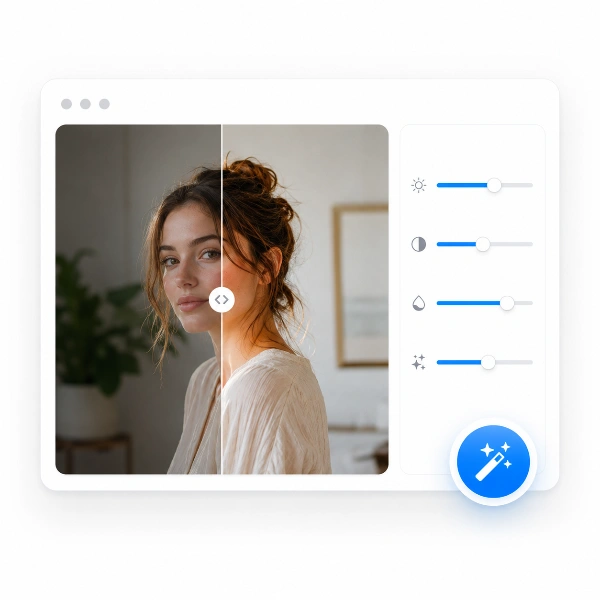
Enhance
Naturally balance light and color.
Open tool →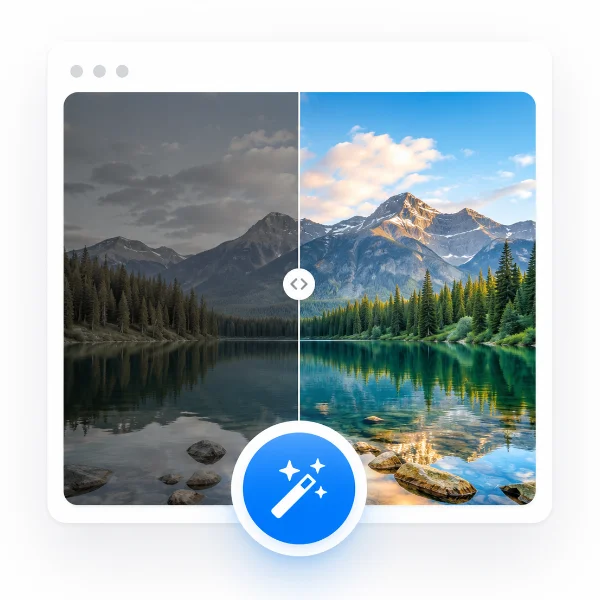
AutoFix
One click. Clean results.
Open tool →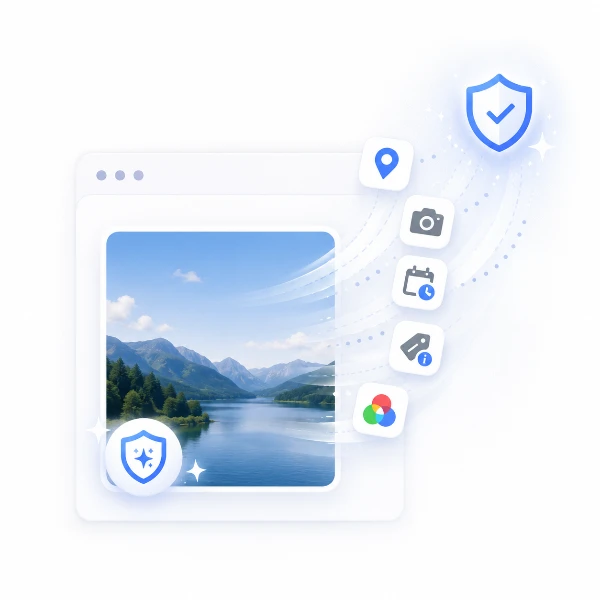
Metadata Remover
Remove hidden image information.
Open tool →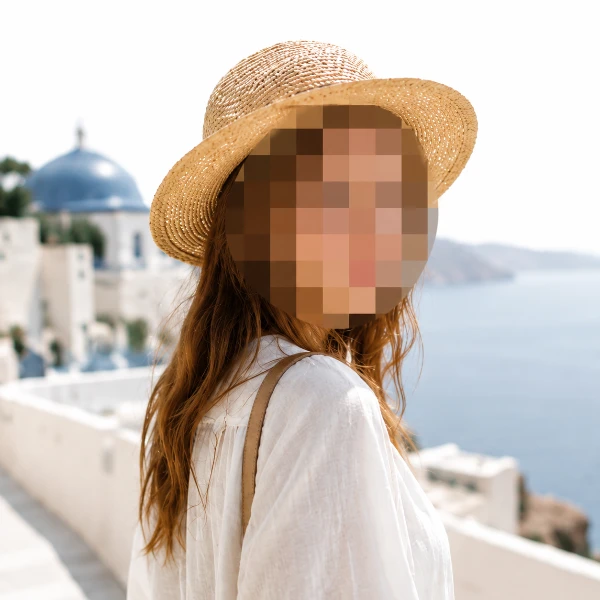
Redact
Hide sensitive parts instantly.
Open tool →Guides & tutorials
Beyond the tools, Tracelyx publishes in-depth guides and reference articles — from image format and resolution basics to social media sizes, EXIF privacy, and craft color charts. Practical, independent knowledge you can use anywhere.
Your images never leave your device
All processing runs locally in your browser. No uploads, no server storage — your images stay private and secure.