Add your images
Add several images at once: one image, one frame. Or use the optional sheet splitter if your frames are already in a grid.

Tap the Share button, then “Add to Home Screen”.
TRACELYX / THE IMAGE PLAYROOM
Fliplyx▥
A step forward. A pause. A change of mind. Add two or three photos or drawings. Set their order and timing. A little flipbook, right in your browser.
01 → 02 → 03 → 02 / STILL IMAGES, PLAYED IN SEQUENCE
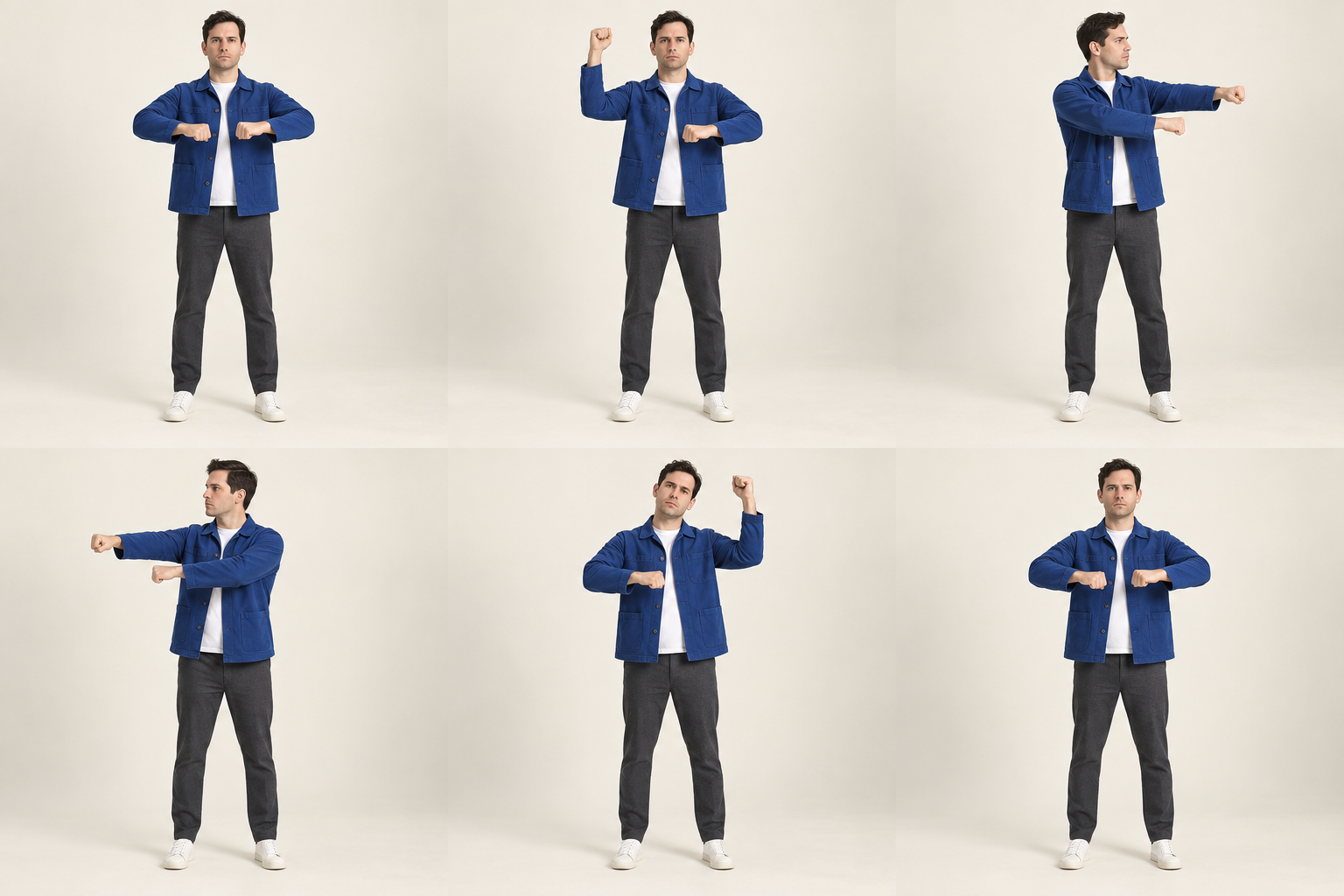 010203
Choose photos or drawings with different poses together. Each becomes one frame, and you can add more later. No sheet preparation needed. Motion comes from switching images, not AI pose generation or interpolation.
Add several images at once: one image, one frame. Or use the optional sheet splitter if your frames are already in a grid.
Hold one frame longer, change the order or skip a frame. Forward, reverse and ping-pong give the same set of images a different feel.
Download a silent MP4 or animated GIF. Save a selected crop as PNG, or keep a project JSON to resume editing.
Your selected images are processed in your browser, not uploaded to a server.
FLIPLYX / IMAGE PLAYROOM
Add two or three images. Each image becomes one frame.
Frames — tap to select
Have one image with a grid of frames? Replace the current images and split it into rows and columns.
Individual durations take priority. Download MP4 or GIF below.
Drag a frame to reorder. On touchscreens, drag the ⠿ handle; swipe the image to scroll. You can also use Move earlier / later. Esc cancels a drag.
Up to 60 enabled frames. MP4: 30s / 1280px, silent. GIF: 15s per cycle / 640px; Loop follows the preview setting. GIF timing is rounded to 10ms. PNG saves the selected original crop.
MP4 and GIF use the preview ratio, fit and background. MP4 needs a compatible browser; if unavailable, use GIF. Project JSON is for resuming edits, not playback.
PNG / JPEG / WebP / GIF (static) · 25MB each · 8,192px per side · 40MP total · up to 24 images (128 sheet frames)
No autosave. Image uploads append, except when replacing a sample or sheet. Loading a sample, sheet or project, or starting fresh replaces your work.
IMAGES × ORDER × TIMING
Standing → stepping → hesitating, in ping-pong mode. Try 450ms, 180ms and 650ms: the hesitation holds longest. Ping-pong plays 1 → 2 → 3 → 2, then a loop returns to 1. Keep framing and subject size consistent to reduce visible jumps.
Not from one pose alone. Bring at least two photos or drawings with different poses and load them together. Fliplyx switches frames; it does not generate poses or in-between motion.
Yes. Download a silent MP4 or animated GIF in the Download section. Both reflect the preview ratio, fit and background. MP4 requires a compatible encoder. PNG remains a still of the original selected crop.
No. The three samples use six frames each from externally AI-generated artwork. Fliplyx only plays the supplied images. Small pose and background changes may remain; natural motion is not guaranteed.
There is no autosave. Save your project before closing the page. The JSON includes your image, so sharing the file shares the source image too.
Learn to add images, set order and timing, use ping-pong, split sheets, and save your work.
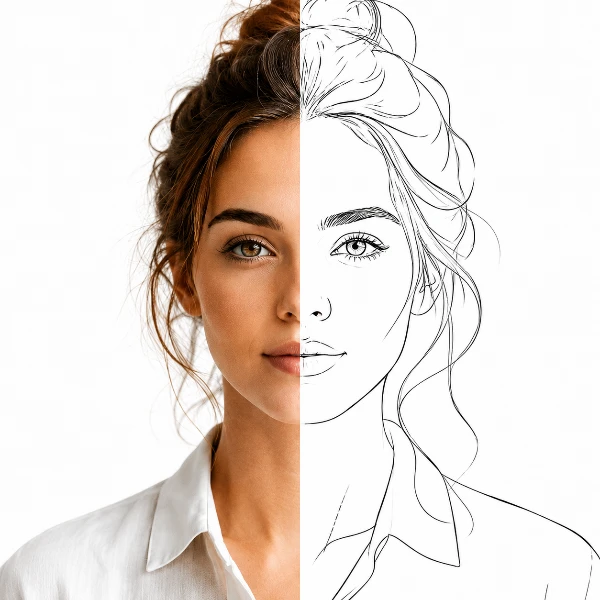
Trace-ready line art with manual control — all processed locally.
Open tool →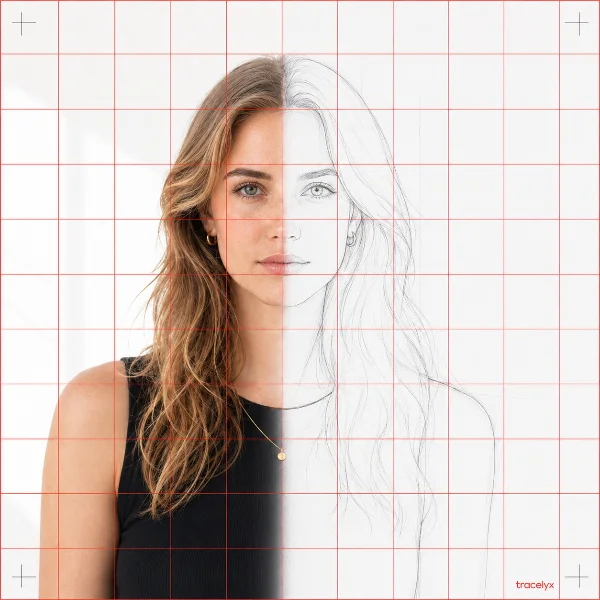
Overlay a precise grid, set the real size, and print to scale across A4 sheets.
Open tool →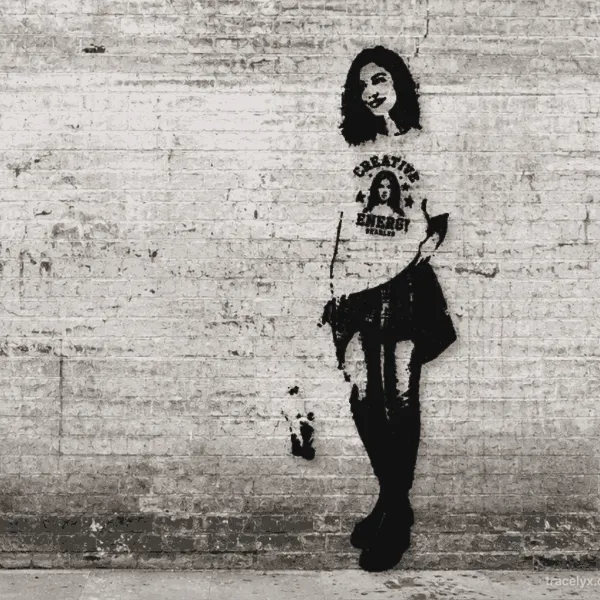
Turn photos into stencil-style street art on real walls.
Open tool →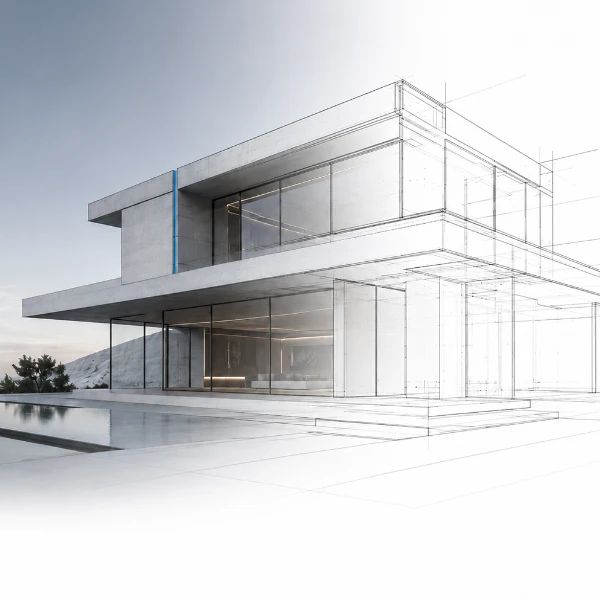
Turn building photos into clean line drawings — SVG & PNG.
Open tool →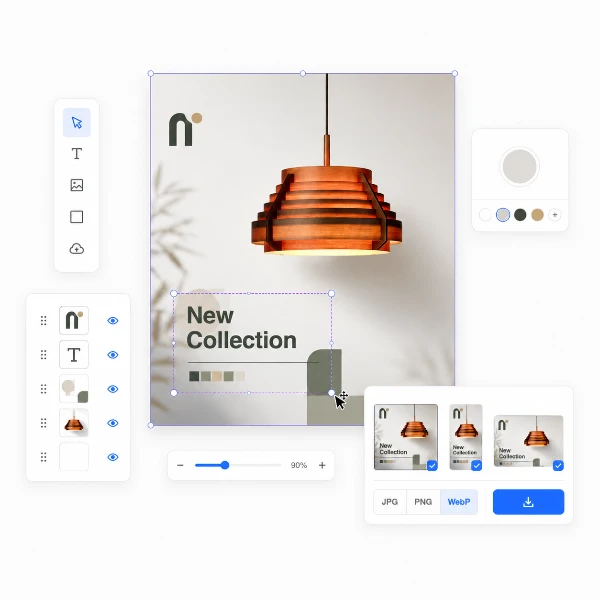
Set a canvas size, drop your image, adjust position and scale — then export at exact pixel dimensions.
Open tool →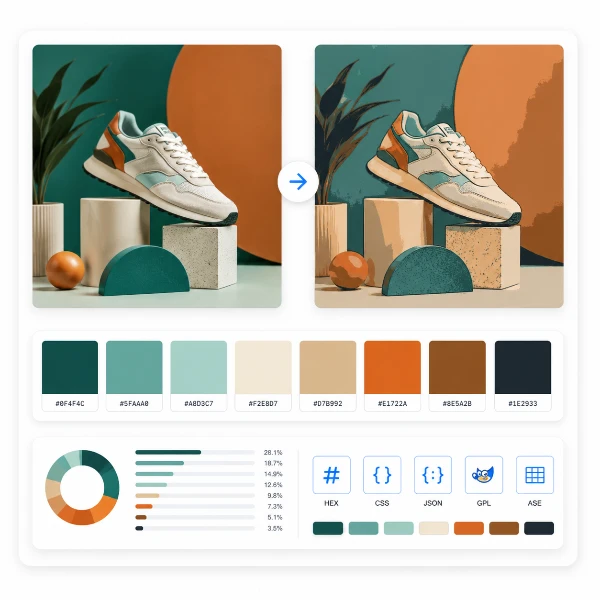
Reduce, control and reuse image colors precisely — export to HEX, CSS, JSON, .gpl & .ase.
Open tool →
Calculate fabric size from stitch counts, compare cloth counts and add finishing margins.
Open tool →
Turn a few photos or drawings into a flipbook preview. Adjust order, timing and ping-pong.
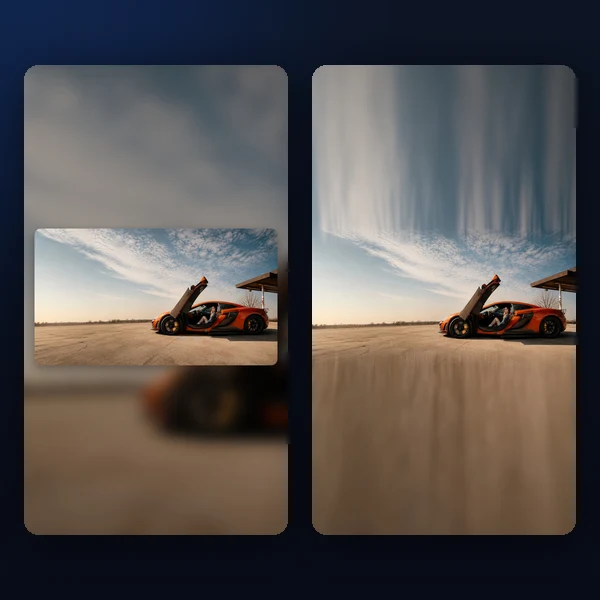
Any photo → a polished 9:16 story. Blur, gradient, extend & card layouts.
Open tool →