
Turn Your Photo into Stencil Street Art
Become an anonymous street artist. Upload a photo and create stencil-style wall art in your browser.
Try it nowChoose a photo, let the tool remove its background, then place the stencil on a wall. Processing stays in your browser; the first use downloads the background-removal model.
Choose a photo
Tap or click here — drag and drop also works
Preparing AI model…
Getting the AI ready for high-quality background removal. This only happens once — next visits start immediately.
Removing background…
Drag to move · Pinch to resize
See what's possible
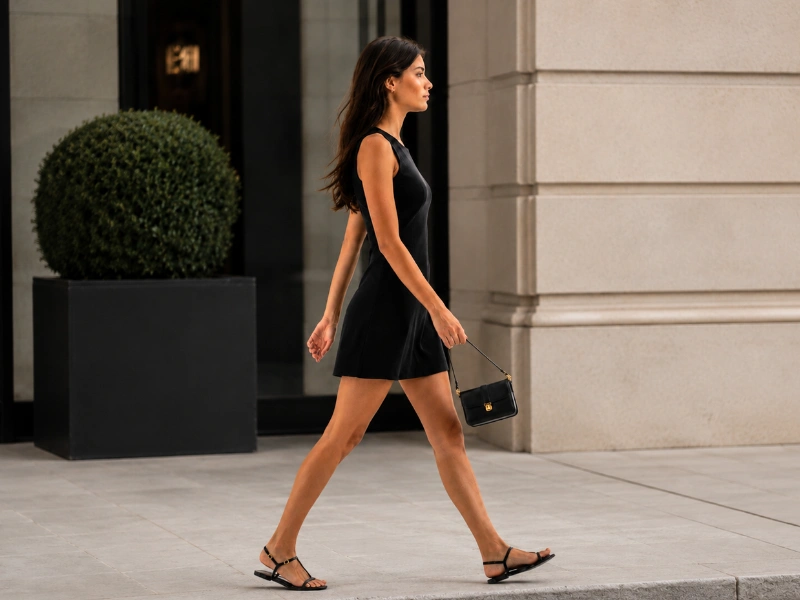
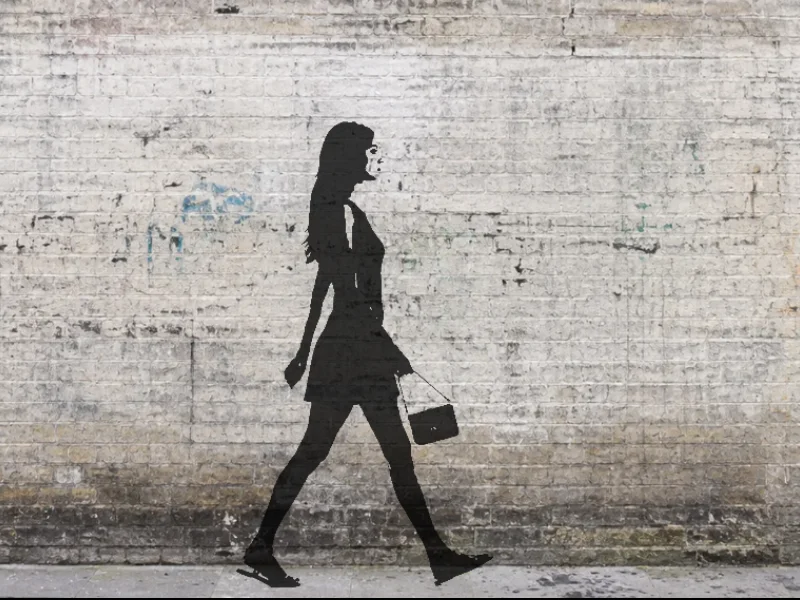
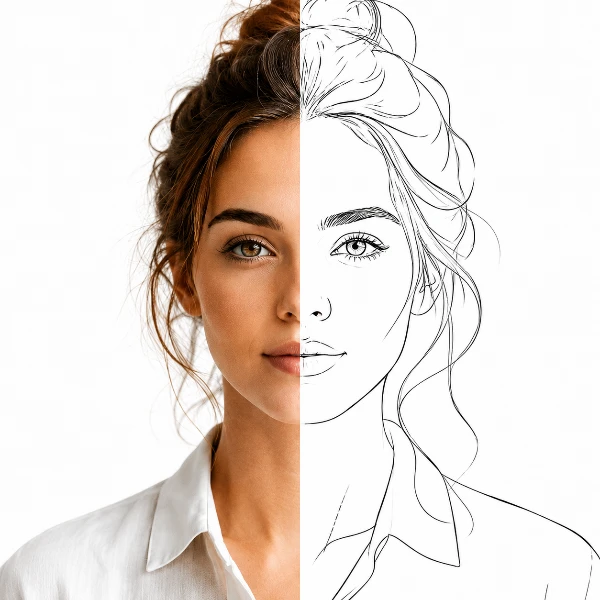
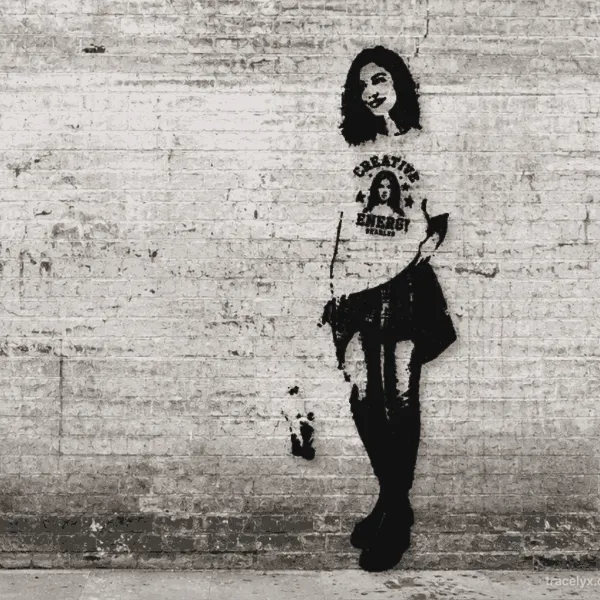
Person → Graffiti wall
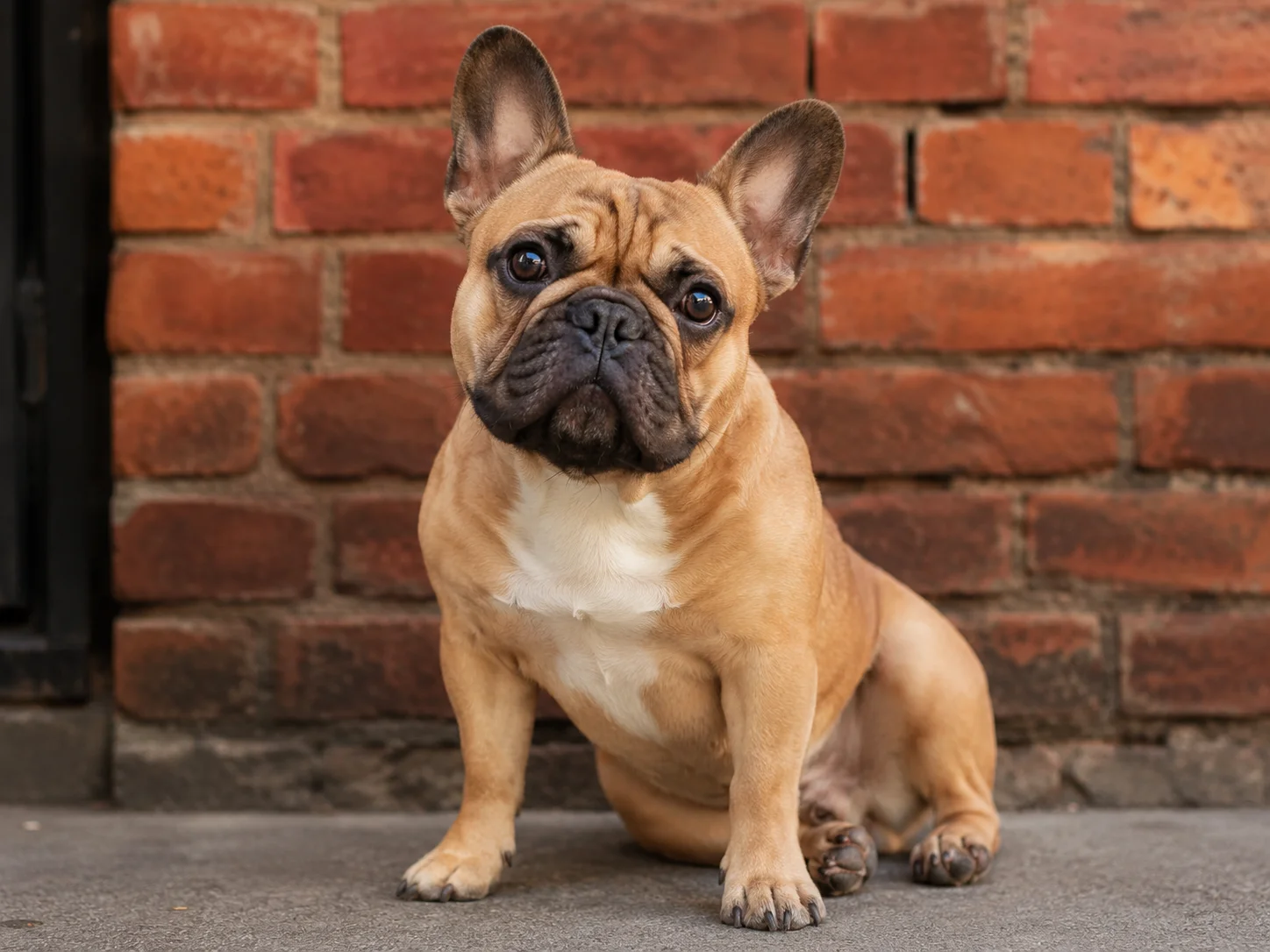
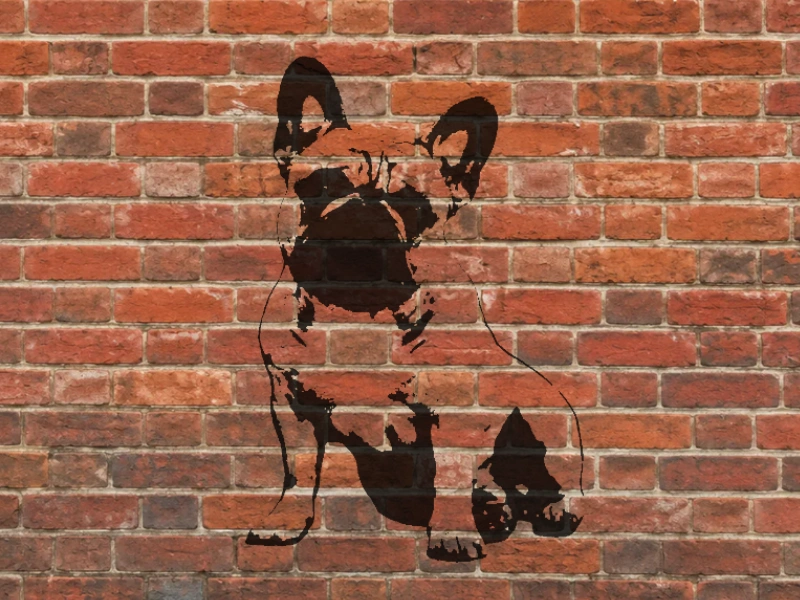
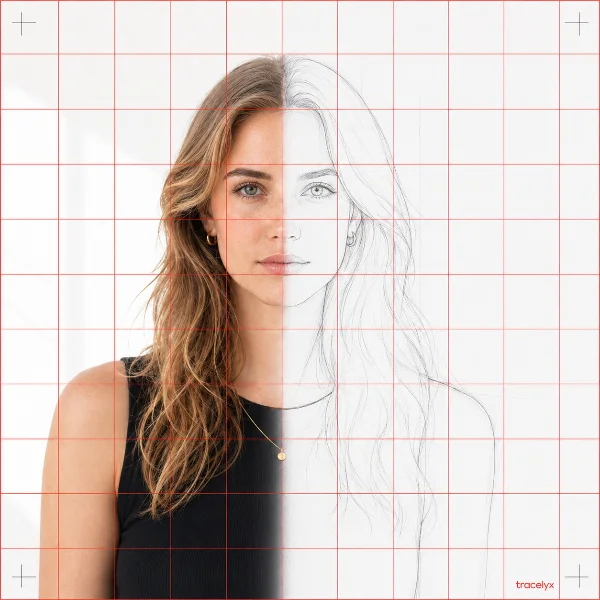
Pet → Brick wall
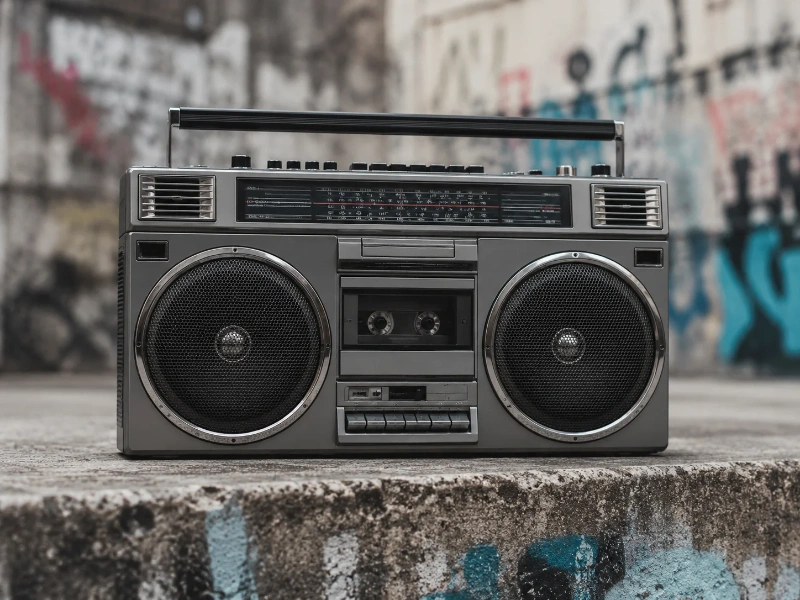
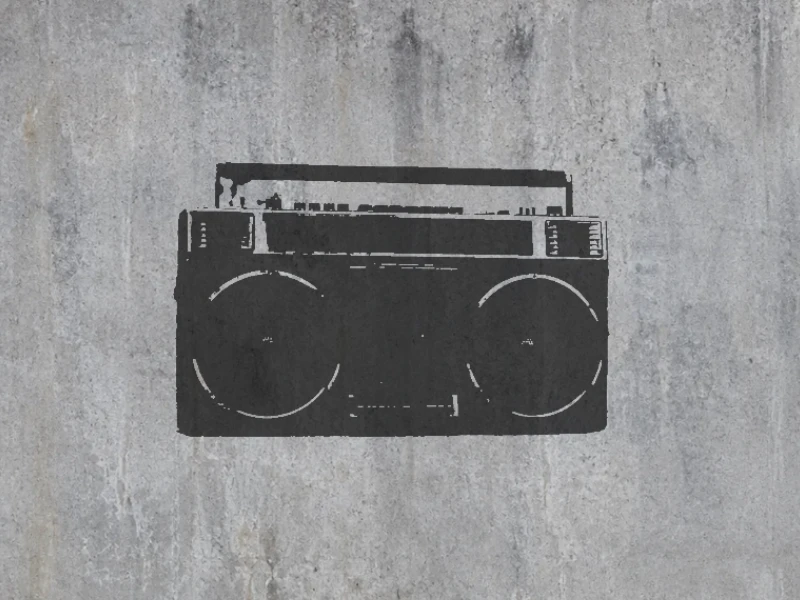
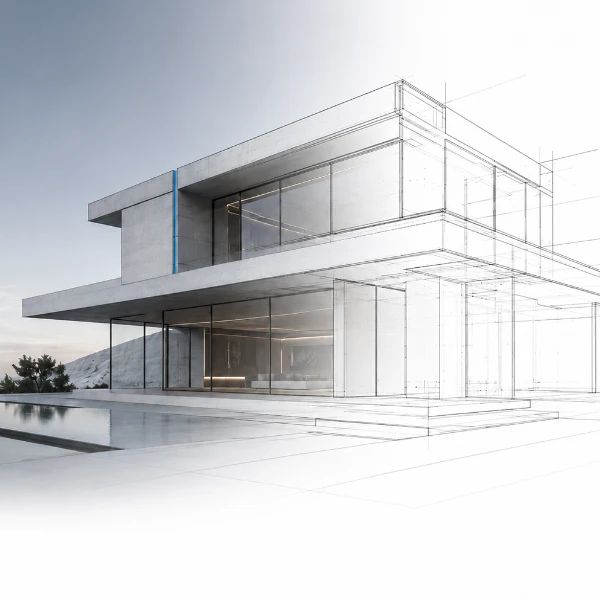
Object → Concrete wall
How it works
Choose your photo
Any photo works — portraits, pets, objects. Up to 10 MB, JPEG / PNG / WebP / HEIC.
Remove the background and create a stencil
The background is removed automatically and the subject is converted into a sharp stencil silhouette.
Place on a wall and download
Choose a wall, adjust the stencil, then open Download / Share. Phones save a JPG through the share sheet where supported; desktop downloads a PNG.
Who uses StreetArt Maker?
Anyone who wants a bold graffiti or stencil look from a photo — no app, no upload.
Social Media Creators
Turn a selfie, pet, or product shot into a striking graffiti-wall image for posts, stories, and thumbnails that stop the scroll — exported at the size each platform needs.
Muralists & Street Artists
Generate a clean stencil silhouette from a reference photo as a starting point for a wall piece, sticker, or spray stencil — then refine it in your own workflow.
Designers & Illustrators
Add an urban, hand-sprayed texture to layouts, album art, or merch designs without building the effect by hand in Photoshop.
Event & Poster Makers
Give gig flyers, club nights, and street-culture events an authentic graffiti aesthetic that fits the vibe — straight from a photo.
Teachers & Students
Explore stencil and pop-art styles in class projects, or produce eye-catching visuals for presentations and school zines without specialist software.
Hobbyists & Gift Makers
Make a one-of-a-kind print of a friend, pet, or favorite photo as graffiti art for a poster, card, or personalized gift.
Frequently Asked Questions
Is my photo uploaded to a server?
No. All processing happens entirely in your browser. Your photo is never transmitted to any server — Tracelyx does not receive or store your image.
Why does the first run take longer?
The AI background removal model (~20 MB) is downloaded once on first use and then stored in your browser cache. Subsequent visits load instantly without any download.
What photos work best?
Clear, well-lit photos with good contrast between the subject and background tend to work best. Portraits and subjects against simple backgrounds often produce the most striking results.
Is StreetArt free?
Yes, completely free. No account required, no usage limits. A small tracelyx.com credit appears in the corner of downloaded images.
How to Use Tracelyx StreetArt: A Complete Guide
Create Street Art from a Photo in 3 Steps
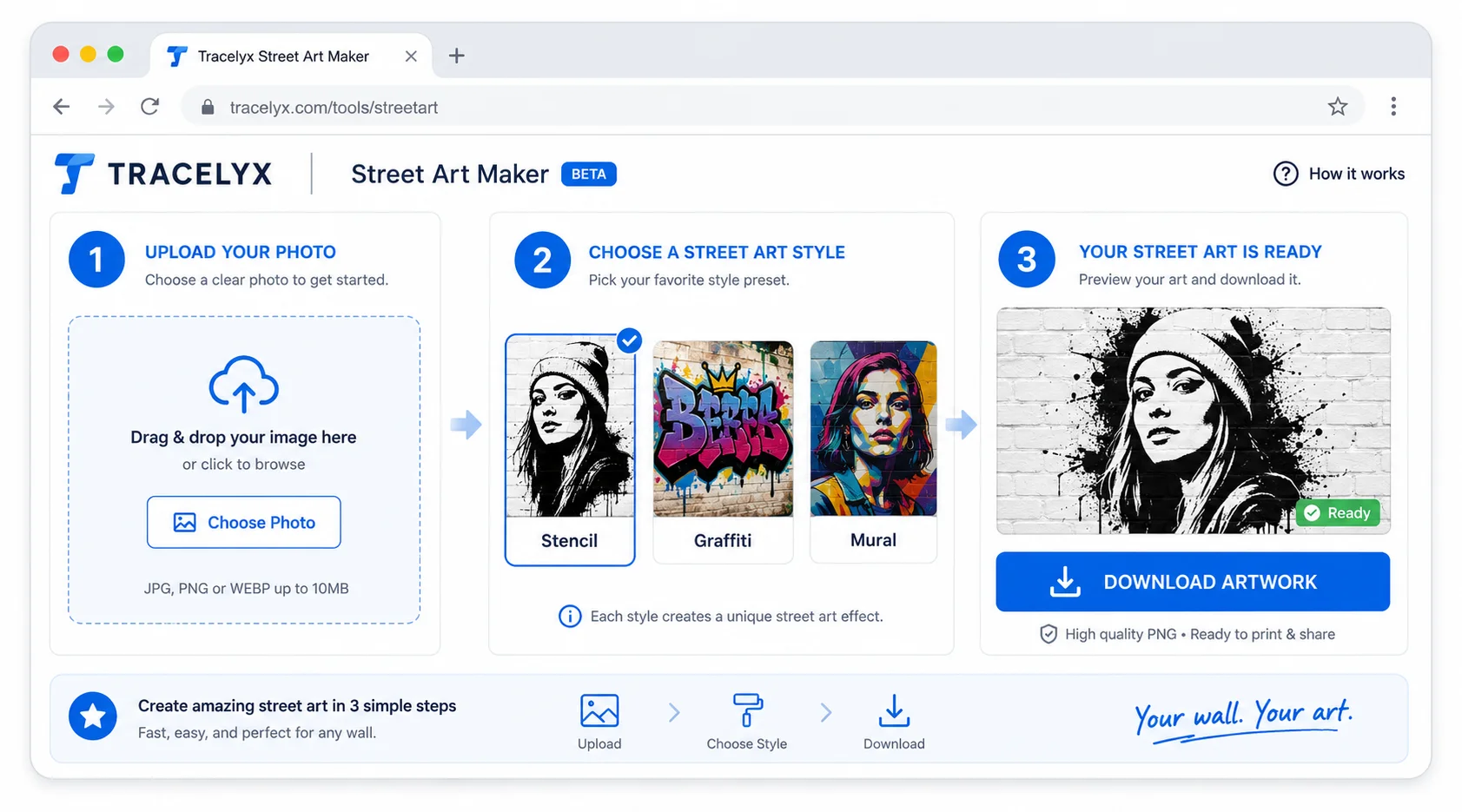
- Upload your photo — Drop a JPEG, PNG, or WebP file. Clear, well-lit photos with a visible subject work best. High contrast between the subject and background produces the most dramatic results.
- Arrange your stencil — Choose a wall background, adjust position, size, density and colour, and use the eraser or spray tools for finishing touches.
- Save or share — Open Download / Share and choose Save image. On supported iPhones, choose Save Image in the system share sheet. Mobile output is JPG; desktop output is PNG.
Shape the look with walls and stencil controls
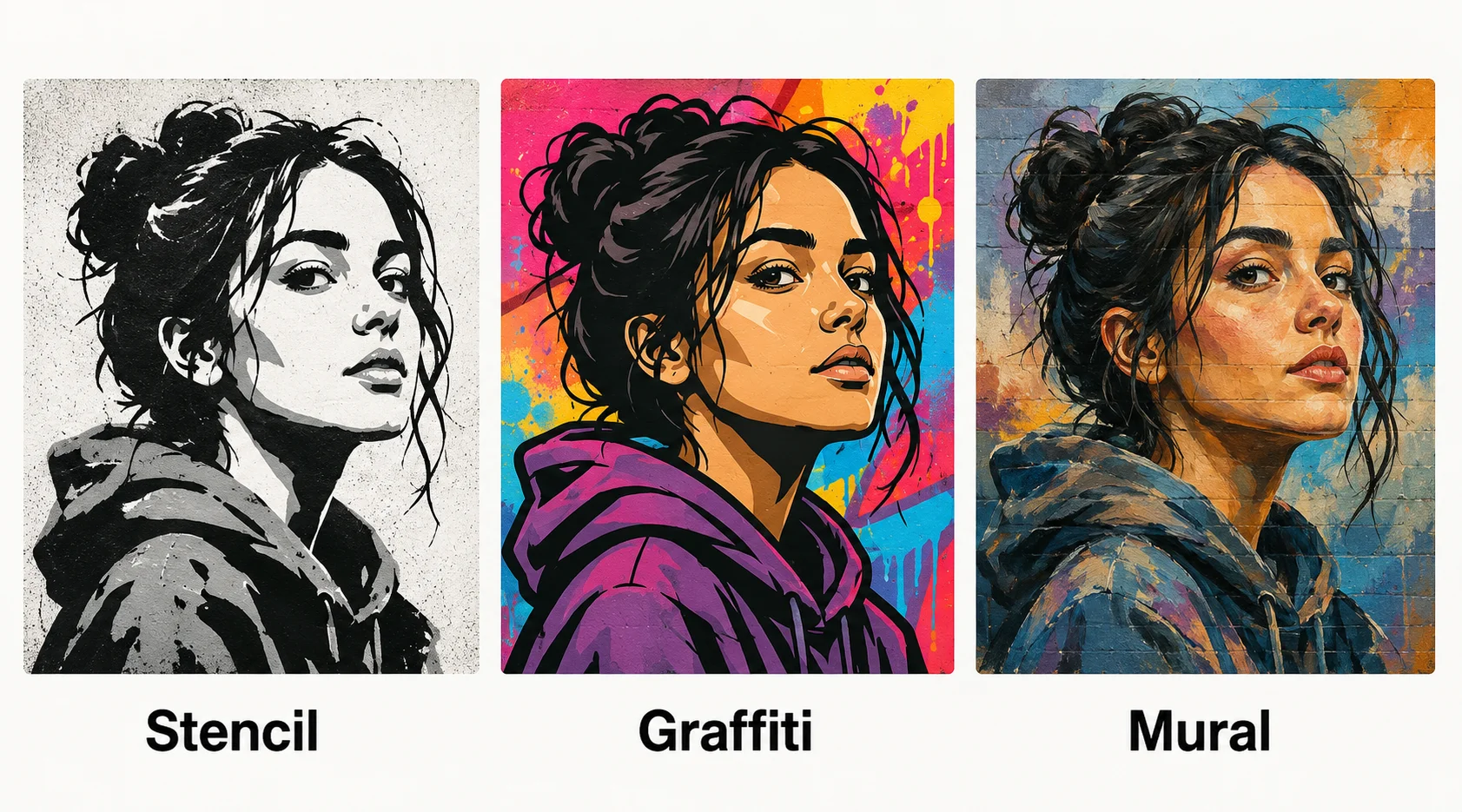
Choose a wall texture, then adjust the stencil's density, colour and placement. A different wall or a small density change can make the same photo look bold, soft or weathered. Compare the preview as you work.
Start with a clearly visible person, pet or object. Use the eraser to remove unwanted details and add spray marks if you want a hand-finished look. If background removal fails, the full-image stencil option lets you continue.
Privacy: No Upload, No Server Processing
Tracelyx StreetArt processes your image entirely in your browser. No file is uploaded to any server — the style filters run locally using browser APIs. Your original photo and the styled output never leave your device.
No account or login is needed. The background-removal model is downloaded to your browser when required. Work may be restored from local browser storage; it is not stored on Tracelyx servers.
Usage notes
StreetArt is an image-editing tool for turning photos into stencil- and graffiti-style visuals. It does not encourage graffiti or unauthorized painting on public property, other people's property, or walls without permission. If you use the generated image in print, on products, or in advertising, please confirm the copyright, portrait rights, and trademark rights of the source image yourself.