DRAW & TRANSFER
Photo to traceable drawing
Prepare a low-resolution source, extract and refine the lines, then add a measured grid for hand drawing or tiled printing.
LinePrep → TraceLine → TraceGrid
Start with LinePrep →
Tap the Share button, then “Add to Home Screen”.
Follow a complete creative workflow instead of figuring out which tool comes next.
Each workflow connects focused tools for a real production task. Your images stay on your device from the first step to the final export.
DRAW & TRANSFER
Prepare a low-resolution source, extract and refine the lines, then add a measured grid for hand drawing or tiled printing.
LinePrep → TraceLine → TraceGrid
Start with LinePrep →ARCHITECTURE
Extract structural edges from a building photo and export real SVG paths for Illustrator, CAD or presentation work.
ArchitectLine → SVG / PNG
Open ArchitectLine →CRAFT & PIXEL
Control the palette and dithering, convert the image into a numbered chart, and print it across A4 pages at a chosen fabric count.
PaletteForge → PixelForge → PDF
Start with PaletteForge → Calculate fabric size with finishing allowance →STENCIL & MURAL
Create a bold stencil treatment, place it on a wall, then use a measured grid when you need to transfer the design at a larger scale.
StreetArt → TraceGrid
Open StreetArt →PRIVATE PUBLISHING
Remove hidden metadata, cover sensitive details, and reduce file size before publishing or sending an image.
Metadata → Redact → Compress
Start with Metadata Remover →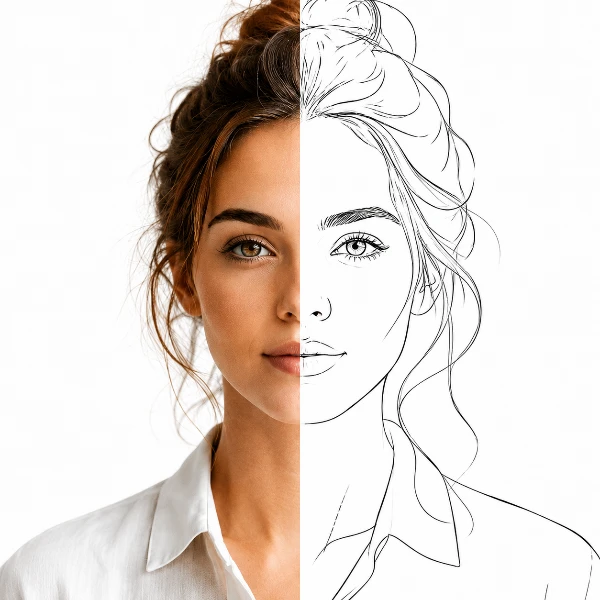
Trace-ready line art with manual control — all processed locally.
Open tool →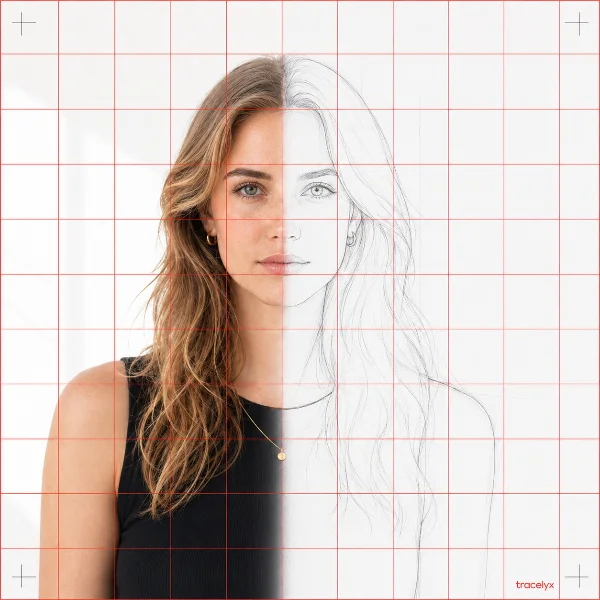
Overlay a precise grid, set the real size, and print to scale across A4 sheets.
Open tool →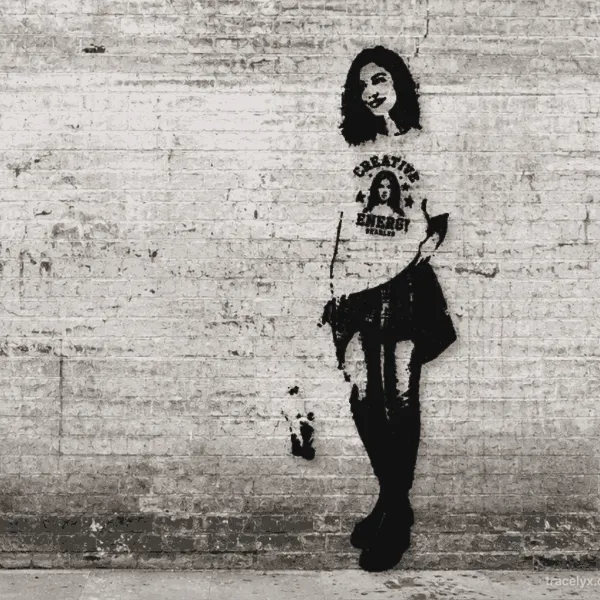
Turn photos into stencil-style street art on real walls.
Open tool →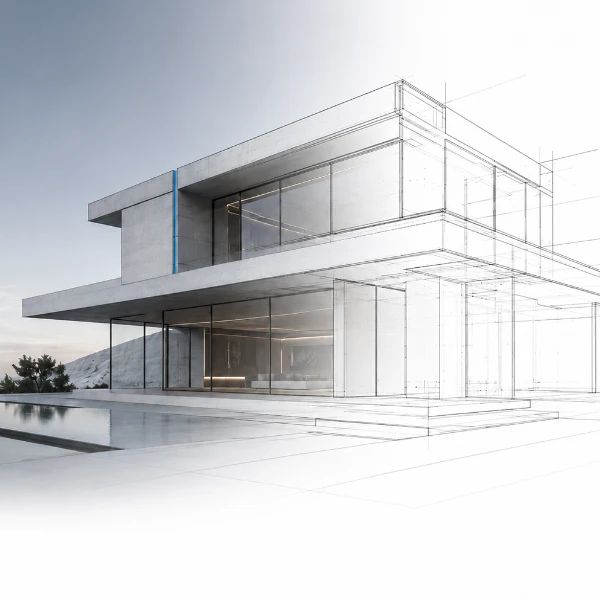
Turn building photos into clean line drawings — SVG & PNG.
Open tool →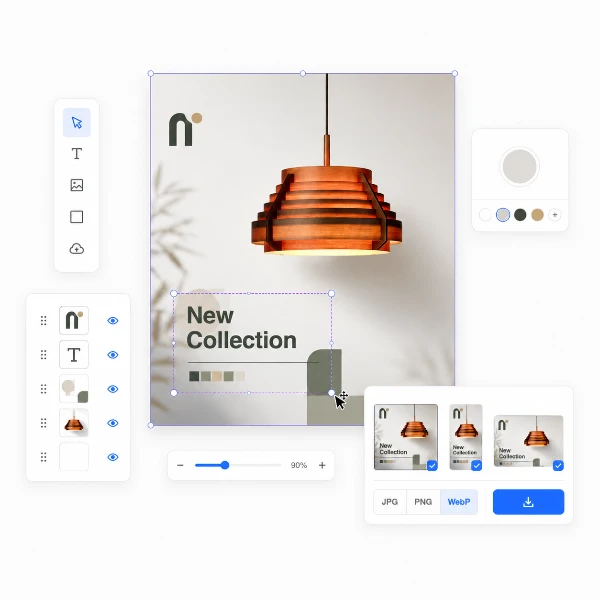
Set a canvas size, drop your image, adjust position and scale — then export at exact pixel dimensions.
Open tool →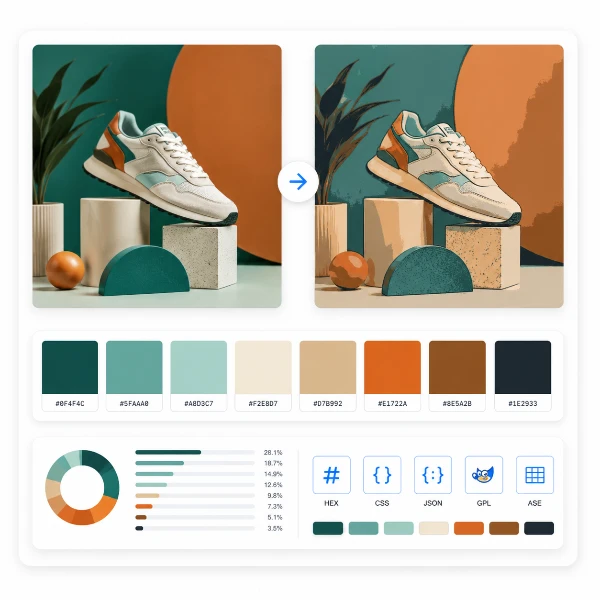
Reduce, control and reuse image colors precisely — export to HEX, CSS, JSON, .gpl & .ase.
Open tool →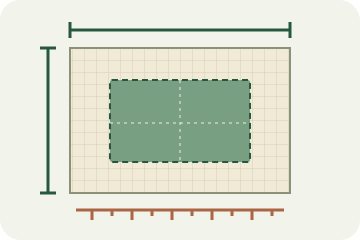
Calculate fabric size from stitch counts, compare cloth counts and add finishing margins.
Open tool →
Turn a few photos or drawings into a flipbook preview. Adjust order, timing and ping-pong.
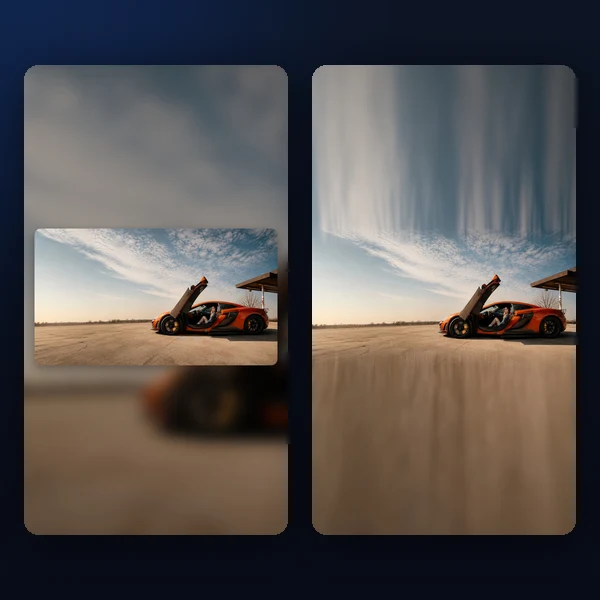
Any photo → a polished 9:16 story. Blur, gradient, extend & card layouts.
Open tool →