
Image Tools
Free browser-based image tools — fast, private, and secure.
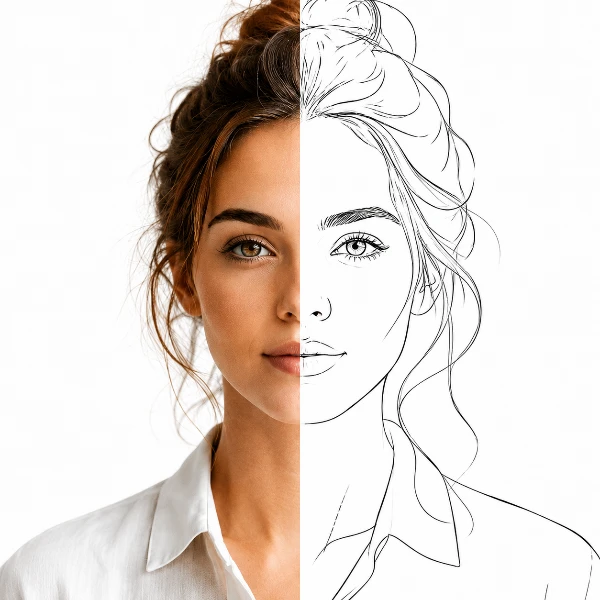
Traceline
Turn photos into drawable line art — with manual control.
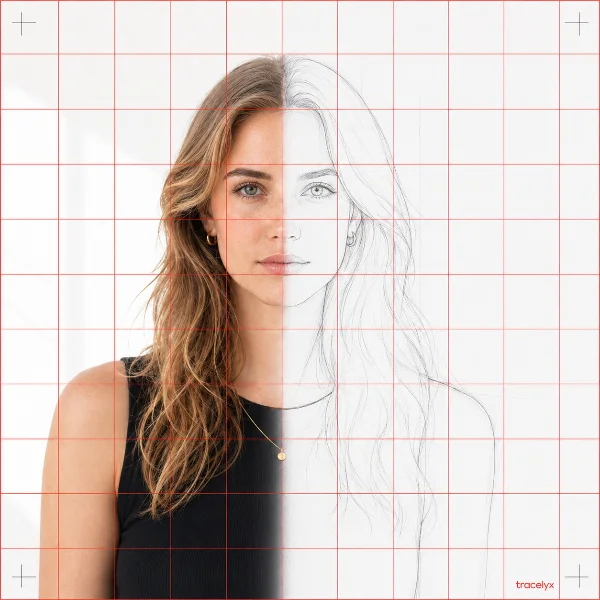
TraceGrid
Overlay a precise grid, set the real size, and print to scale across A4 sheets.
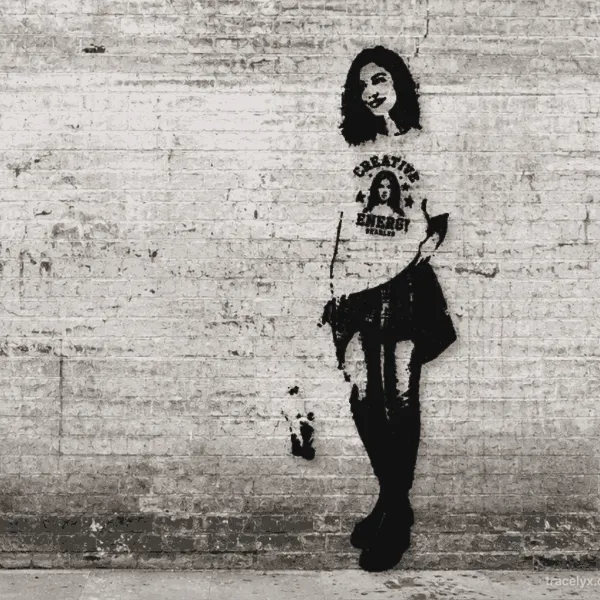
StreetArt
Turn photos into bold, stencil-style street art on real walls. Choose a wall, position your design, and export. All processing runs locally in your browser.
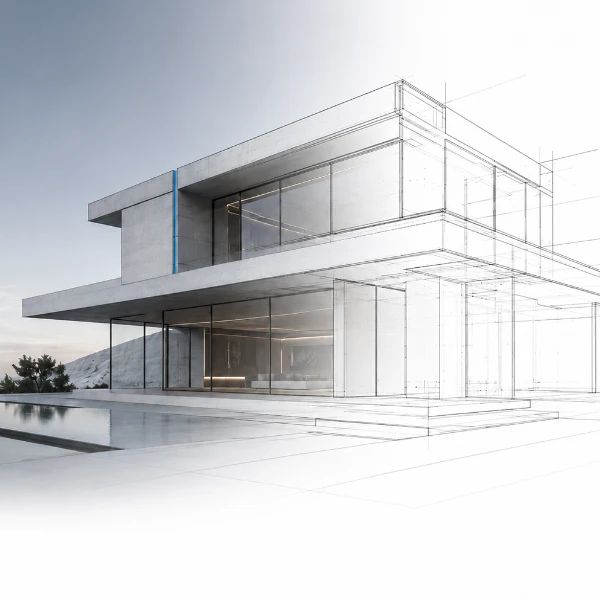
ArchitectLine
Turn building photos into clean structural line drawings — vector SVG & PNG.
PaletteForge
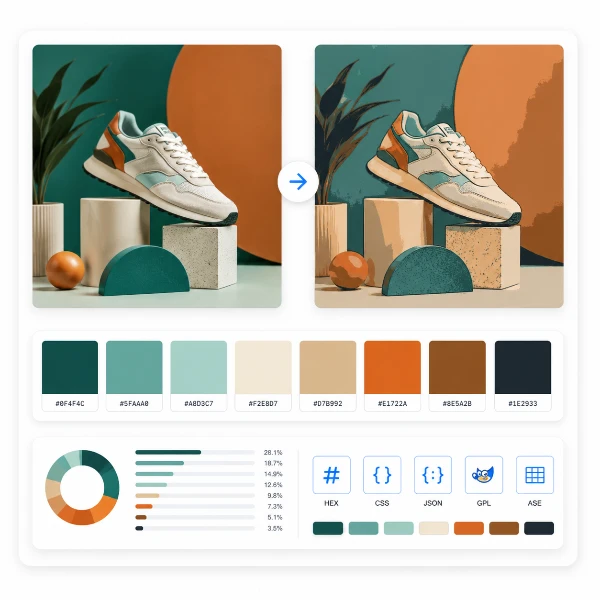
Reduce an image to an exact number of colors with median-cut and dithering, then export the palette as HEX, CSS, JSON, GIMP .gpl, or Adobe .ase.

PixelForge
Turn a photo into a pixel mosaic and export a printable, numbered design chart on tiled A4 PDF, or a clean retro block-style PNG.
StitchFit
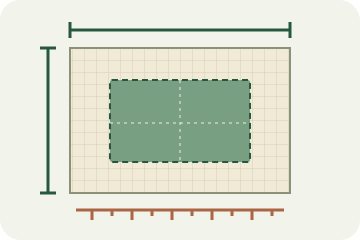
Calculate fabric size from stitch counts, compare cloth counts and add finishing margins.

Fliplyx
Turn a few photos or drawings into a flipbook preview. Adjust order, timing and ping-pong.
Scenelyx
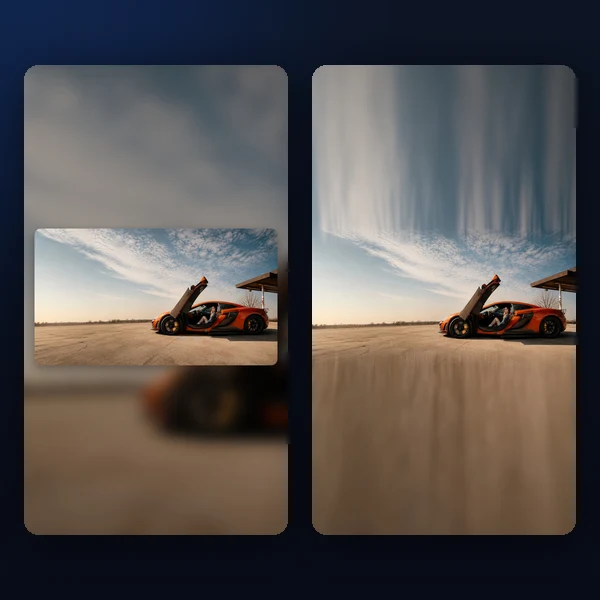
Turn landscape and square photos into polished vertical 9:16 story images — blurred, gradient, colour or seamlessly extended backgrounds, inset card layout and captions.
Canvas Studio
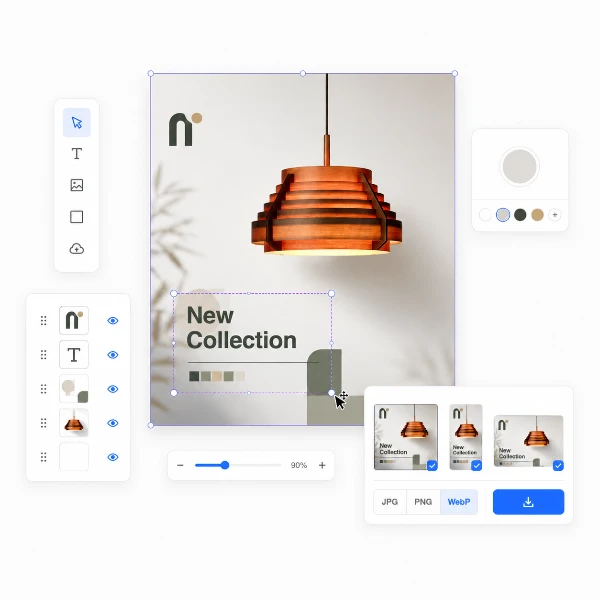
Set a canvas size, drop your image, adjust position and scale — then export at exact pixel dimensions.
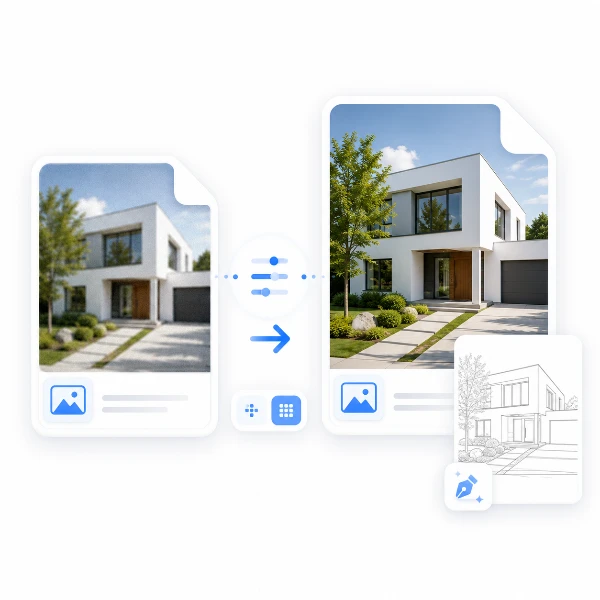
LinePrep
Prepare images for precise tracing. Refine details and scale images before using TraceLine.
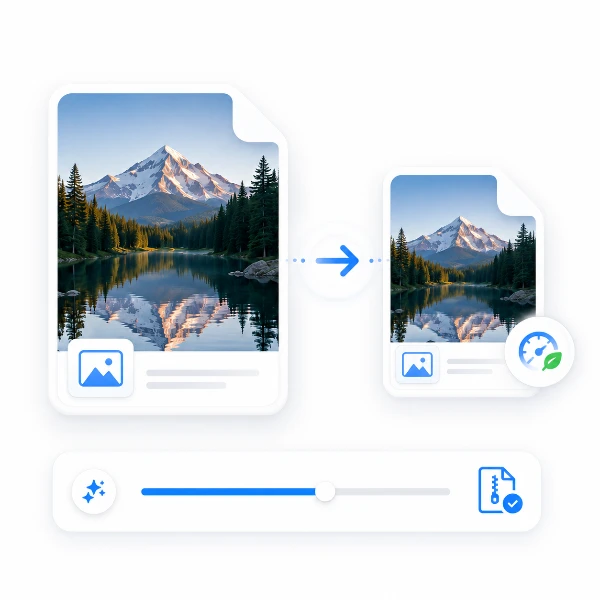
Compress
Compress images while keeping visual quality.
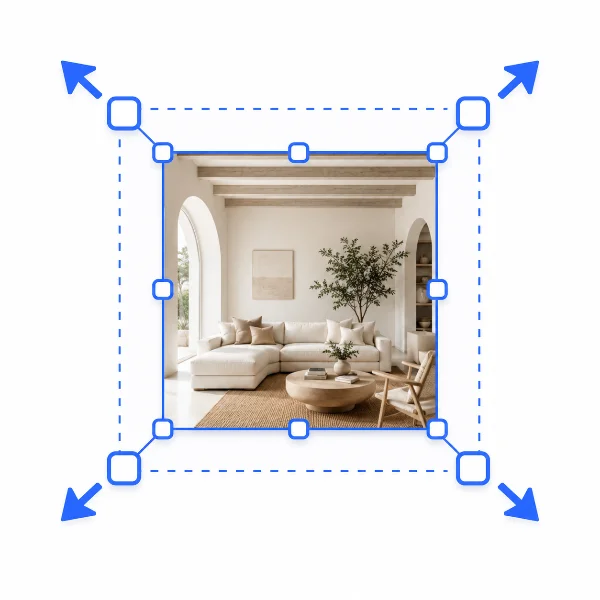
Resize
Resize images by pixel or ratio with clean output.
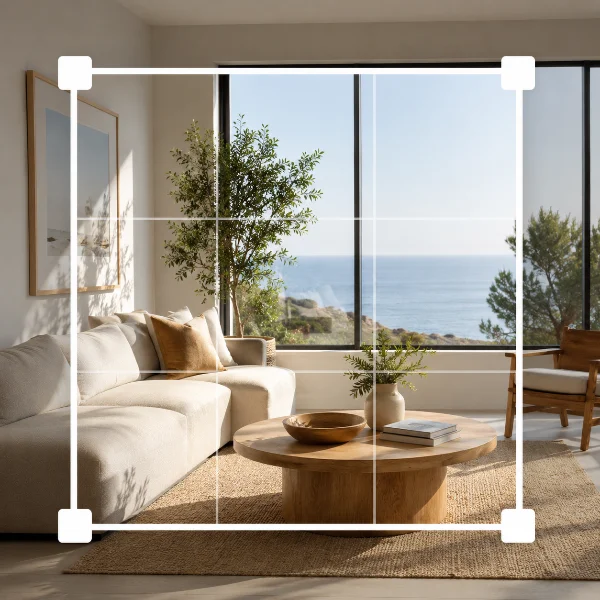
Crop
Crop any image freely with intuitive controls.
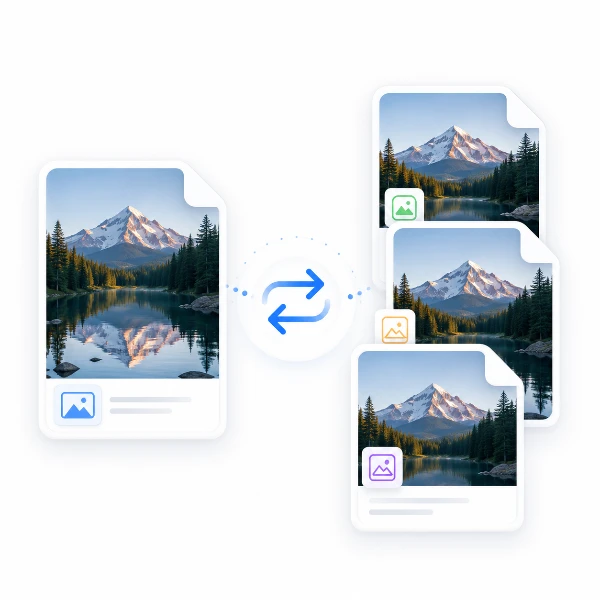
Convert
Convert formats between JPG, PNG, WebP.
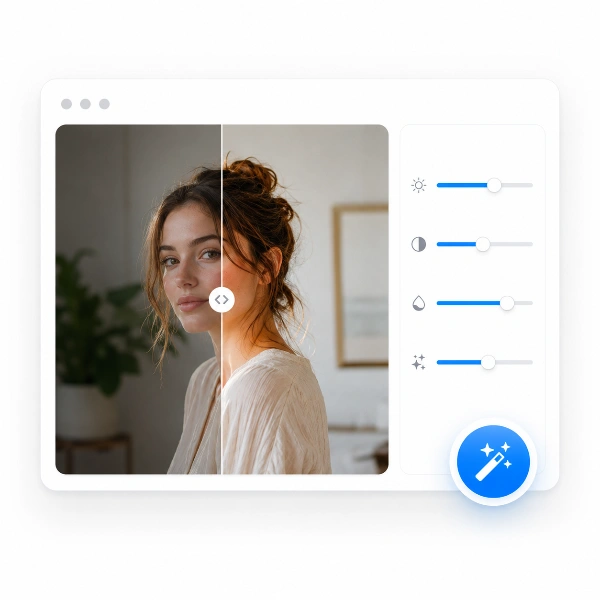
Enhance
Improve clarity and boost image details.
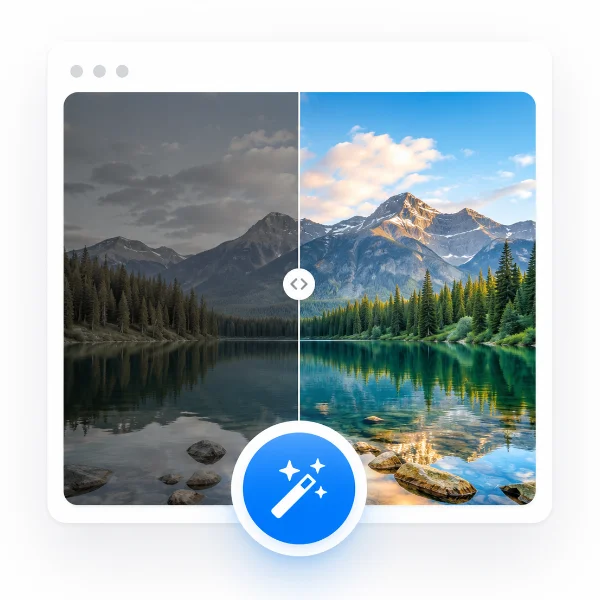
AutoFix
Automatically balance brightness and color.

Metadata Remover
Remove EXIF metadata to protect privacy.
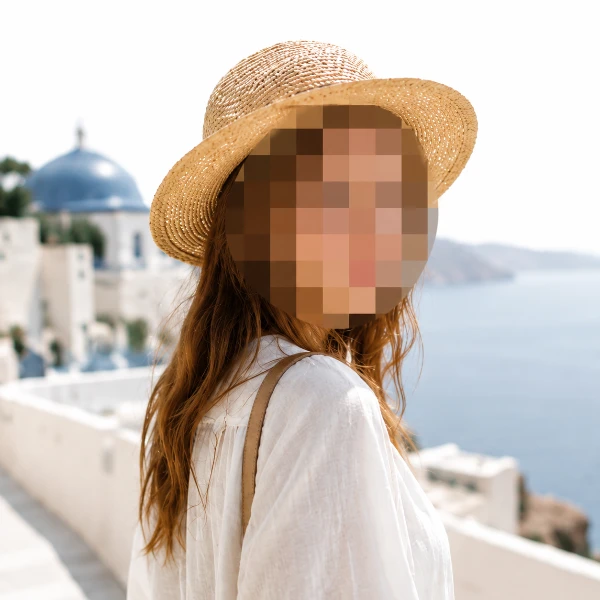
Redact
Hide sensitive information with blur or blackout.
Batch
Convert and resize multiple files at once.