

AIスタイルフィルターを使って写真をストリートアート・グラフィティ風イラストに変換。ブラウザ内で処理され、アップロード不要です。
画像をドロップ
またはクリックして選択
AIモデルを準備中…
高品質な背景除去のためにAIを準備しています。処理はすべてブラウザ内で行われ、写真がサーバーへ送信されることはありません。この待ち時間は初回のみで、次回からはすぐに処理が始まります。
背景を除去中… もうすぐ出来上がります
Drag to move · Pinch to resize
こんな作品が作れます
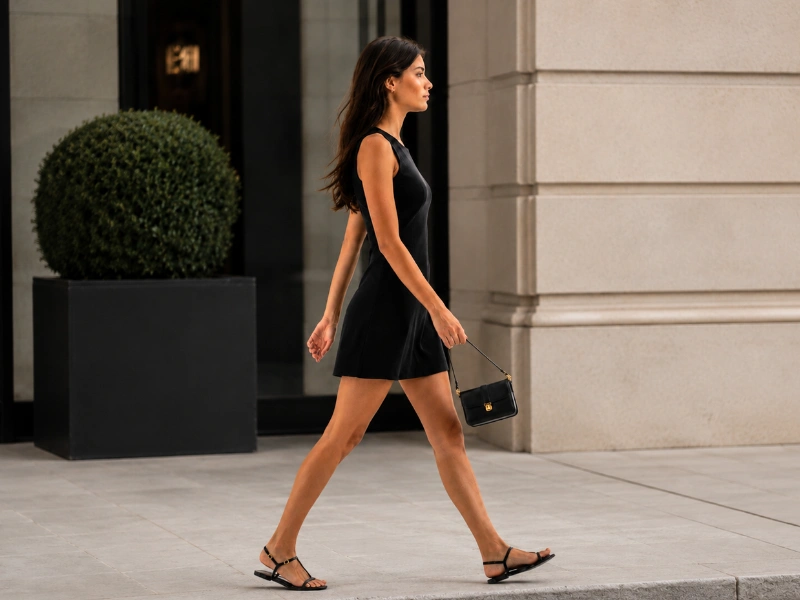
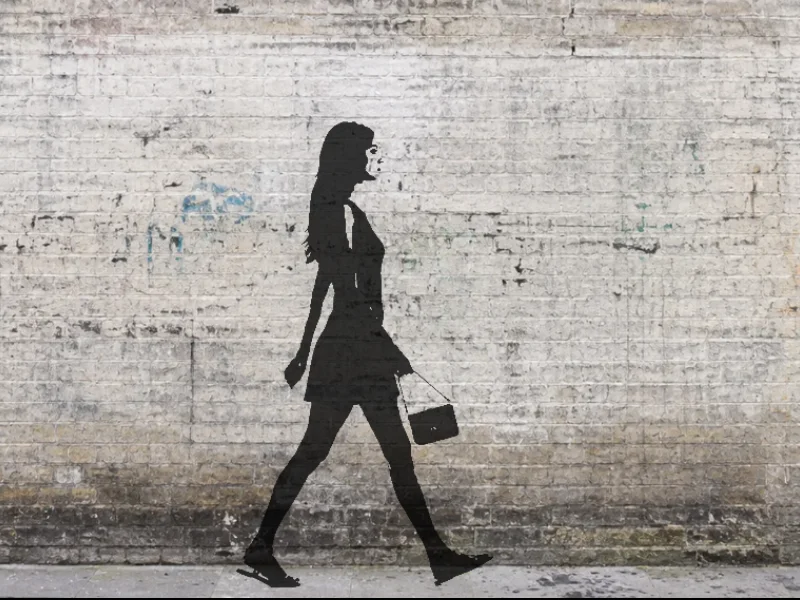
人物 → 落書き壁
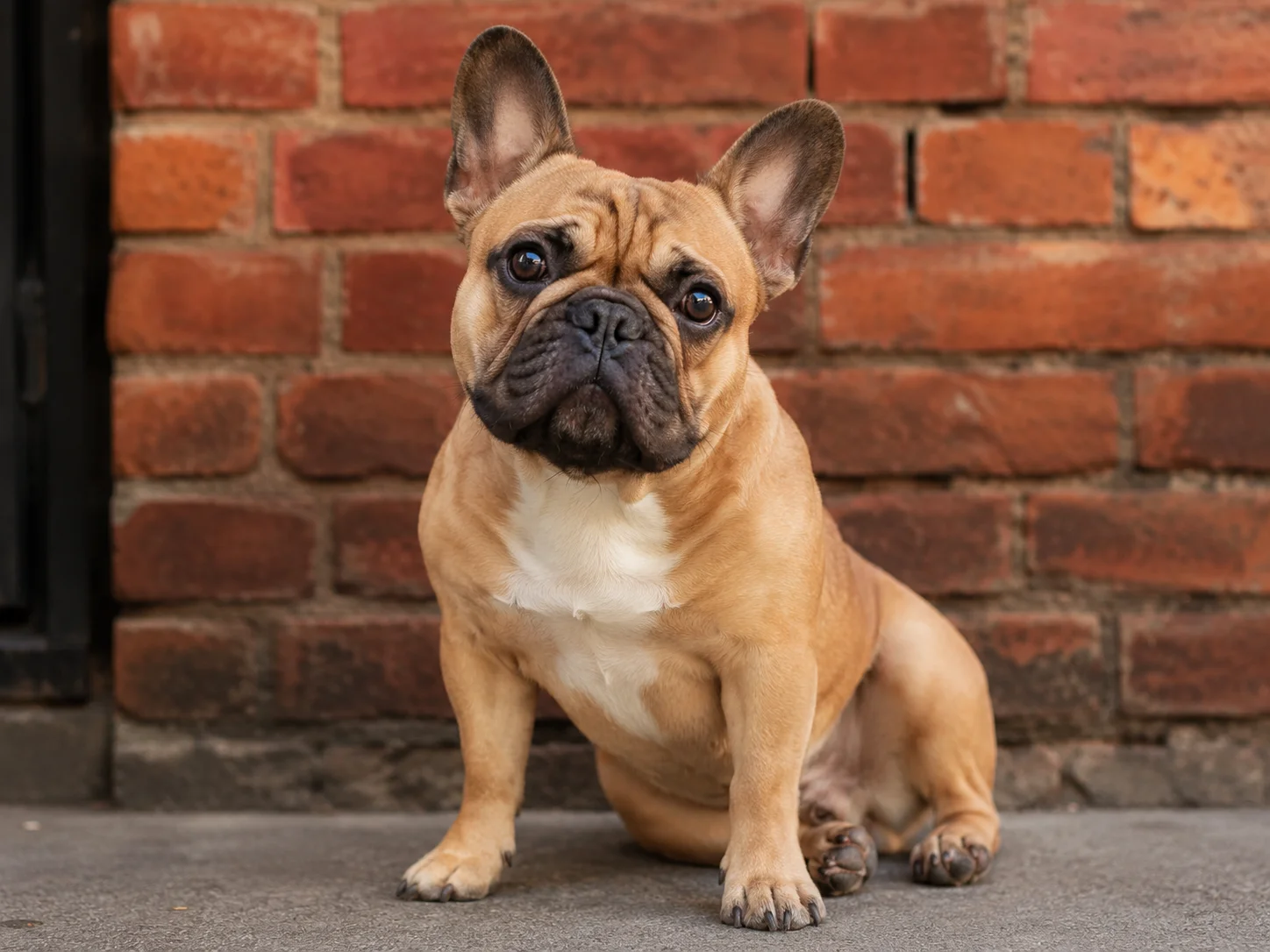
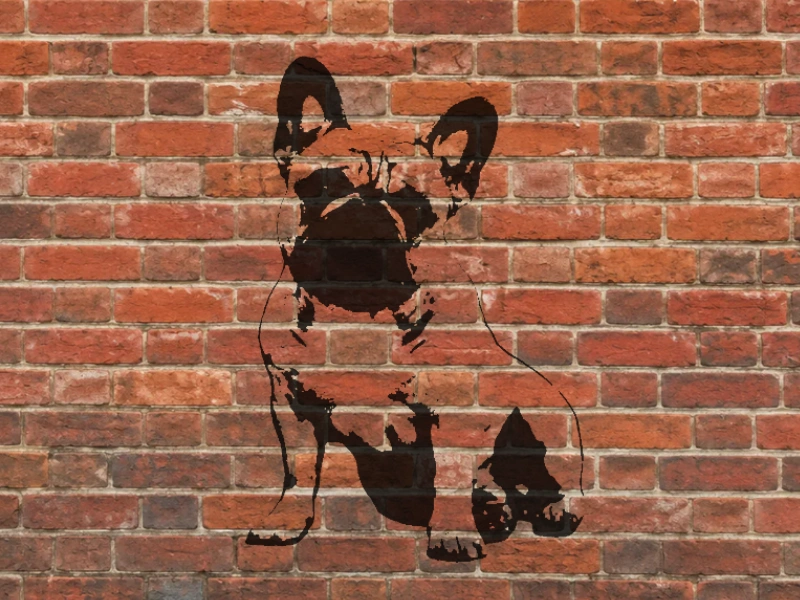
ペット → レンガ壁
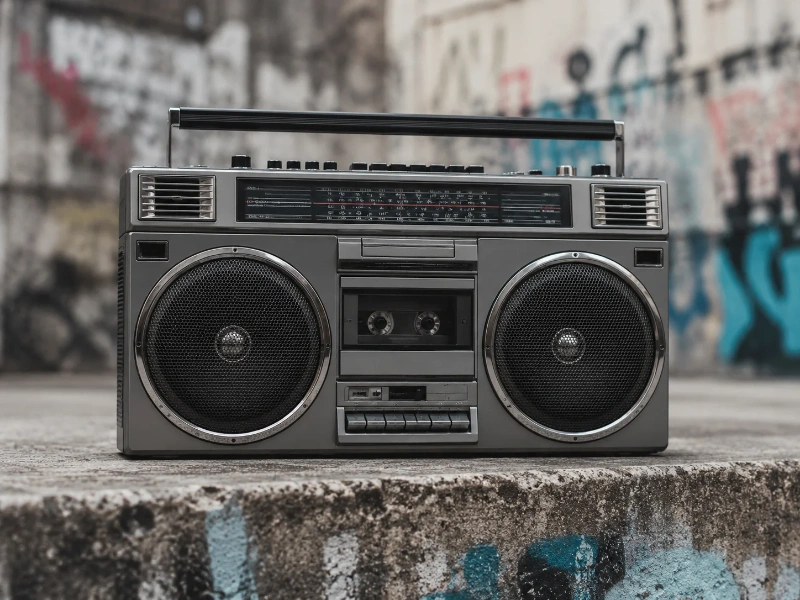
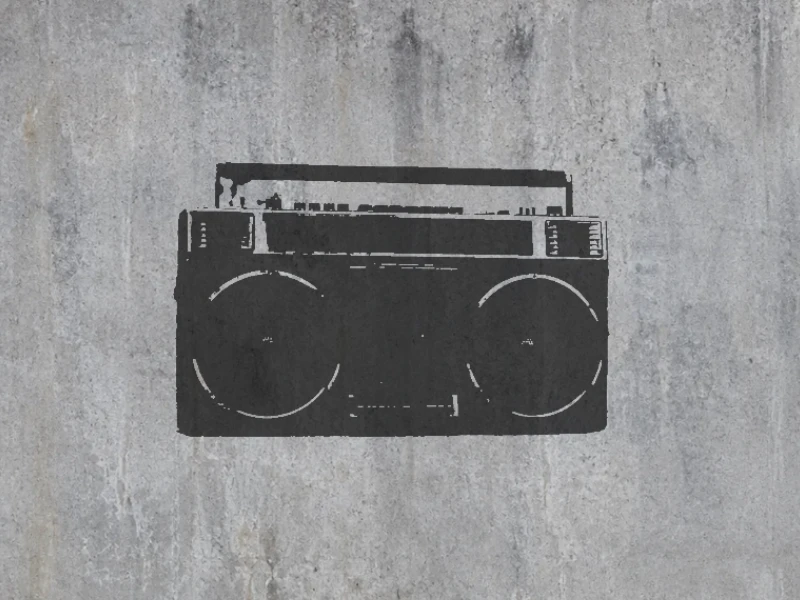
物体 → コンクリ壁
使い方
写真をアップロード
人物・ペット・物体など、どんな写真でもOK。最大10MB、JPEG / PNG / WebP / HEICに対応。
AIがステンシルを生成
背景が自動で除去され、被写体がシャープなステンシルシルエットに変換されます。
壁に配置してダウンロード
壁の背景を選び、ステンシルをドラッグで配置。濃度を調整してPNGでエクスポートできます。
StreetArtを使うのはどんな人?
写真から大胆なグラフィティ/ステンシル風を作りたい人すべてに——アプリ不要・アップロード不要。
SNSクリエイター
自撮り・ペット・商品写真を、目を引くグラフィティ壁風の画像に。投稿・ストーリー・サムネで手を止めさせる一枚を、各プラットフォームに必要なサイズで書き出せます。
壁画・ストリートアーティスト
参考写真からきれいなステンシルのシルエットを生成し、壁面作品・ステッカー・スプレー用ステンシルの出発点に。あとは自分のworkflowで仕上げられます。
デザイナー・イラストレーター
レイアウト・アルバムアート・グッズデザインに、アーバンで手吹きのテクスチャを追加。Photoshopで手作業で作り込む必要はありません。
イベント・ポスター制作
ライブのフライヤー、クラブナイト、ストリートカルチャー系イベントに、空気感に合う本格的なグラフィティの美学を——写真から直接。
先生・学生
授業の課題でステンシルやポップアート調を試したり、専門ソフトなしでプレゼンや学校のzine用の目を引くビジュアルを作ったり。
趣味・ギフト制作
友人・ペット・お気に入りの写真を、世界に一つのグラフィティアートのプリントに。ポスター・カード・オリジナルギフトに。
よくある質問
写真はサーバーにアップロードされますか?
いいえ。背景除去・ステンシル化・合成処理はすべてブラウザ内で完結します。ファイルがデバイスの外に出ることはありません。
初回だけ時間がかかるのはなぜですか?
初回アクセス時にAIの背景除去モデル(約20MB)をダウンロードします。ダウンロード後はブラウザにキャッシュされるため、2回目以降は即座に処理が始まります。
どんな写真が向いていますか?
背景がシンプルで被写体がはっきりした写真が最も向いています。人物の全身・上半身写真、ペット、単体の物体などで特に効果的です。
StreetArtは無料ですか?
はい、完全無料です。アカウント登録不要、使用回数の制限なし。ダウンロード画像の隅に小さく tracelyx.com のクレジットが入ります。
Tracelyx StreetArtの使い方:完全ガイド
3ステップで写真をストリートアートに変換する
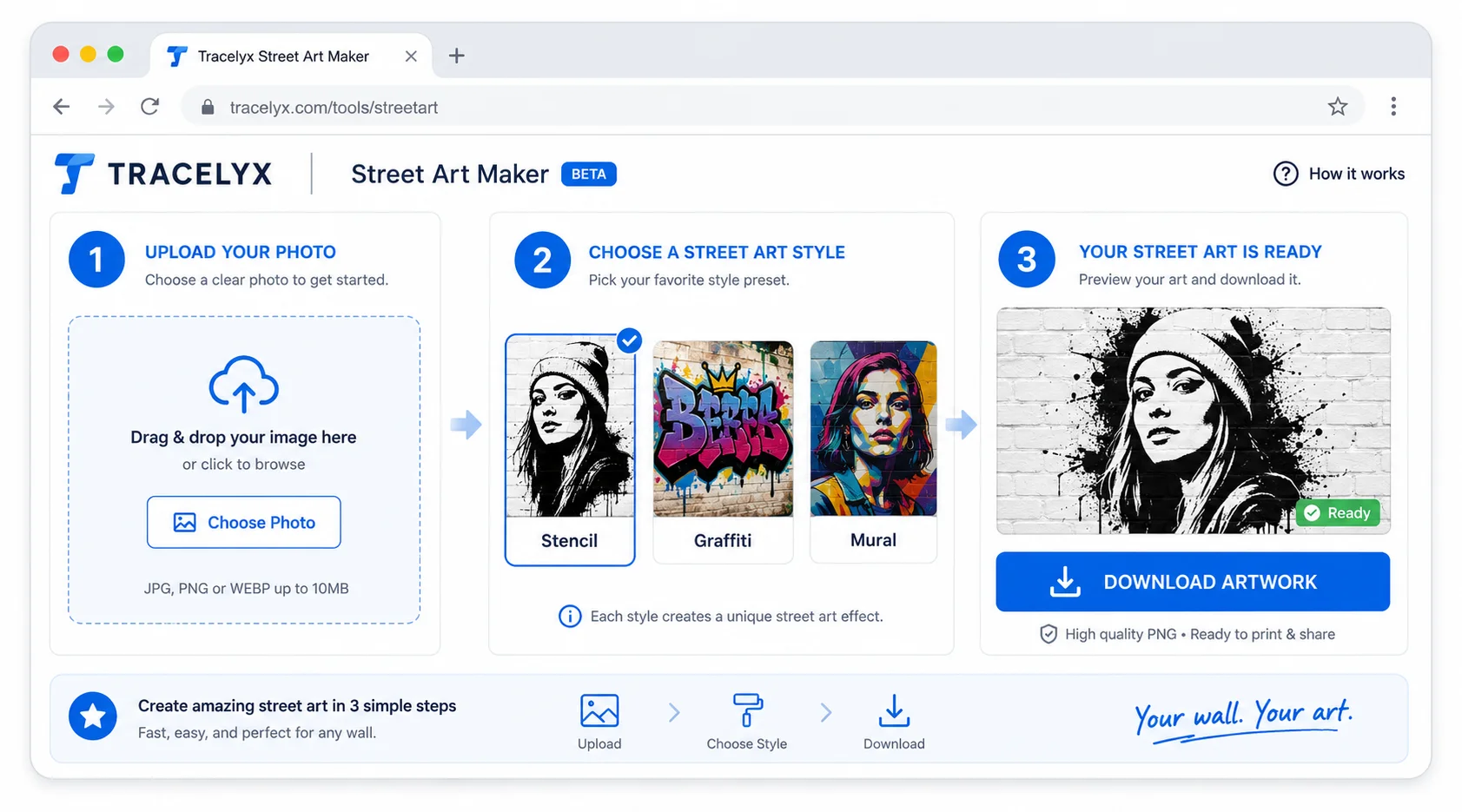
- 写真をアップロード — JPEG・PNG・WebP ファイルをドロップします。被写体がはっきりわかる、明るく撮影した写真が最適です。被写体と背景の高いコントラストが最もドラマチックな結果をもたらします。
- スタイルプリセットを選択 — グラフィティ・ステンシル・壁画など、利用可能なストリートアートスタイルから選択します。各プリセットは異なる色処理・エッジ効果・テクスチャオーバーレイを適用します。ダウンロード前に各スタイルをプレビューしてください。
- 画像をダウンロード — スタイルが適用された状態で出力がデバイスに保存されます。ダウンロード画像の隅に小さくTracelyxのクレジットが埋め込まれます。
スタイルプリセットを理解する
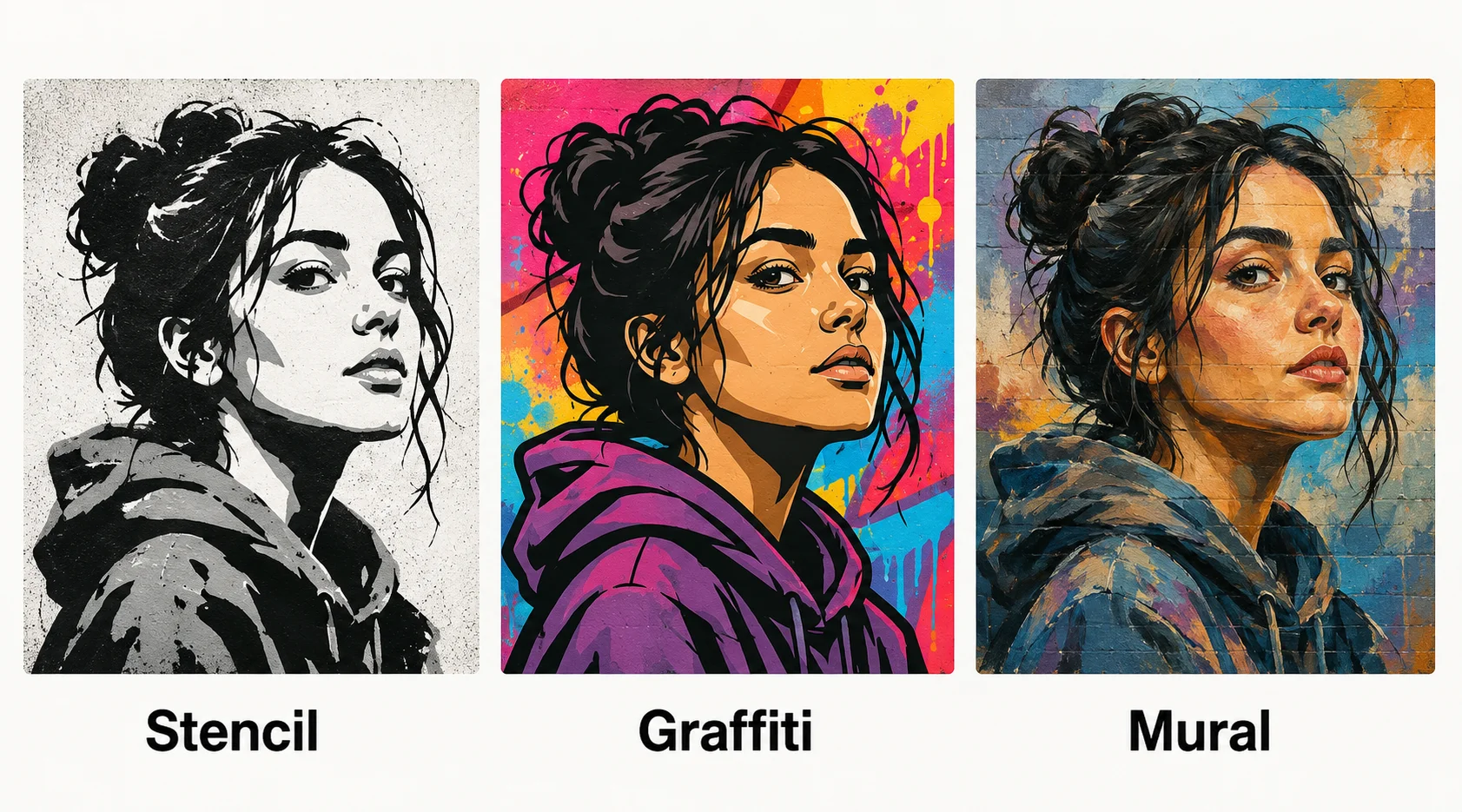
StreetArtのスタイルプリセットは異なる視覚的伝統に基づいています。ステンシルスタイルは画像を高コントラスト部分に縮小し、スプレーペイントのテクスチャを適用します — ストリートアーティストが使う積層ステンシル技法を模倣します。グラフィティスタイルは鮮やかな色彩とアウトラインの強調を適用します。壁画スタイルはより広いトーン幅を保持し、大判のペインタリーな効果を適用します。
ポートレートや顔のある写真には、ステンシルとグラフィティスタイルが最も認識しやすい結果を生む傾向があります。風景や建築物の被写体には、壁画スタイルや大判の処理がより多くの空間的深さを保持します。同じ写真で複数のスタイルを試して、被写体に最も合う処理を見つけてください。
プライバシー:アップロードなし、サーバー処理なし
Tracelyx StreetArtはブラウザ内で完全に画像を処理します。ファイルはサーバーにアップロードされません — スタイルフィルターはブラウザAPIを使用してローカルで実行されます。オリジナル写真と加工後の出力はどちらもデバイスから出ることはありません。
アカウント不要、ログイン不要。ページが読み込まれた後は完全にオフラインでも動作します。タブを閉じれば画像は消えます — Tracelyxのサーバーには何も残りません。
利用上の注意
StreetArtは、写真をステンシル風・グラフィティ風のビジュアルに変換するための画像加工ツールです。公共物・他人の所有物・許可のない壁面などへの落書きや無断使用を推奨するものではありません。作成した画像を印刷物・商品・広告などに使用する場合は、元画像の著作権・肖像権・商標権を利用者自身でご確認ください。








