
画像ツール
画像をきれいなまま、軽く、扱いやすく。すべての処理はブラウザ内で完結します。

TraceLine
写真をトレース向けの線画に変換し、手動で描画・消去・微調整ができます。すべてブラウザ内で処理され、アップロードは不要です。

TraceGrid
正確な方眼を重ね、原寸を指定してA4分割で原寸印刷。拡大模写・転写に。

StreetArt
写真をステンシルスタイルのウォールアートに変換します。壁を選び、デザインを配置して書き出すだけ。すべてブラウザ内で処理され、アップロードは不要です。

ArchitectLine
建築・建物写真を、構造線だけのクリーンな線画に変換。白地に黒線、ベクターSVGとPNGで書き出せます。処理はすべてブラウザ内で完結します。

PaletteForge
メディアンカットとディザリングで画像を指定した色数まで減色し、パレットを HEX / CSS / JSON / GIMP .gpl / Adobe .ase で書き出せます。
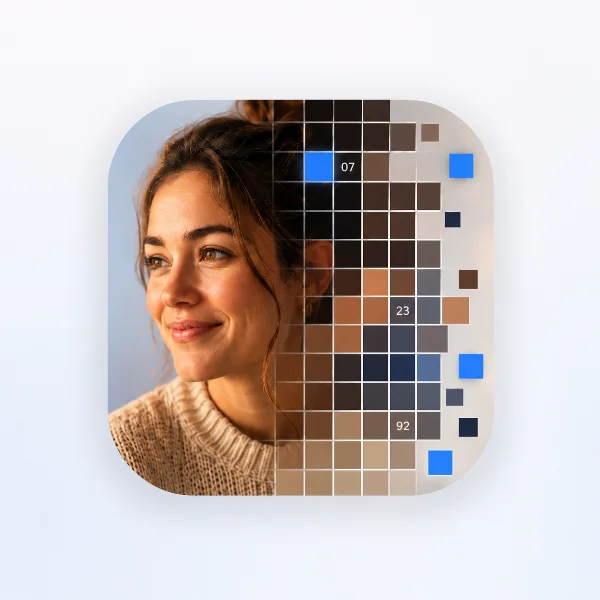
PixelForge
写真をドット絵(モザイク)に変換し、番号付きの設計図をA4タイル割でPDF印刷、またはレトロなドット絵PNGとして書き出せます。

StitchFit|布サイズ計算
図案の目数から布サイズを計算。カウント比較と仕立て用余白に対応。

Fliplyx
数枚の写真やイラストでパラパラ再生。順番・表示時間・往復を調整。

Scenelyx
横長・正方形の写真を縦長9:16のストーリー画像に。ぼかし・グラデーション・単色・自然な引き伸ばし背景、カード配置、文字入れに対応。

Canvas Studio
キャンバスサイズを決めて画像をドロップ。位置とサイズを調整したら、ぴったりのピクセル数で書き出せます。
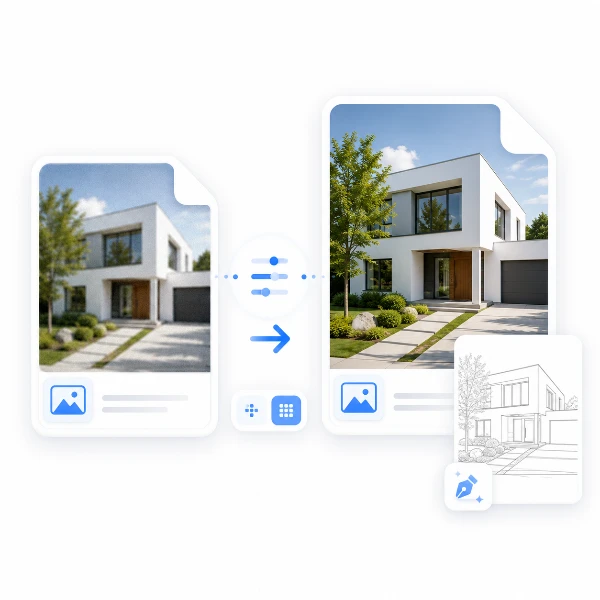
線画最適化
トレース作業をしやすくするための画像下準備ツール。細部を整え、TraceLine向けにスケール調整します。
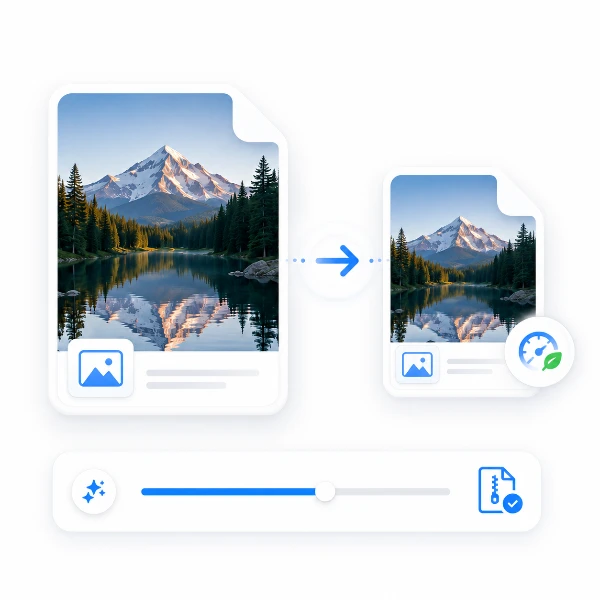
画像軽量化
画質をできるだけ保ちながら、画像を軽くします。
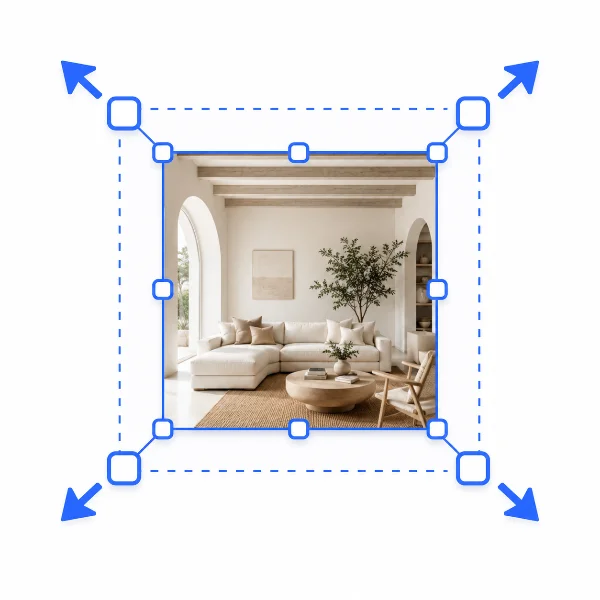
リサイズ
用途に合わせて、画像サイズを整えます。
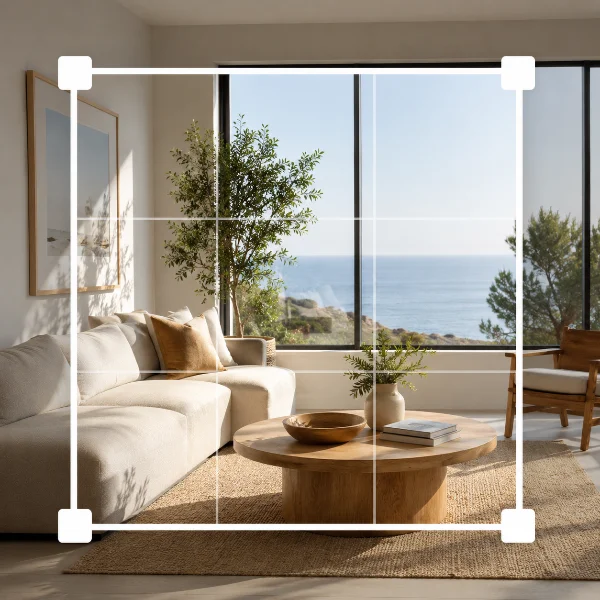
切り抜き
必要な部分だけを、直感的に切り抜けます。
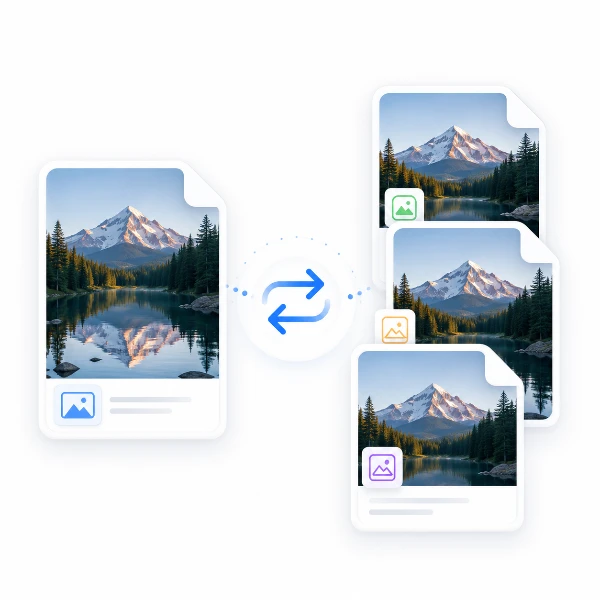
変換
画像の形式を、手軽に切り替えられます。
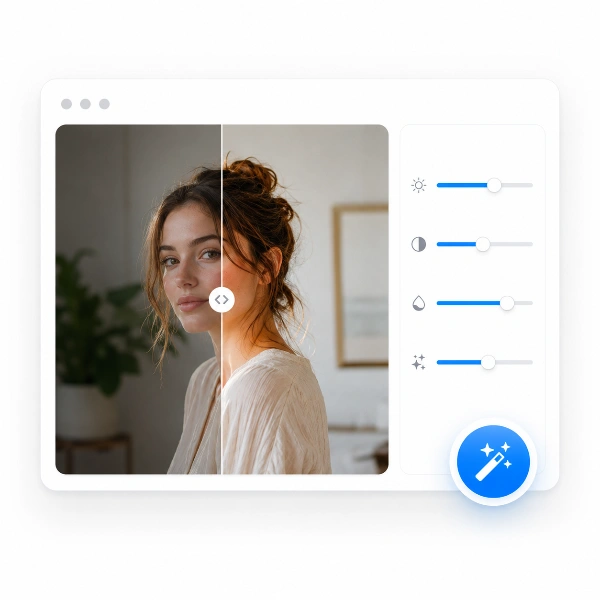
補正
暗さや色味を整え、見やすくします。
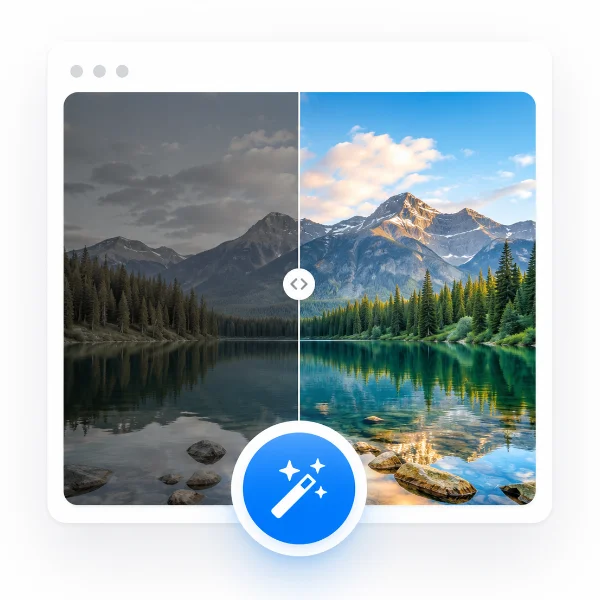
自動補正
自動で明るさと色のバランスを整えます。

メタデータ削除
画像に含まれる情報を整理します。
情報削除
見せたくない部分を、さっと隠せます。
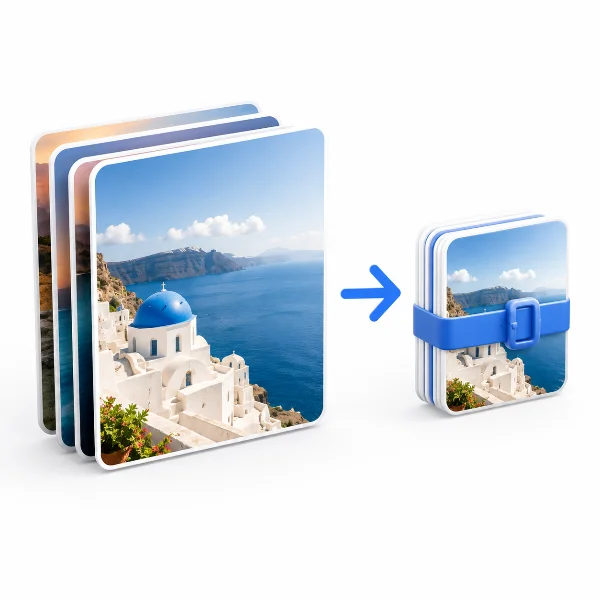
一括処理
複数の画像を、まとめて処理できます。