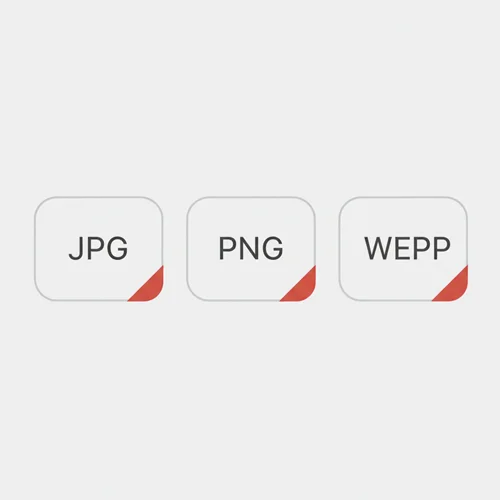
Conversión de formato
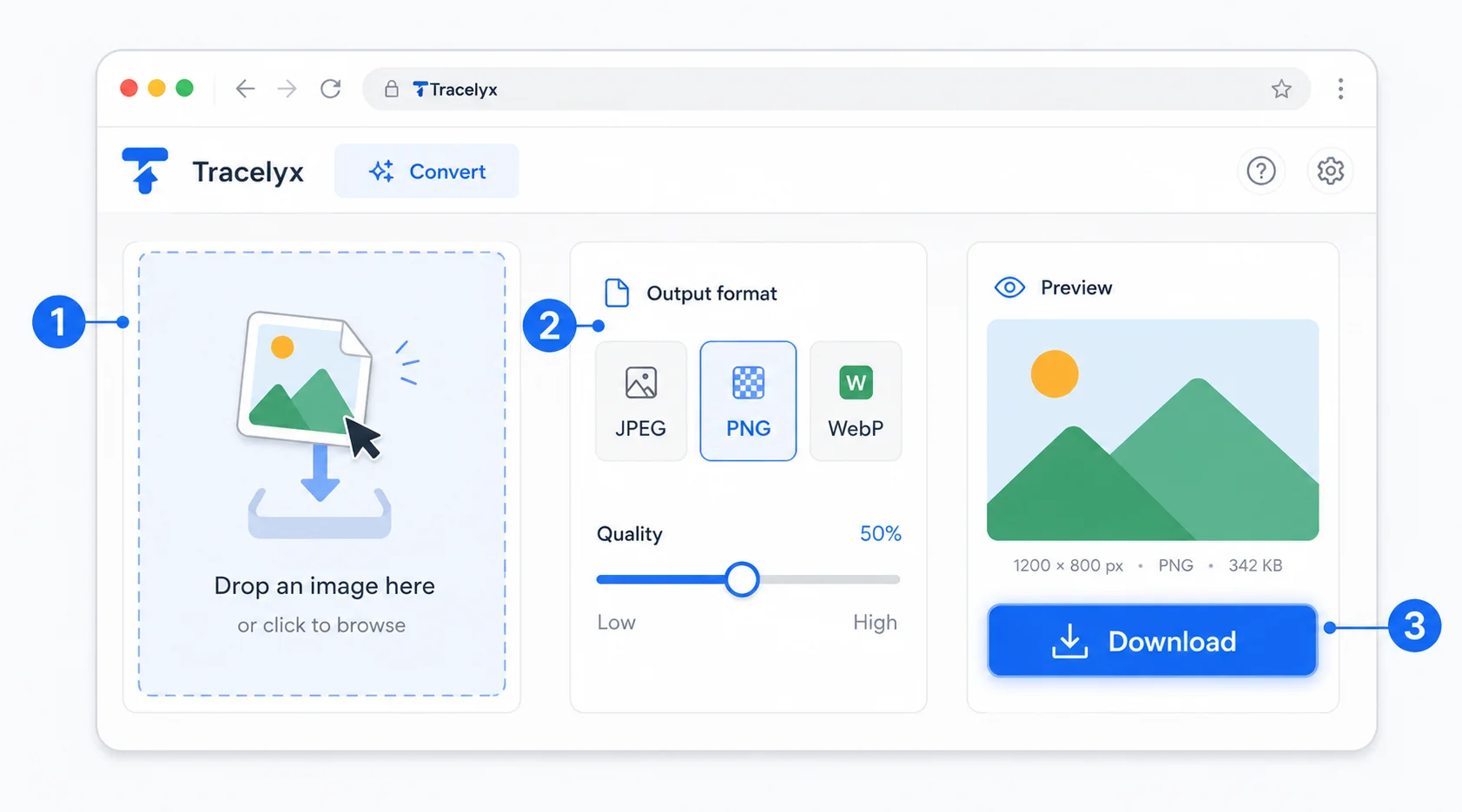
Convierte fácilmente cualquier imagen a JPEG, PNG o WebP sin perder claridad.

Pulsa el botón Compartir y luego «Añadir a pantalla de inicio».
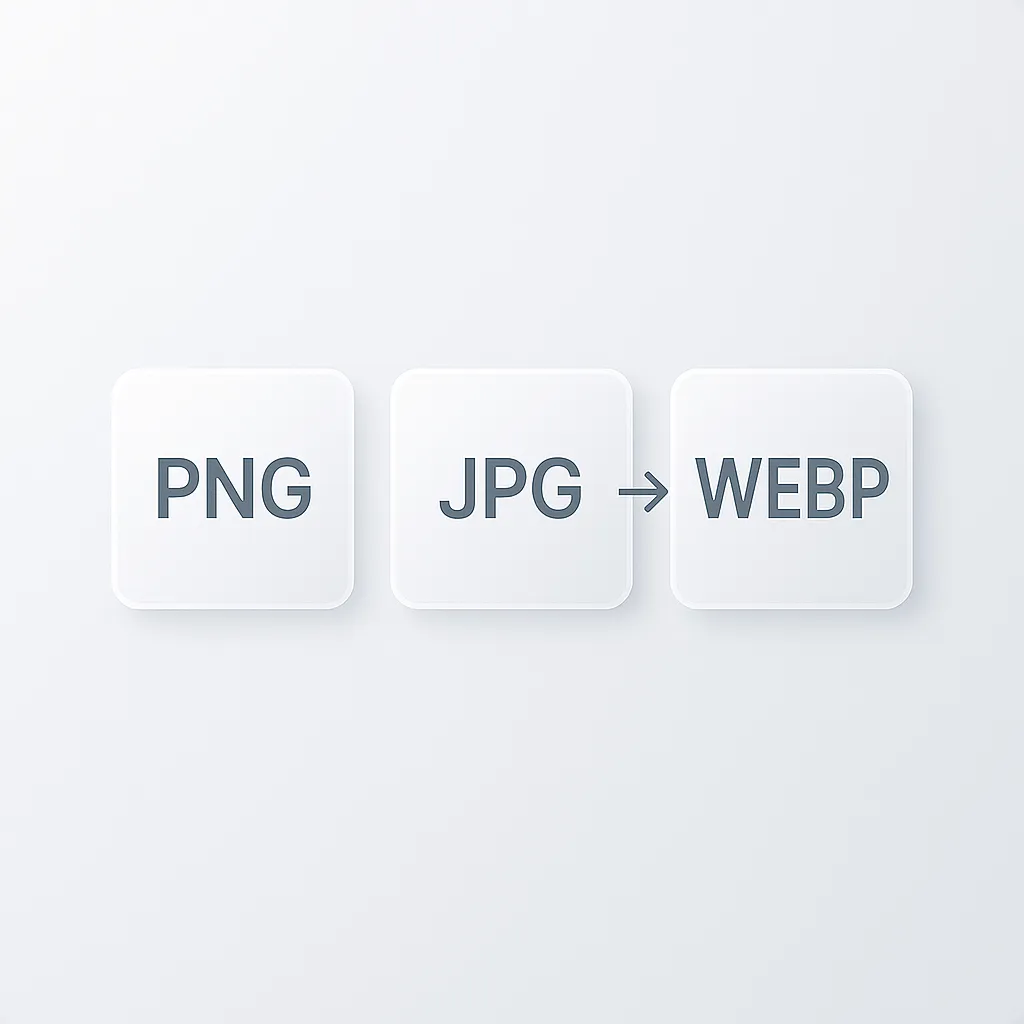
Convierte imágenes sin sacrificar la calidad visual.
Convierte imágenes entre JPEG, PNG, WebP y más — con control total de calidad y transparencia. Sin subida. Completamente en tu navegador.
Convierte fácilmente cualquier imagen a JPEG, PNG o WebP sin perder claridad.
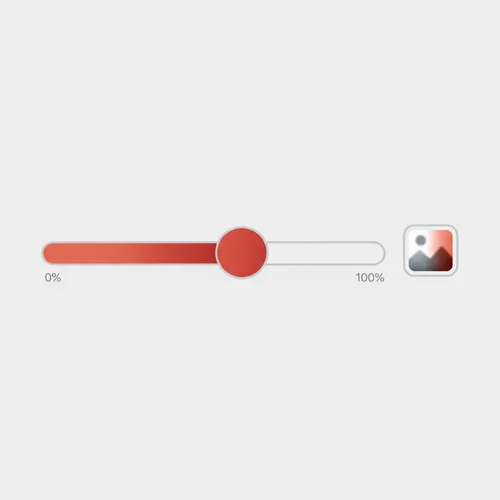
Ajusta la calidad de salida con un control simple y visualiza los cambios al instante.
Todo se procesa localmente en tu navegador. Nada se sube a ningún servidor.
Resultados instantáneos gracias al procesamiento nativo del navegador.
Cualquier persona que necesite imágenes en el formato correcto — sin apps, sin subidas.
Convierte activos JPEG y PNG a WebP antes del despliegue para tamaños de archivo más pequeños y páginas más rápidas. No se necesita ninguna herramienta de compilación — solo arrastra y convierte.
Convierte imágenes al formato que requiere tu CMS o tema antes de subirlas. Cambia de PNG a JPEG para reducir el tamaño, o a WebP para mejor rendimiento web.
Convierte fotos de productos a WebP para páginas de tienda más rápidas sin sacrificar calidad visual. Las imágenes más ligeras mejoran los tiempos de carga en móvil y pueden impactar directamente en las conversiones.
Convierte rápidamente activos exportados al formato que necesita un cliente o desarrollador. Cambia entre PNG para transparencia y JPEG para menor tamaño — en segundos, sin pérdida de calidad.
Convierte fotos de alta calidad a JPEG o WebP para compartir en la web sin usar software de escritorio. Los originales nunca salen de tu dispositivo — la conversión es completamente privada.
Convierte imágenes al formato adecuado para campañas de email, landing pages y anuncios sociales. Rápido, solo en el navegador y seguro para activos confidenciales.
No. Toda la conversión ocurre en tu navegador de forma local. Tus archivos nunca abandonan tu dispositivo ni se envían a ningún servidor.
Tracelyx Convert admite JPEG, PNG y WebP. Puedes convertir libremente entre cualquiera de estos tres formatos.
WebP es generalmente la mejor opción para la web — ofrece tamaños de archivo más pequeños que JPEG y PNG manteniendo buena calidad visual. JPEG funciona bien para fotos y PNG es ideal para imágenes que requieren transparencia.
No. La conversión de formato no cambia las dimensiones de tu imagen. El ancho y alto permanecen exactamente iguales — solo cambian el formato y la configuración de calidad.
Sí, completamente gratuito. Sin cuenta, sin límites de uso y sin marcas de agua.
Esta herramienta convierte una imagen a la vez con control total de calidad. Para conversión en lote de varios archivos, usa la herramienta Batch.
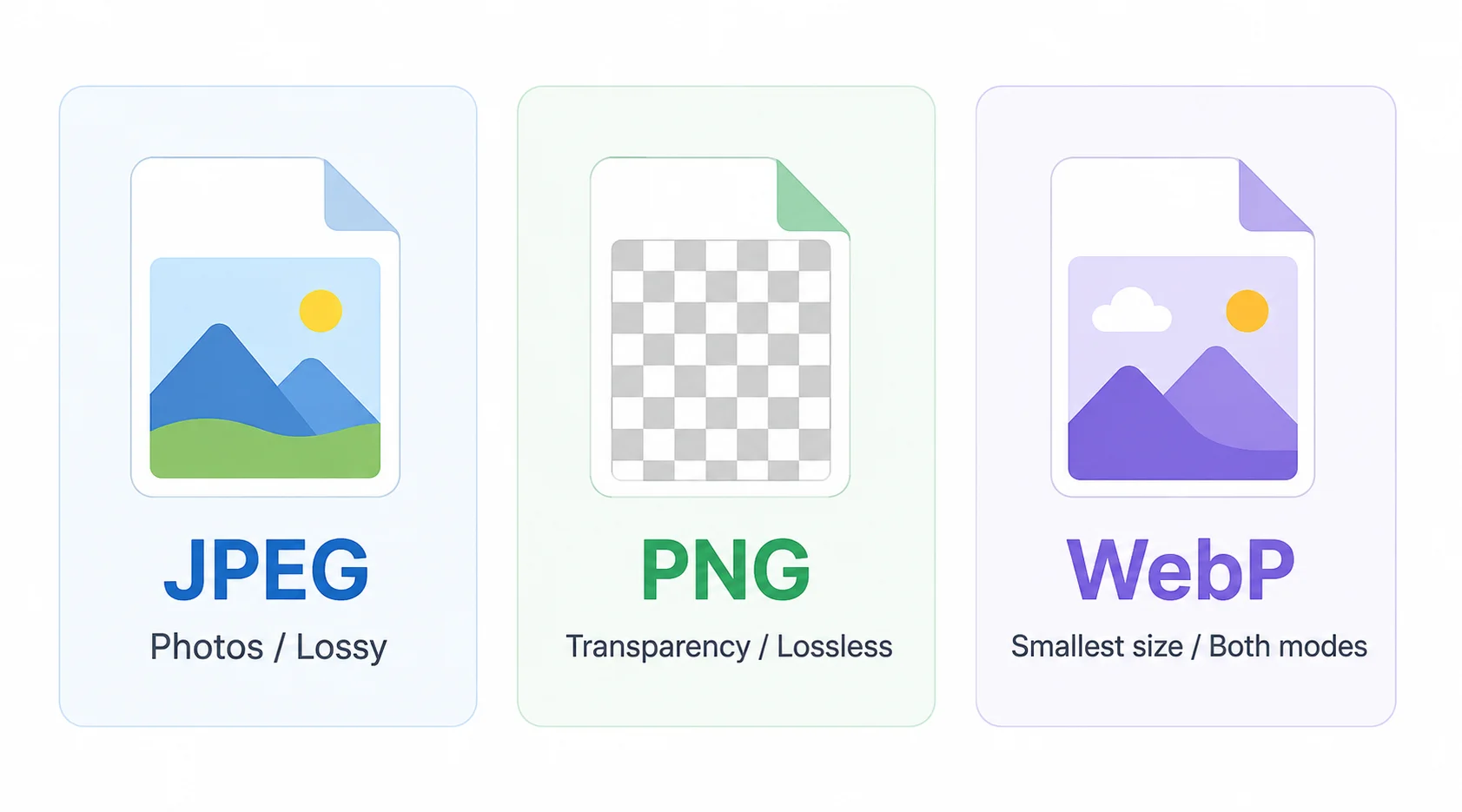
JPEG es el formato más compatible y produce los archivos más pequeños para fotografías. Úsalo para imágenes de productos, contenido de blog y cualquier imagen que se mostrará en una página web. El control deslizante de calidad controla el nivel de compresión — 85-90% es un buen punto de partida para uso web.
PNG admite transparencia (canal alfa). Con calidad máxima es sin pérdida: ideal para logotipos, iconos, diagramas y cualquier imagen donde haya que preservar los bordes sobre fondos transparentes. Bajar el control de calidad reduce la paleta de colores para producir un PNG mucho más pequeño manteniendo la transparencia. WebP es la alternativa moderna que admite tanto compresión con pérdida como sin pérdida con tamaños de archivo menores que JPEG o PNG.
Tracelyx Convert procesa tus imágenes completamente en tu navegador. Ningún archivo se transmite a ningún servidor — la conversión ocurre localmente usando APIs del navegador.
No se requiere cuenta ni inicio de sesión. Recarga la página o cierra la pestaña y la imagen desaparece — ningún dato persiste en los servidores de Tracelyx porque nunca se envió nada allí.

Line art listo para trazar con control manual profesional, todo procesado localmente.
Abrir herramienta →
Superpón una cuadrícula precisa, fija el tamaño real e imprime a escala en hojas A4.
Abrir herramienta →
Convierte fotos en arte callejero estilo stencil en paredes reales.
Abrir herramienta →
Convierte fotos de edificios en dibujos lineales — SVG y PNG.
Abrir herramienta →
Coloca imágenes en un lienzo fijo, ajusta posición y tamaño libremente, y exporta con dimensiones exactas en píxeles. Sin subidas, sin rastreo — todo en tu navegador.
Abrir herramienta →
Reduce, controla y reutiliza los colores de una imagen con precisión — exporta a HEX, CSS, JSON, .gpl y .ase.
Abrir herramienta →
Calcula tela según puntadas, compara cuentas y añade márgenes.
Abrir herramienta →
Previsualiza fotos o dibujos como un folioscopio. Ajusta orden, tiempos e ida y vuelta.

Cualquier foto → una historia 9:16 impecable. Desenfoque, degradado, extensión y tarjeta.
Abrir herramienta →