Private by design
StreetArt Maker — stencil street art example

Turn Your Photo into Stencil Street Art

Become an anonymous street artist. Upload a photo and create stencil-style wall art in your browser.

Try it now

Transform photos into street art and graffiti-style illustrations using AI-powered style filters. Processing runs locally in your browser — no upload required.

Drop image here

or click to select

See what's possible

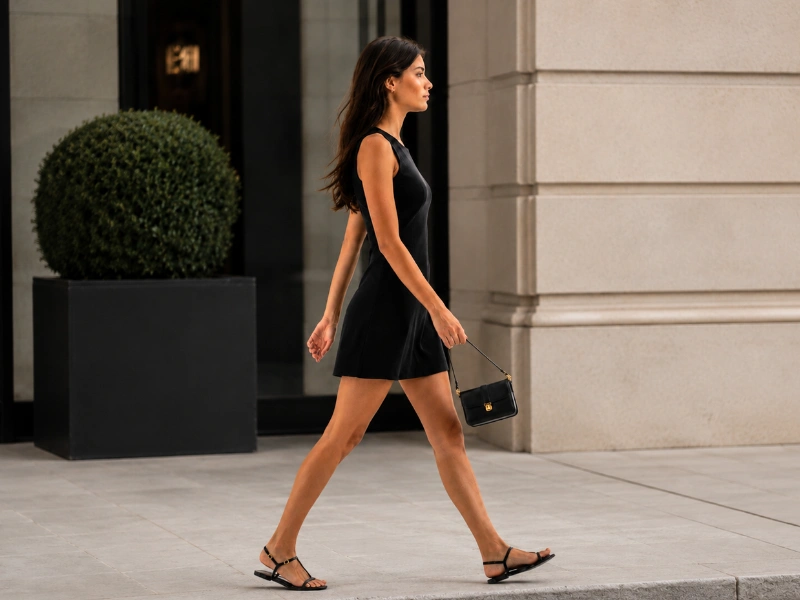
Original photo
Before
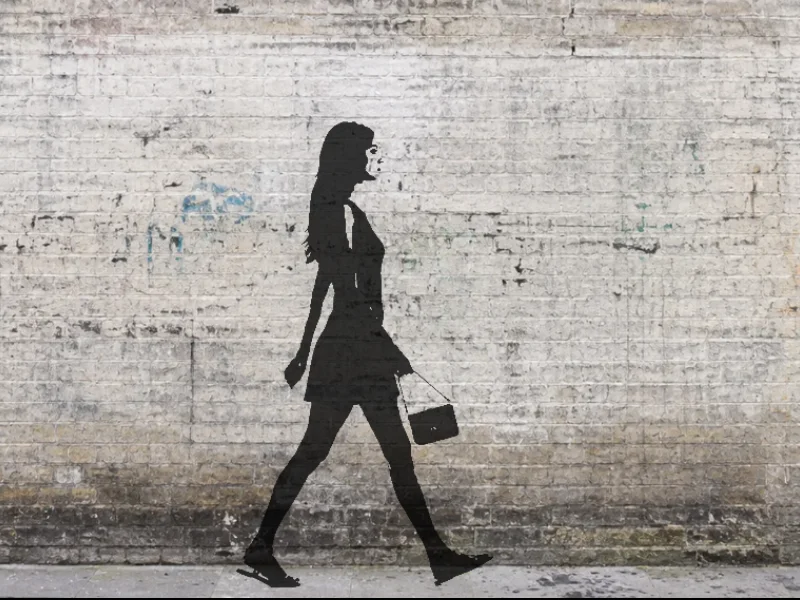
Stencil on graffiti wall
After

Person → Graffiti wall

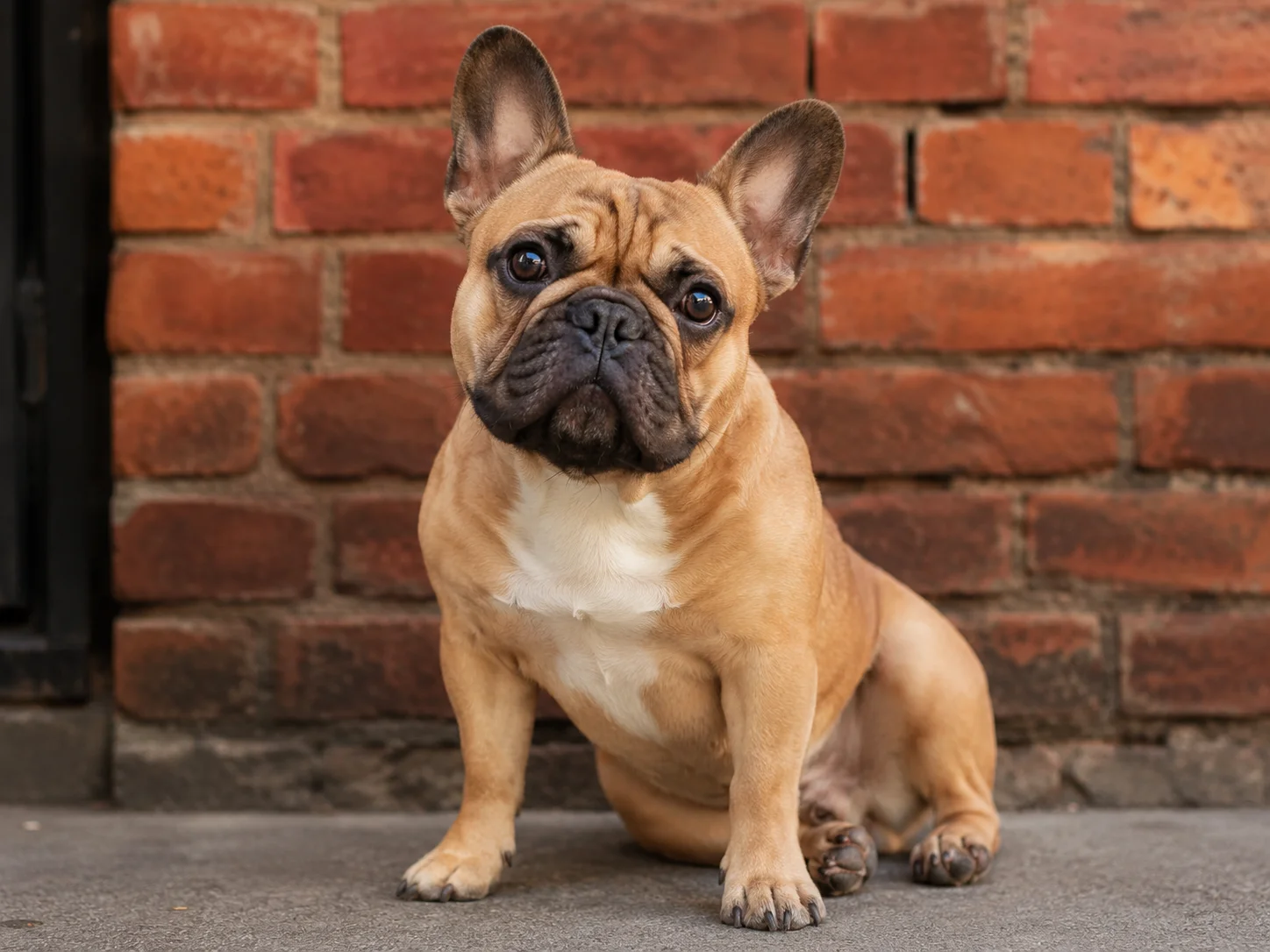
Original photo
Before
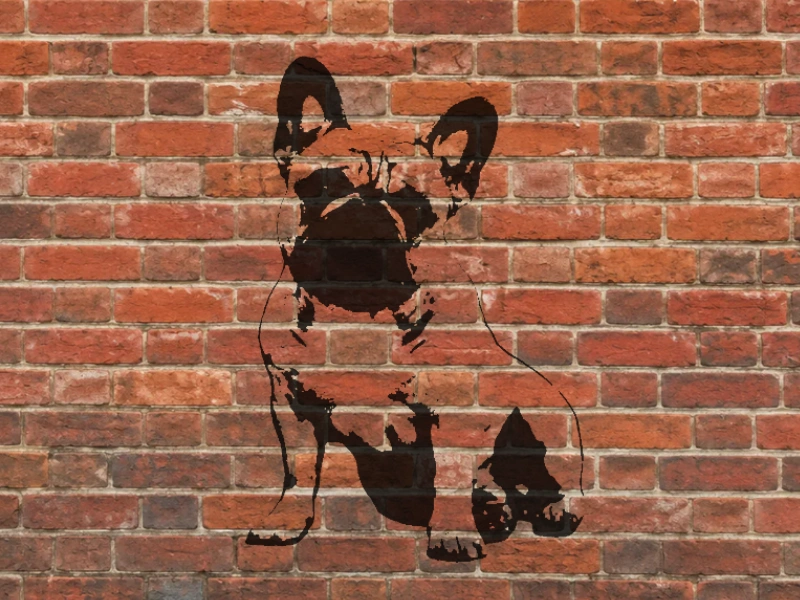
Stencil on brick wall
After

Pet → Brick wall

Original photo
Before
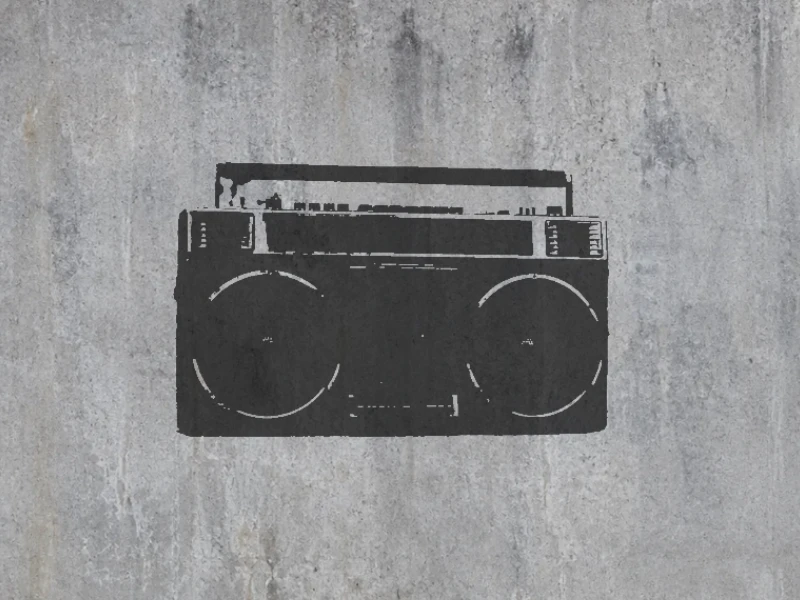
Stencil on concrete wall
After

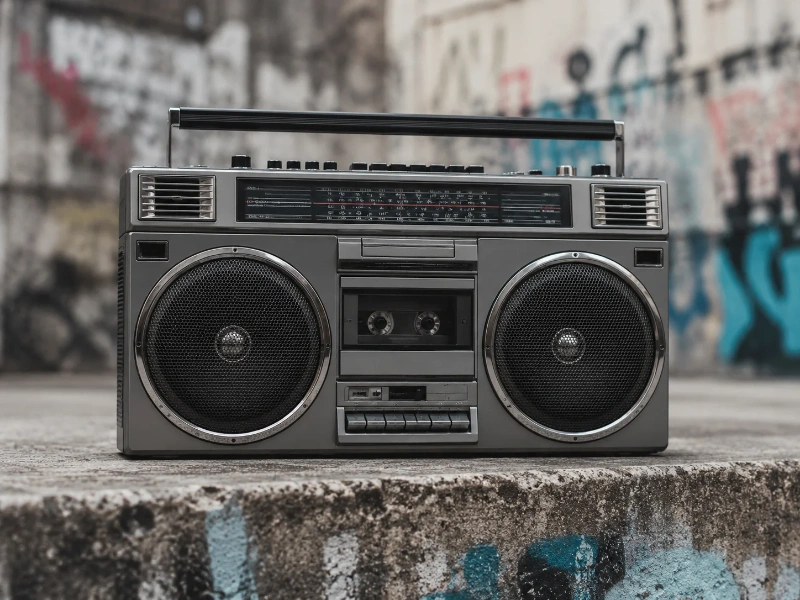
Object → Concrete wall

How it works

Upload your photo

Any photo works — portraits, pets, objects. Up to 10 MB, JPEG / PNG / WebP / HEIC.

AI creates the stencil

The background is removed automatically and the subject is converted into a sharp stencil silhouette.

Place on a wall and download

Pick a wall background, drag your stencil into position, adjust density, and export as PNG.

Frequently Asked Questions

Is my photo uploaded to a server?

No. All processing happens entirely in your browser. Your photo is never transmitted to any server — Tracelyx does not receive or store your image.

Why does the first run take longer?

Multiple style presets are available, each applying different color treatments, edge effects, and texture overlays. Try each one with your photo to find the look that works best.

What photos work best?

Clear, well-lit photos with good contrast between the subject and background tend to work best. Portraits and subjects against simple backgrounds often produce the most striking results.

Is StreetArt Maker free?

Yes, completely free. No account required, no usage limits. A small tracelyx.com credit appears in the corner of downloaded images.

How to Use Tracelyx Street Art Maker: A Complete Guide

Create Street Art from a Photo in 3 Steps

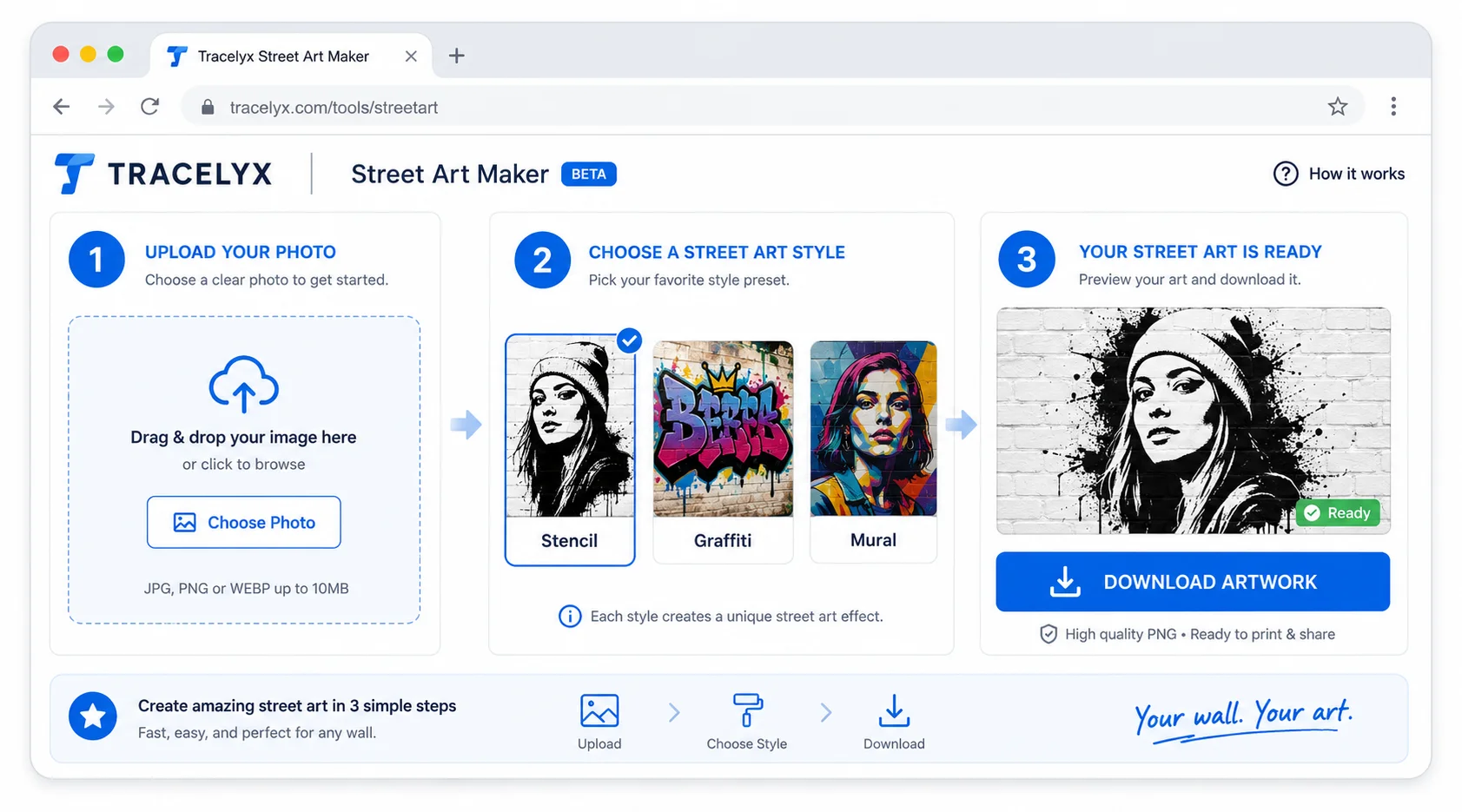
Tracelyx Street Art Maker step-by-step guide
  1. Upload your photo — Drop a JPEG, PNG, or WebP file. Clear, well-lit photos with a visible subject work best. High contrast between the subject and background produces the most dramatic results.
  2. Choose a style preset — Select from available street art styles: graffiti, stencil, mural, and more. Each preset applies a different set of color treatments, edge effects, and texture overlays. Preview each style before downloading.
  3. Download your image — The output is saved to your device with the style applied. A small Tracelyx credit is embedded in the corner of downloaded images.

Understanding the Style Presets

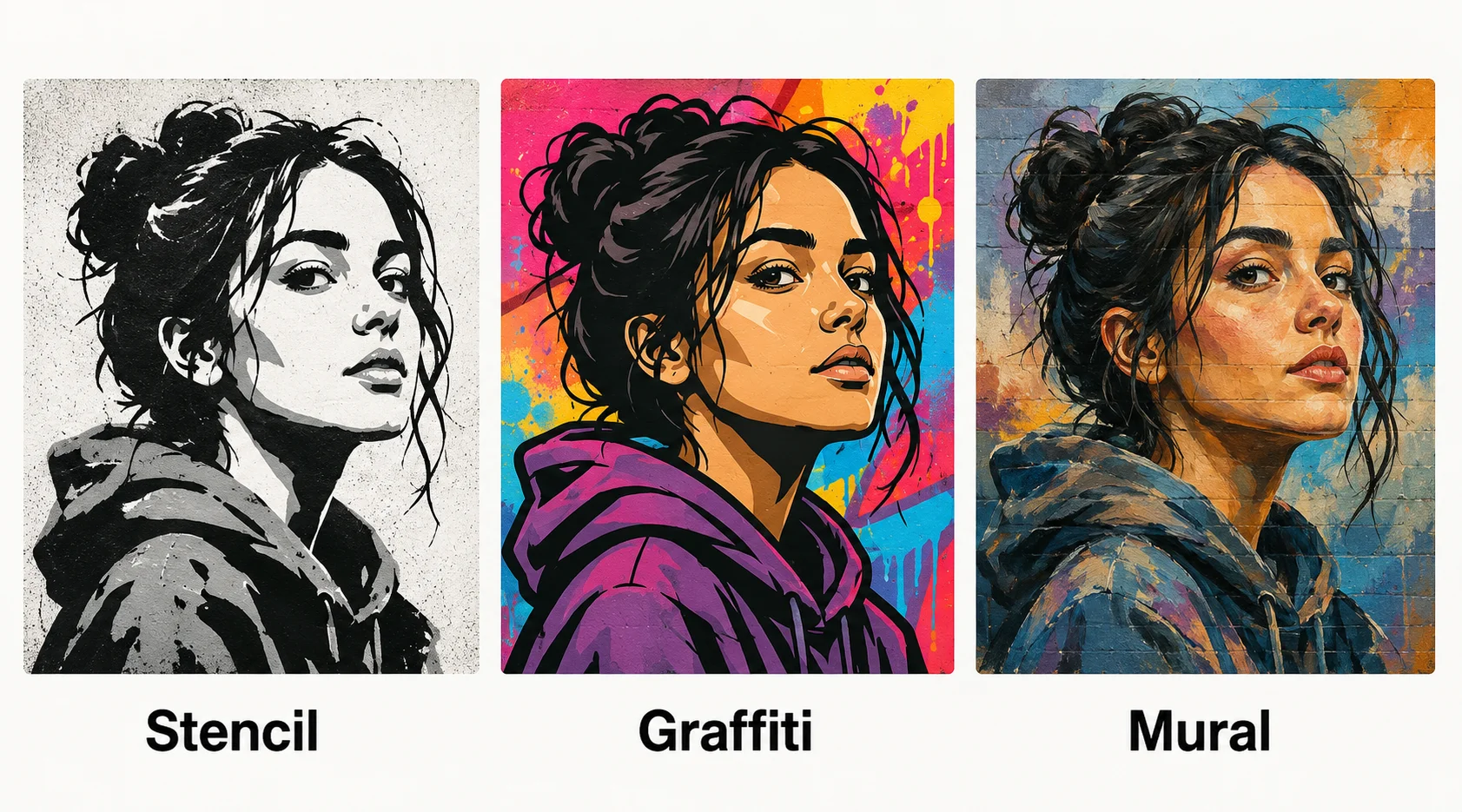
Street art style preset comparison

The style presets in Street Art Maker are based on distinct visual traditions. Stencil style reduces the image to high-contrast areas and applies a spray-paint texture, mimicking the layered-stencil technique used by street artists. Graffiti style applies vivid color fills and outline emphasis. Mural style preserves more tonal range, applying a large-format painterly effect. Each style is designed for a different aesthetic, and the same photo can look very different across presets.

For portraits and faces, stencil and graffiti styles tend to produce the most recognizable results — the face's contrast structure maps naturally to the high-contrast treatment. For landscapes and architectural subjects, mural style or large-format treatments preserve more spatial depth. Experiment with multiple styles on the same photo to find which treatment fits the subject.

Privacy: No Upload, No Server Processing

Tracelyx Street Art Maker processes your image entirely in your browser. No file is uploaded to any server — the style filters run locally using browser APIs. Your original photo and the styled output never leave your device.

There is no account required and no login. The tool works entirely in the browser once the page is loaded. Close the tab and the image is gone — nothing persists on Tracelyx servers.