Flexible formats
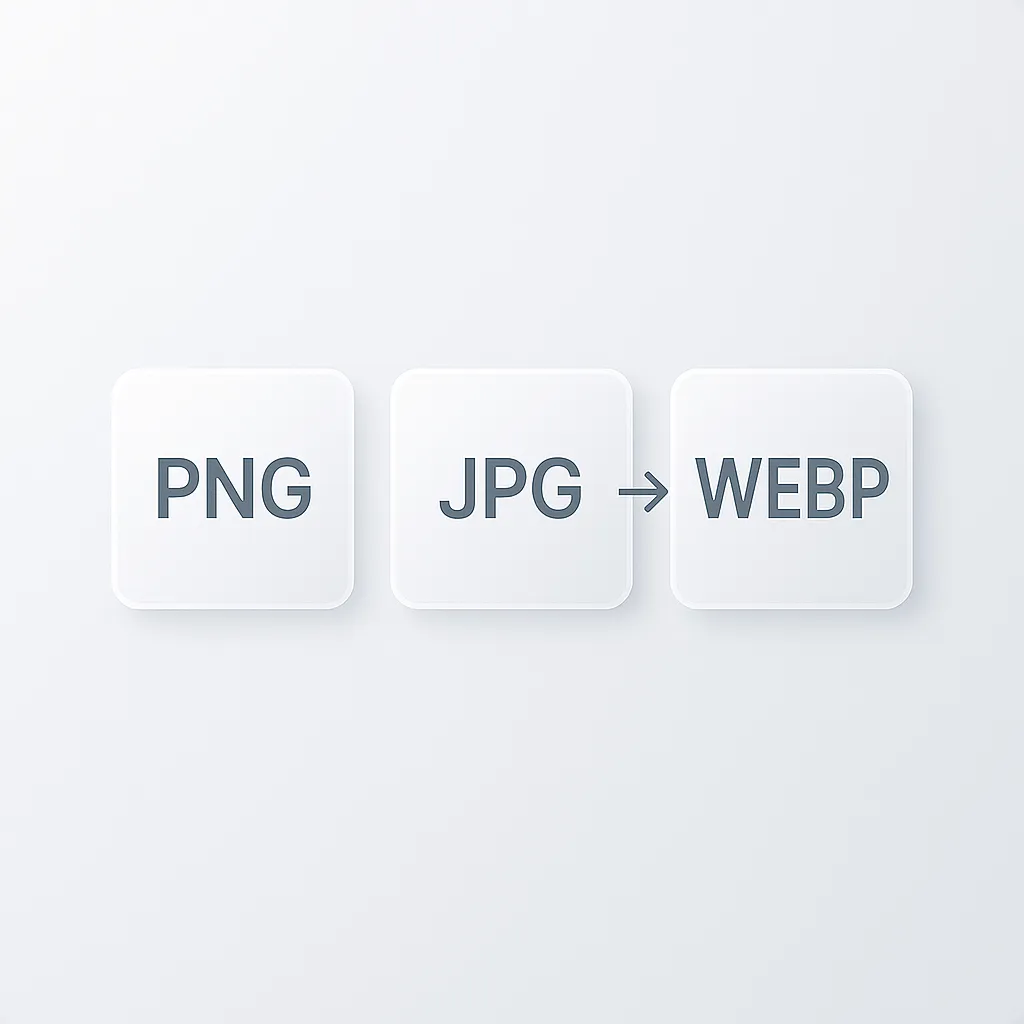
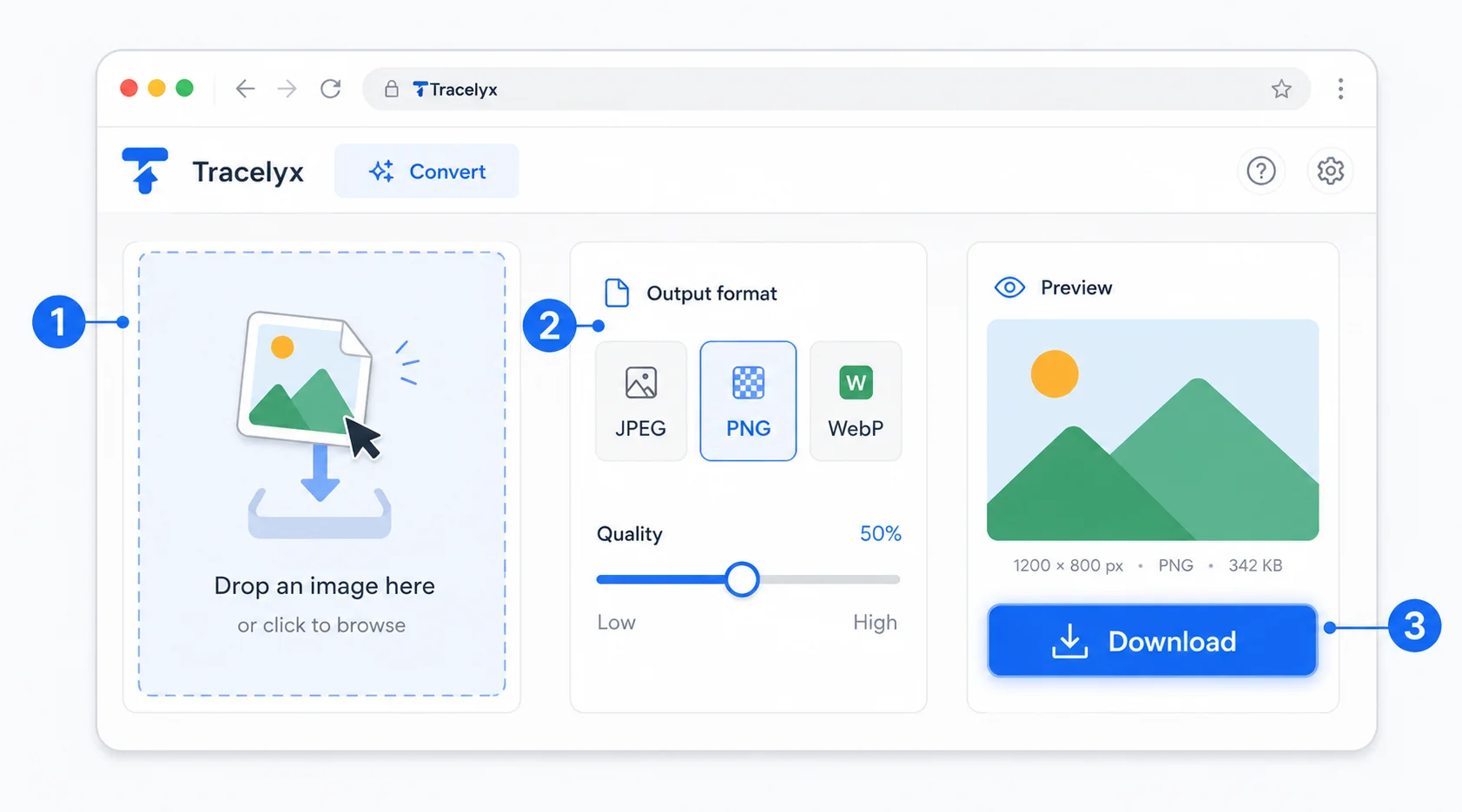
Convert between JPEG, PNG and WebP with a single click. Perfect for preparing assets for any platform.
Tap the Share button, then “Add to Home Screen”.
Convert images between JPEG, PNG and WebP directly in your browser. Keep visual quality while changing formats for the web.
Convert images between JPEG, PNG, WebP, and more — with full quality and transparency control. No upload. Entirely in your browser.
Convert between JPEG, PNG and WebP with a single click. Perfect for preparing assets for any platform.
Adjust quality for JPEG and WebP so you can balance file size and visual clarity.
All conversions happen in your browser. Images never upload and never leave your device.
Powered by native browser rendering for instant conversions. No server, no queue, no waiting.
Anyone who needs images in the right format — no app, no upload.
Convert images to WebP or JPEG for faster load times and better Core Web Vitals scores. Process directly in the browser without needing Photoshop or other desktop tools.
Convert photos from your camera to web-optimized JPEG or WebP before uploading to your CMS. Smaller files mean faster page loads and better reader experience.
Convert product photos to the right format for each platform. WebP for your website, JPEG for marketplaces — all without uploading to cloud services.
Convert design exports to the exact format required by clients or handoff specs. PNG for transparency, WebP for web delivery — handled in seconds without leaving the browser.
Convert high-quality shots to JPEG or WebP for web sharing without using desktop software. Your originals never leave your device — conversion stays completely private.
Convert images to the right format for email campaigns, landing pages, and social ads. Fast, browser-only, and safe for confidential assets.
No. All conversion happens entirely in your browser using local processing. Your files never leave your device and are never sent to any server.
Tracelyx Convert supports JPEG, PNG, and WebP. You can convert freely between any of these three formats.
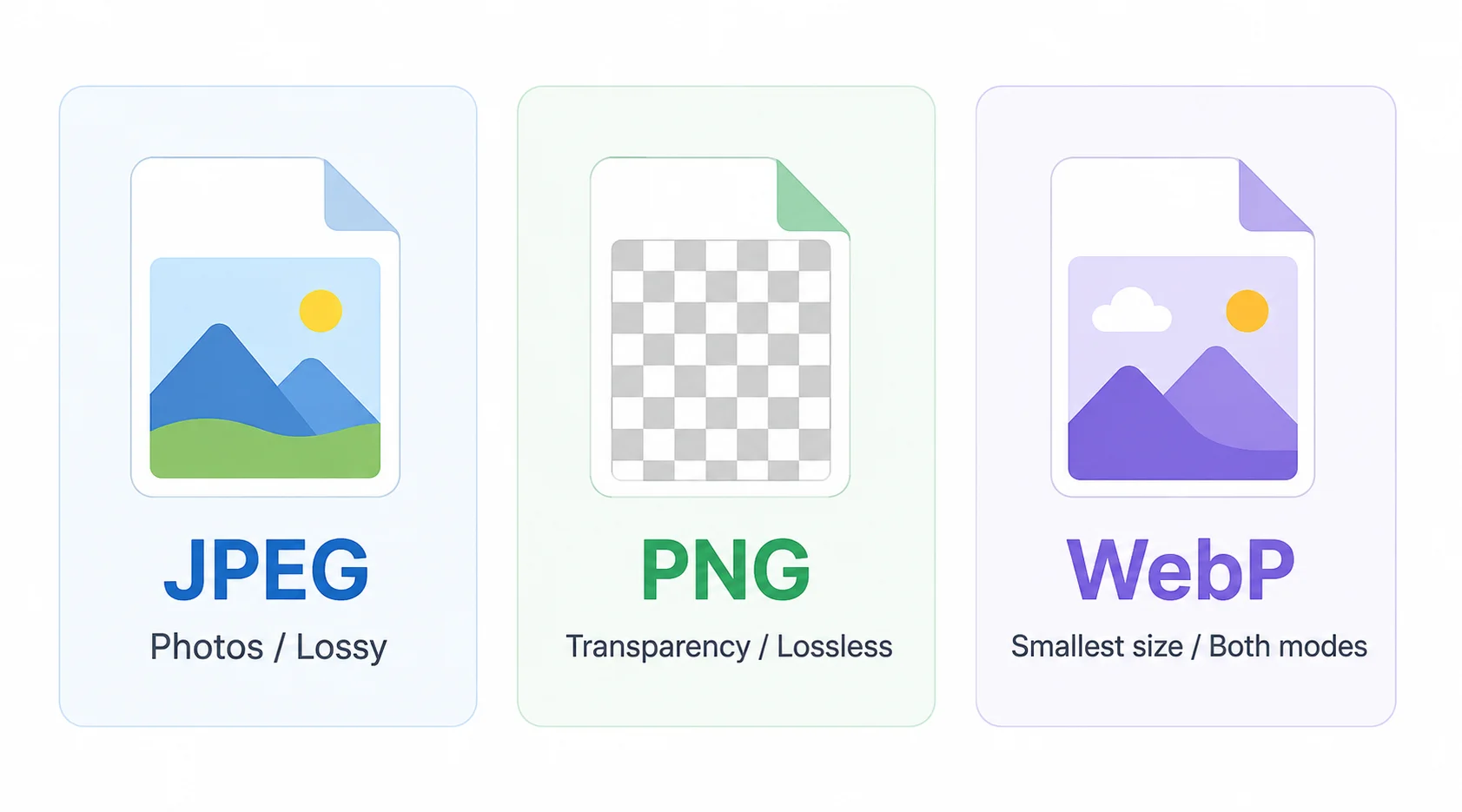
WebP is generally the best choice for the web — it offers smaller file sizes than JPEG and PNG while maintaining good visual quality. JPEG works well for photos, and PNG is ideal for images that require transparency.
No. Format conversion does not change the dimensions of your image. The width and height stay exactly the same — only the file format and quality settings change.
Yes, completely free. No account required, no usage limits, no watermarks.
This tool converts one image at a time with full quality control. For batch conversion of multiple files, use the Batch tool.
JPEG is the most widely compatible format and produces the smallest file sizes for photographs. Use it for product images, blog content, and any image that will be displayed on a web page. The quality slider controls the compression level — 85–90% is a good starting point for web use, balancing visual quality against file size. Below 75%, compression artifacts become visible on detailed areas.
PNG supports transparency (alpha channel) and uses lossless compression. Use it for logos, icons, diagrams, and any image where edges against transparent backgrounds need to be preserved. WebP is the modern alternative that supports both lossy and lossless compression at smaller file sizes than JPEG or PNG. It is supported by all modern browsers and is a good default for web images where bandwidth matters.
Tracelyx Convert processes your images entirely in your browser. No file is transmitted to any server — the conversion happens locally using browser APIs. This makes it safe to use with sensitive or confidential images: medical images, legal documents, unreleased product photos, personal photos, or any asset you would not want to upload to a cloud service.
There is no account required and no login. Reload the page or close the tab and the image is gone — no data persists on Tracelyx servers because nothing was ever sent there.