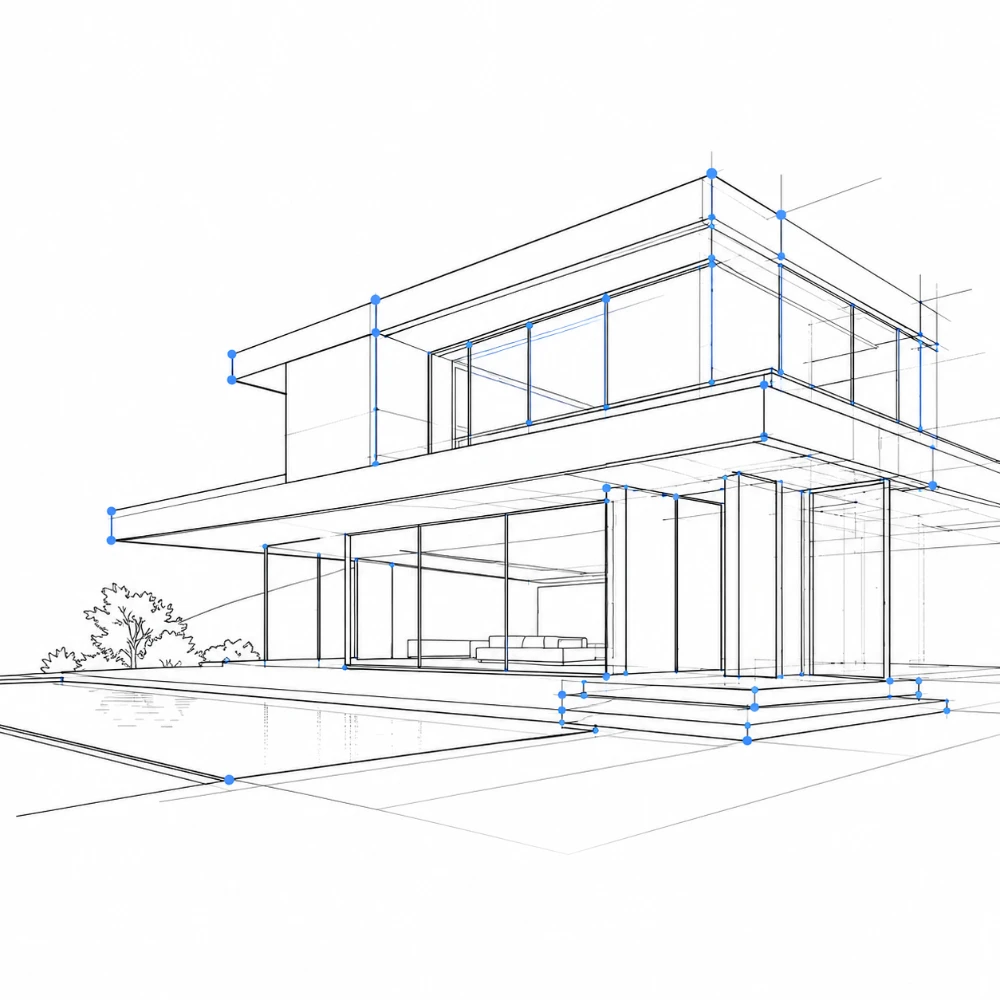
Vector SVG export
Lines come out as real vector paths — scale infinitely, restyle, and color them in Illustrator, CAD, or any vector tool.

Tap the Share button, then “Add to Home Screen”.

Structure-first line extraction with vector SVG export — black on white, processed locally in your browser.
Try it nowSVG is vector and contains the line paths only — scale, recolor, and edit it freely in Illustrator or CAD. PNG is exported on a white background.
Lines come out as real vector paths — scale infinitely, restyle, and color them in Illustrator, CAD, or any vector tool.
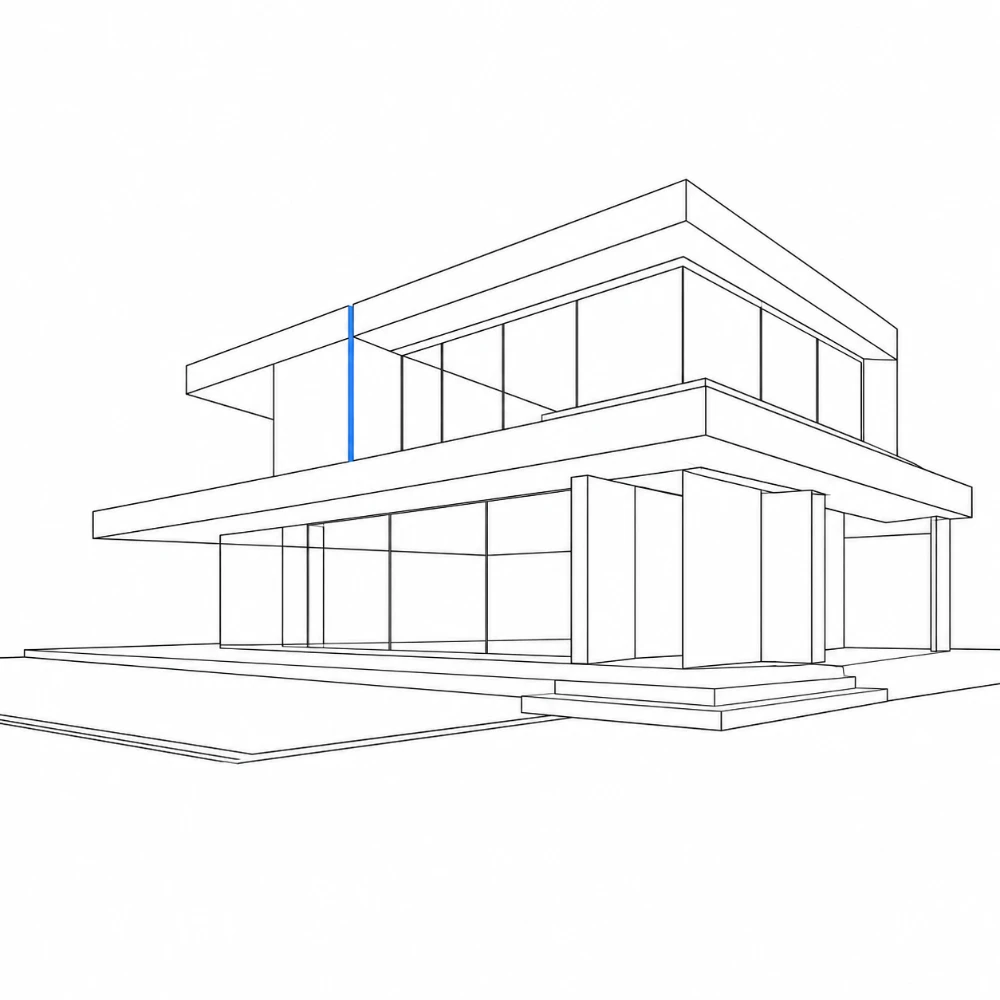
Tuned to favor main building edges, openings, and outlines while suppressing texture, reflections, and foliage noise.

Your photos never leave your device. All tracing happens locally in your browser.
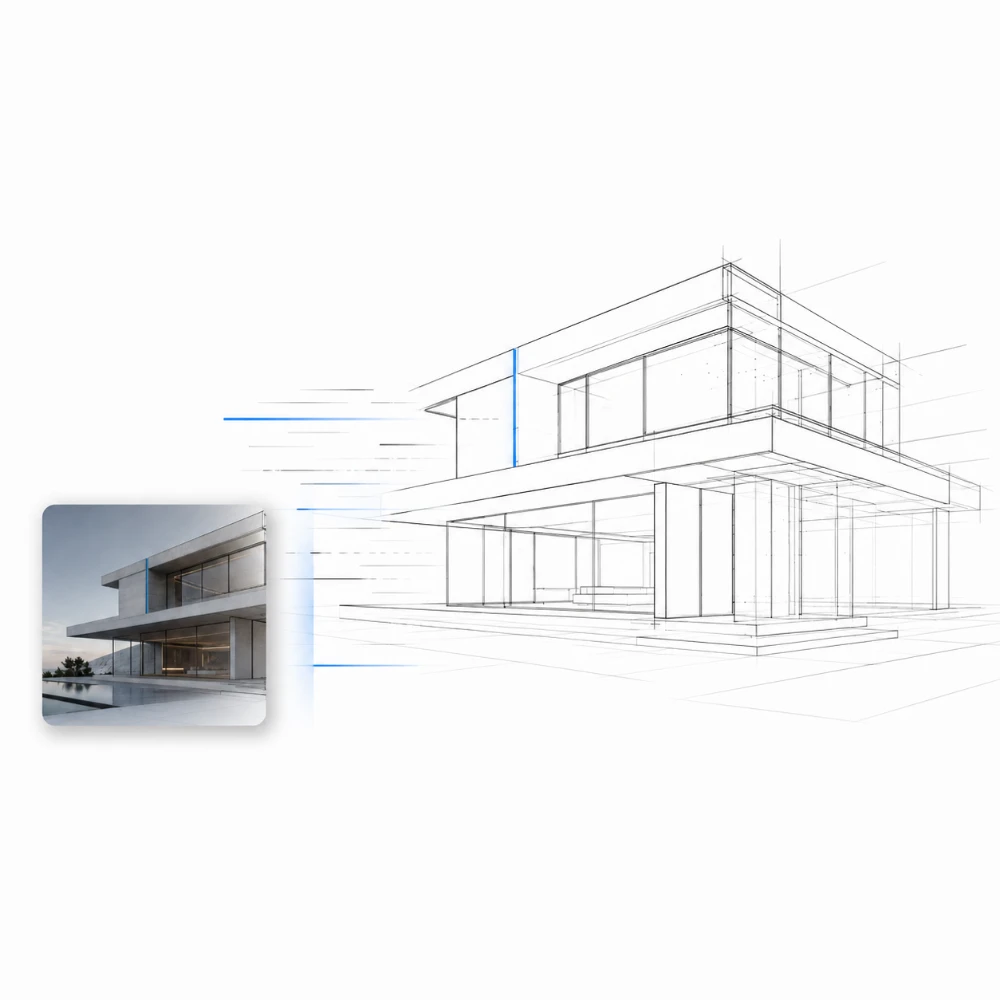
Drop a photo and get a clean line drawing instantly — no manual tracing. Adjust a few sliders and export.
Built for architecture, design, and real-estate professionals who need line art as an editable asset — not a finished filter.
Generate line bases for presentation boards, perspective underlays, and concept sketches from site photos.
Turn room and facade shots into clean line layers to annotate, color-block, or place into mood boards.
Create stylized line illustrations of listings for brochures, flyers, and property graphics.
Import the SVG as a clean starting layer for vector illustration, drafting, and detailing.
Reduce streetscapes and skylines to line for diagrams, studies, and context drawings.
Produce line references and study sheets from photographs for analysis and drawing practice.
Yes. SVG export is the core of ArchitectLine. The detected lines are traced into real vector paths, so you can scale them without quality loss and edit them in Illustrator, Inkscape, or CAD software. The SVG contains the line paths only. A PNG export (on a white background) is also available.
ArchitectLine favors strong, connected structural edges — building outlines, corners, and openings — and discards short, weak fragments from wall texture, reflections, and foliage. Use the Edge sensitivity and Noise reduction sliders to tune how much detail is kept.
No. ArchitectLine outputs black lines on white only. It is designed to produce a clean line asset you color and finish yourself in post.
No. All processing happens entirely in your browser. Your files never leave your device and are never sent to any server.
Yes, completely free. No account required, no usage limits, no watermarks.
You can import JPEG, PNG, and WebP photos, and export SVG (vector) or PNG.
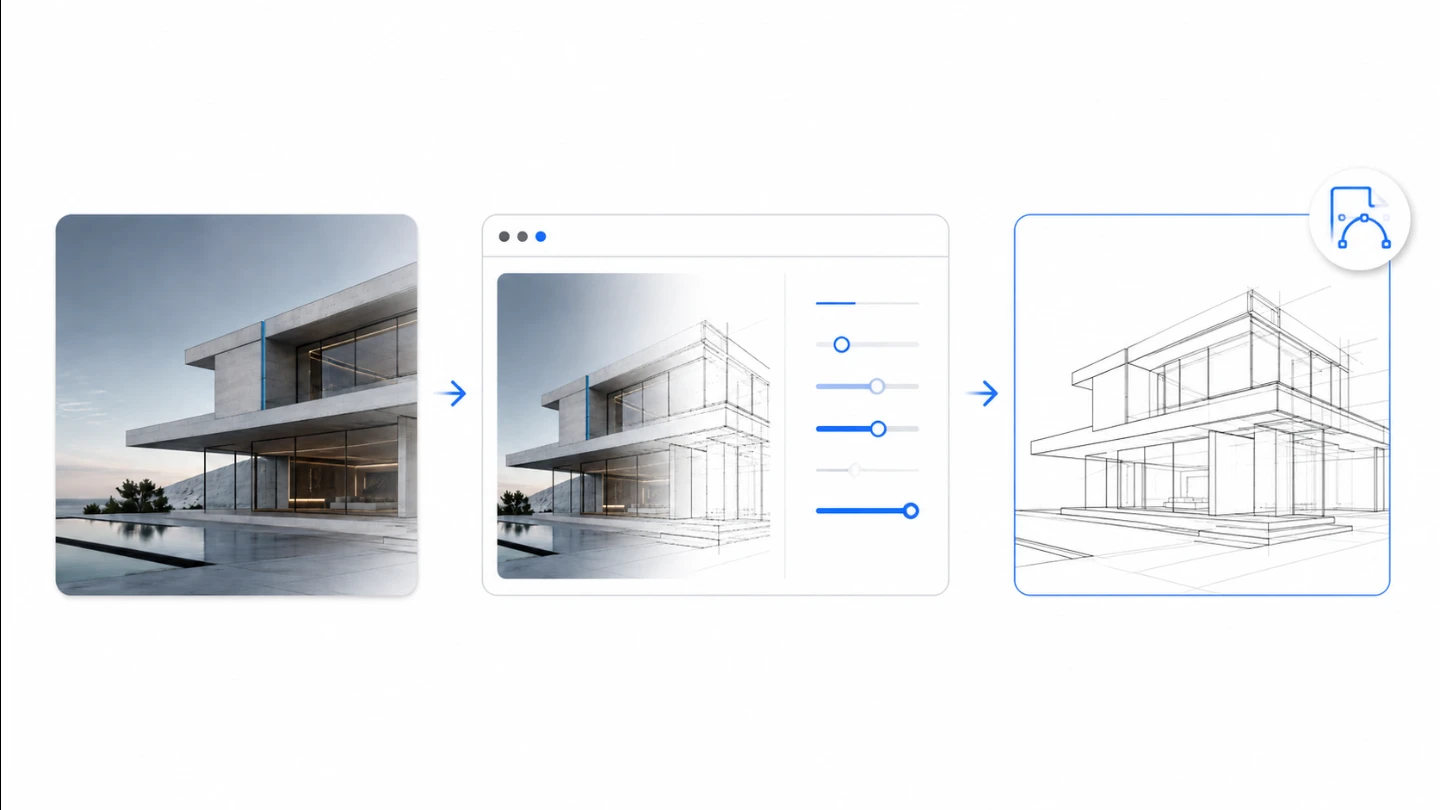
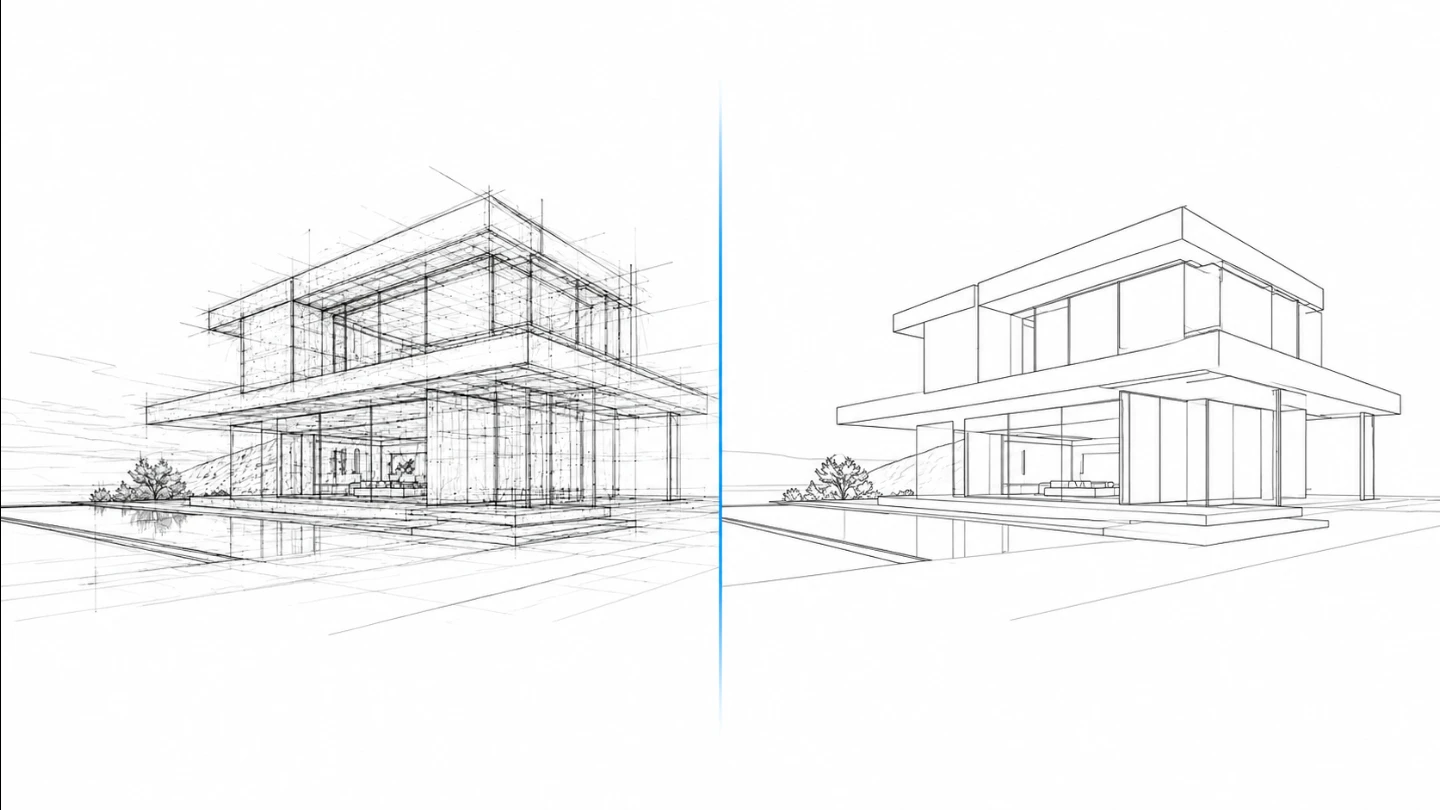
Photographs of buildings carry a lot of visual noise — wall texture, reflections, shadows, and plants. A naive edge filter turns all of it into lines. ArchitectLine prioritizes long, connected structural edges and discards short fragments, so the result reads as a building rather than a tangle.
If important edges are missing, raise Edge sensitivity. If the drawing is too busy, raise Noise reduction and Smoothing. Because the output is vector, you can always thin, thicken, or delete individual paths afterward in your editor.
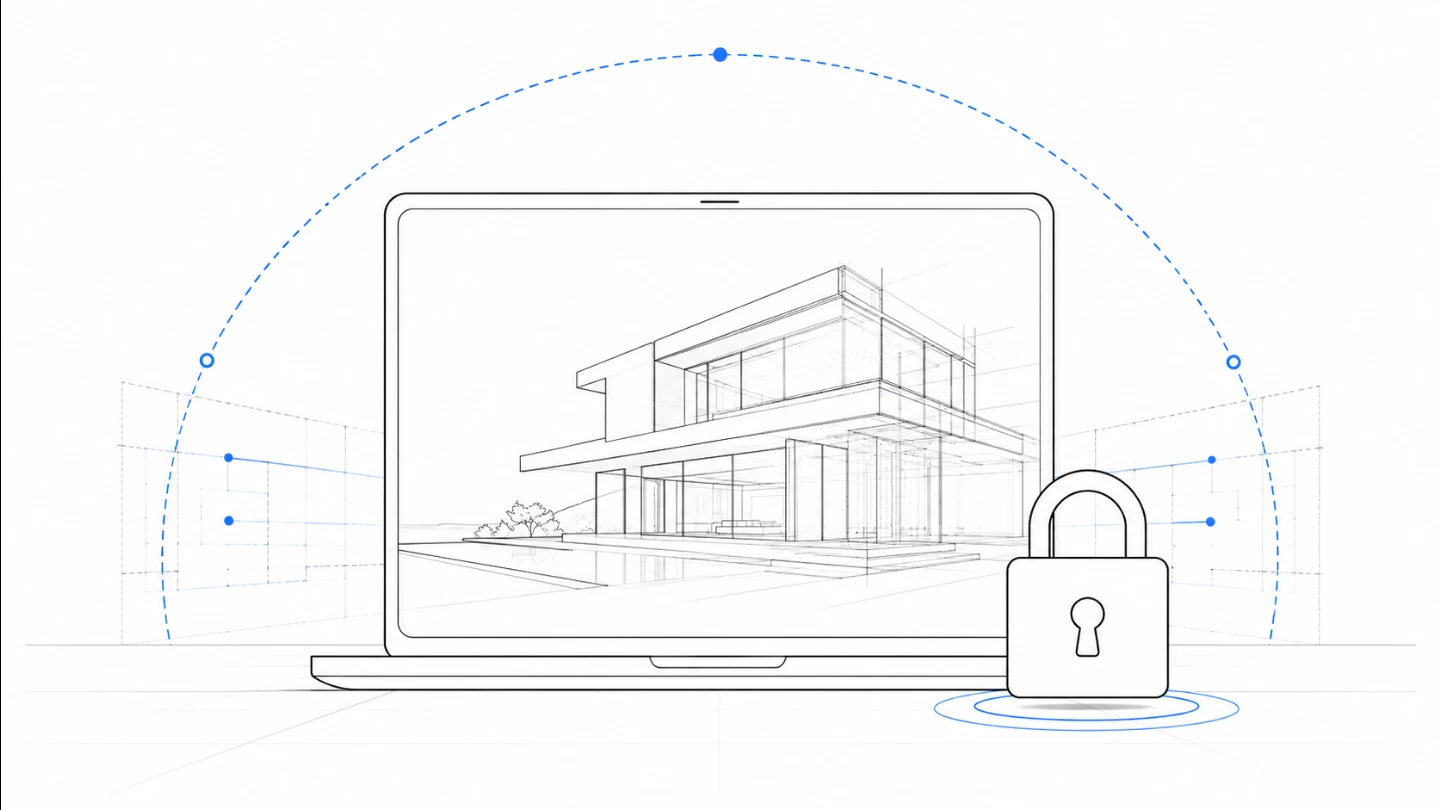
ArchitectLine runs entirely in your browser using the Canvas API. Your photo is never uploaded, never stored, and never used to train any model. The moment you close the tab, the image is gone.
That makes it safe for client projects, unbuilt designs, and any image you would not want sitting on a third-party server. Privacy is the default here, not a paid feature.

Trace-ready line art with manual control — all processed locally.
Open tool →
Overlay a precise grid, set the real size, and print to scale across A4 sheets.
Open tool →
Turn photos into stencil-style street art on real walls.
Open tool →
Turn building photos into clean line drawings — SVG & PNG.
Open tool →
Set a canvas size, drop your image, adjust position and scale — then export at exact pixel dimensions.
Open tool →
Reduce, control and reuse image colors precisely — export to HEX, CSS, JSON, .gpl & .ase.
Open tool →
Calculate fabric size from stitch counts, compare cloth counts and add finishing margins.
Open tool →
Turn a few photos or drawings into a flipbook preview. Adjust order, timing and ping-pong.

Any photo → a polished 9:16 story. Blur, gradient, extend & card layouts.
Open tool →