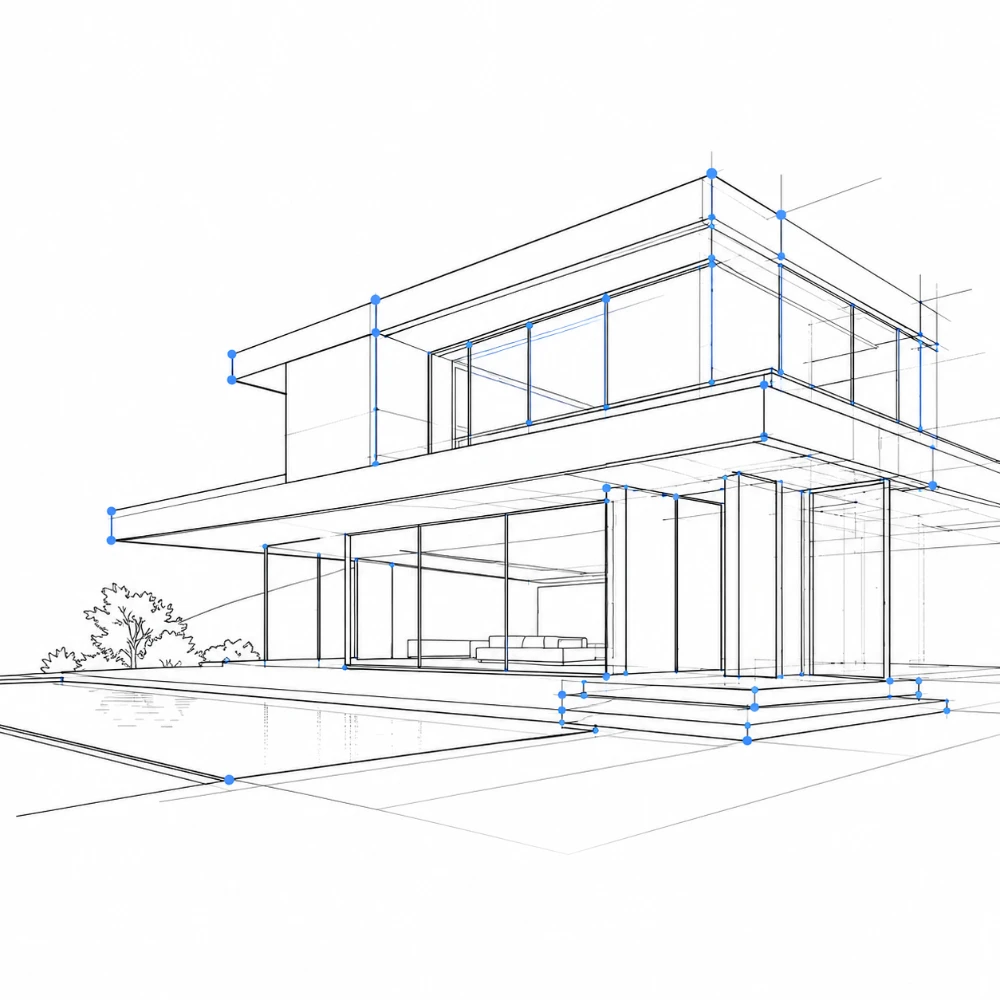
Exportación a SVG vectorial
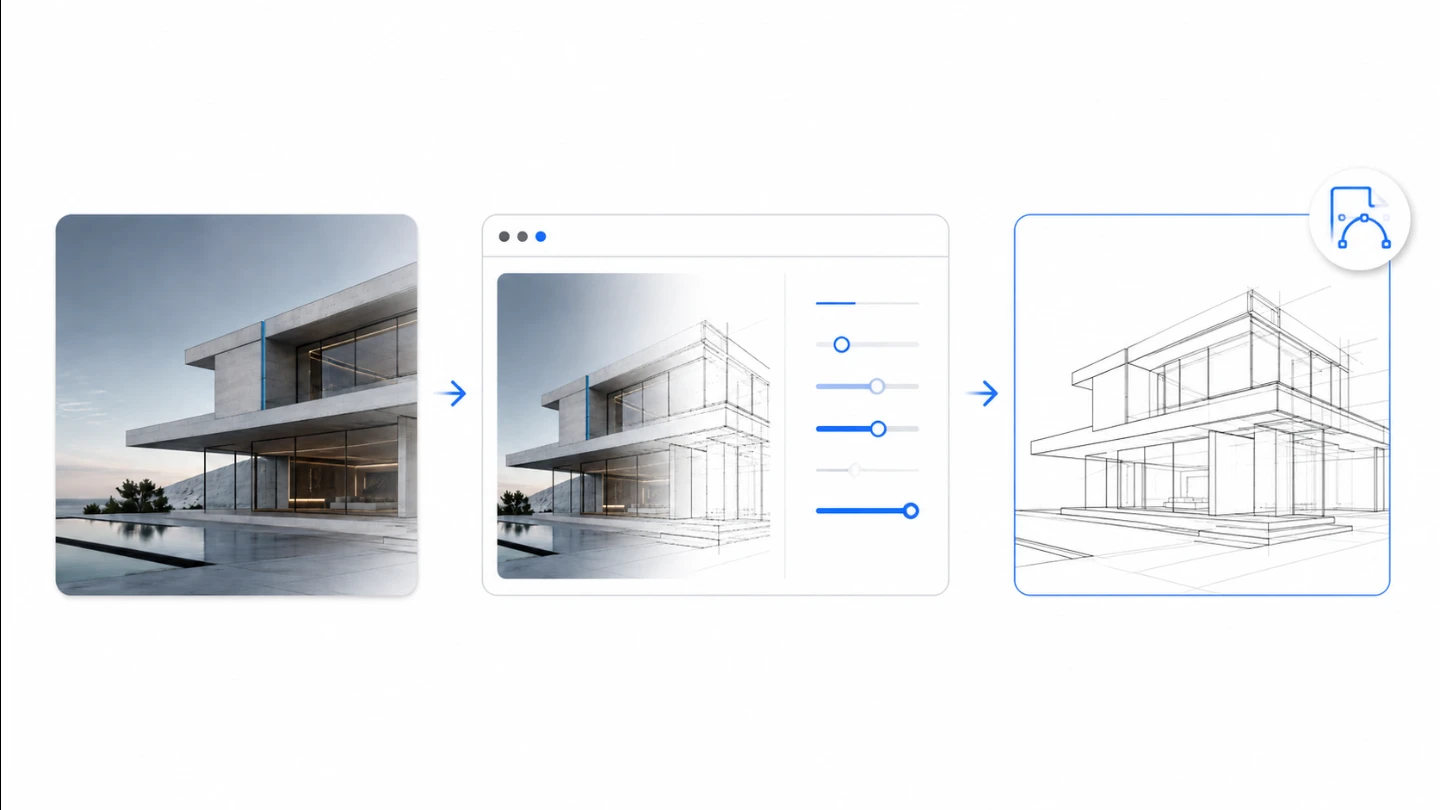
Las líneas salen como trazos vectoriales reales: escálalas sin límite, cámbiales el estilo y coloréalas en Illustrator, CAD o cualquier herramienta vectorial.

Pulsa el botón Compartir y luego «Añadir a pantalla de inicio».

Extracción de líneas centrada en la estructura con exportación a SVG vectorial: negro sobre blanco, procesado localmente en tu navegador.
Pruébalo ahoraEl SVG es vectorial y contiene solo los trazos de las líneas: escálalo, recolorea y edítalo libremente en Illustrator o CAD. El PNG se exporta sobre fondo blanco.
Las líneas salen como trazos vectoriales reales: escálalas sin límite, cámbiales el estilo y coloréalas en Illustrator, CAD o cualquier herramienta vectorial.
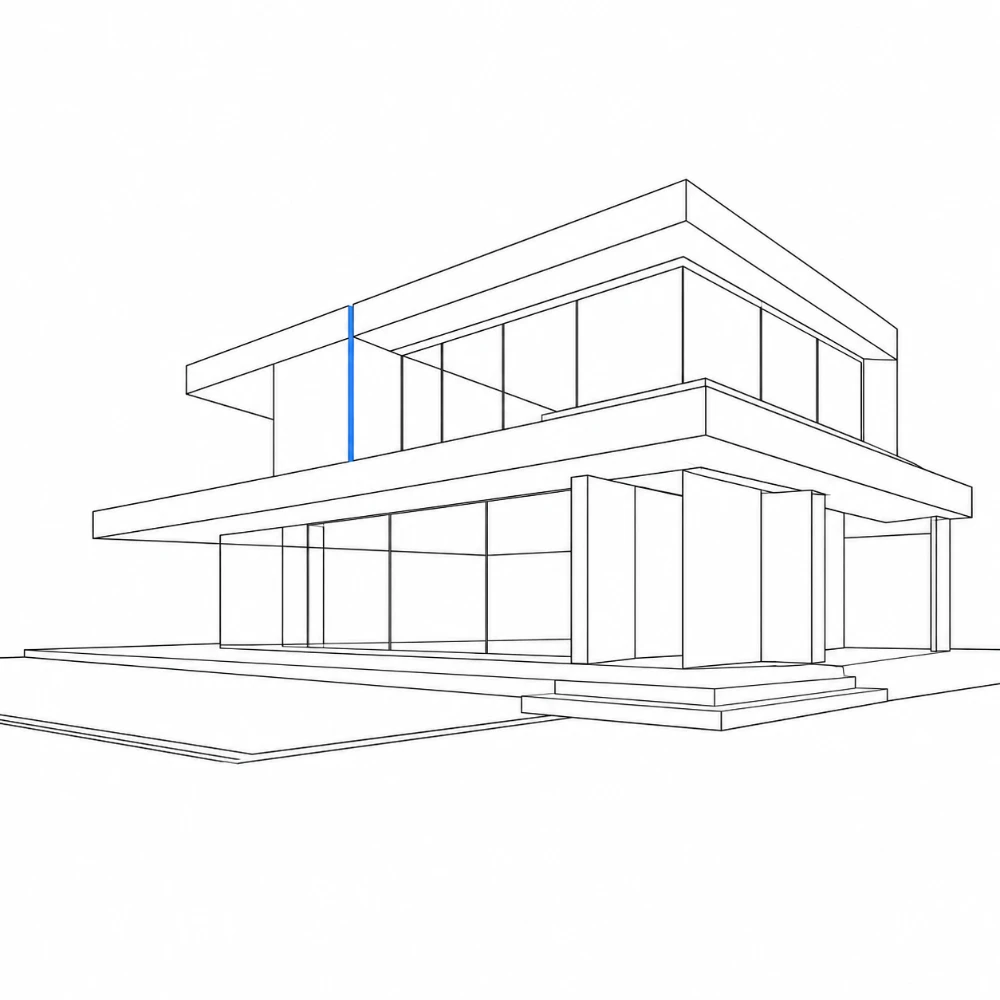
Ajustado para favorecer los bordes principales del edificio, los vanos y los contornos, suprimiendo la textura, los reflejos y el ruido de la vegetación.
Tus fotos nunca salen de tu dispositivo. Todo el trazado ocurre localmente en tu navegador.
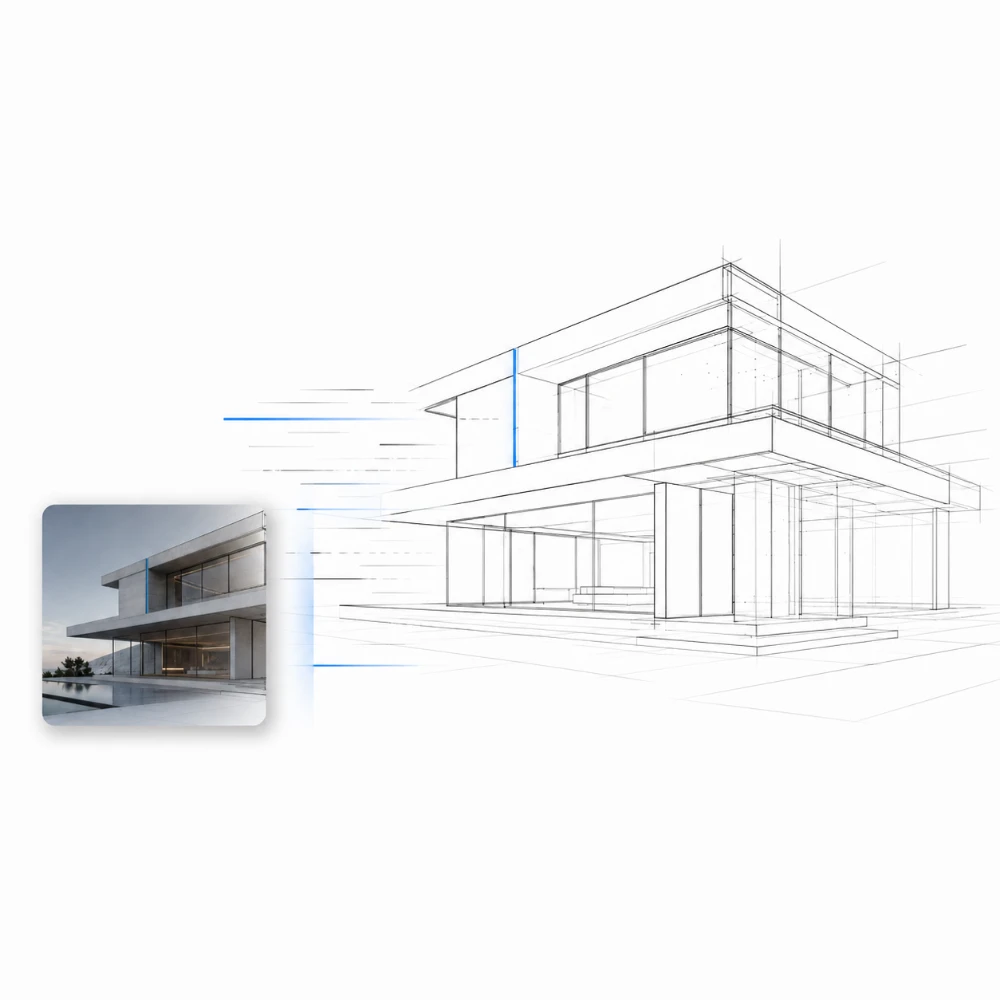
Suelta una foto y obtén un dibujo de líneas limpio al instante, sin trazar a mano. Ajusta unos pocos controles y exporta.
Creado para profesionales de la arquitectura, el diseño y el sector inmobiliario que necesitan line art como un recurso editable, no como un filtro acabado.
Genera bases de líneas para paneles de presentación, fondos de perspectiva y bocetos de concepto a partir de fotos del sitio.
Convierte tomas de estancias y fachadas en capas de líneas limpias para anotar, aplicar bloques de color o colocar en moodboards.
Crea ilustraciones de líneas estilizadas de los inmuebles para folletos, flyers y gráficos de propiedades.
Importa el SVG como una capa de partida limpia para ilustración vectorial, delineado y detallado.
Reduce paisajes urbanos y siluetas a líneas para diagramas, estudios y dibujos de contexto.
Produce referencias de líneas y láminas de estudio a partir de fotografías para análisis y práctica de dibujo.
Sí. La exportación a SVG es el núcleo de ArchitectLine. Las líneas detectadas se trazan como trazos vectoriales reales, así que puedes escalarlas sin pérdida de calidad y editarlas en Illustrator, Inkscape o software CAD. El SVG contiene solo los trazos de las líneas. También está disponible una exportación a PNG (sobre fondo blanco).
ArchitectLine favorece los bordes estructurales fuertes y conectados —contornos del edificio, esquinas y vanos— y descarta los fragmentos cortos y débiles de la textura de los muros, los reflejos y la vegetación. Usa los controles de Sensibilidad de bordes y Reducción de ruido para ajustar cuánto detalle se conserva.
No. ArchitectLine produce solo líneas negras sobre blanco. Está diseñado para crear un recurso de líneas limpio que tú coloreas y terminas después.
No. Todo el procesamiento ocurre por completo en tu navegador. Tus archivos nunca salen de tu dispositivo ni se envían a ningún servidor.
Sí, totalmente gratis. Sin cuenta, sin límites de uso y sin marcas de agua.
Puedes importar fotos JPEG, PNG y WebP, y exportar SVG (vectorial) o PNG.
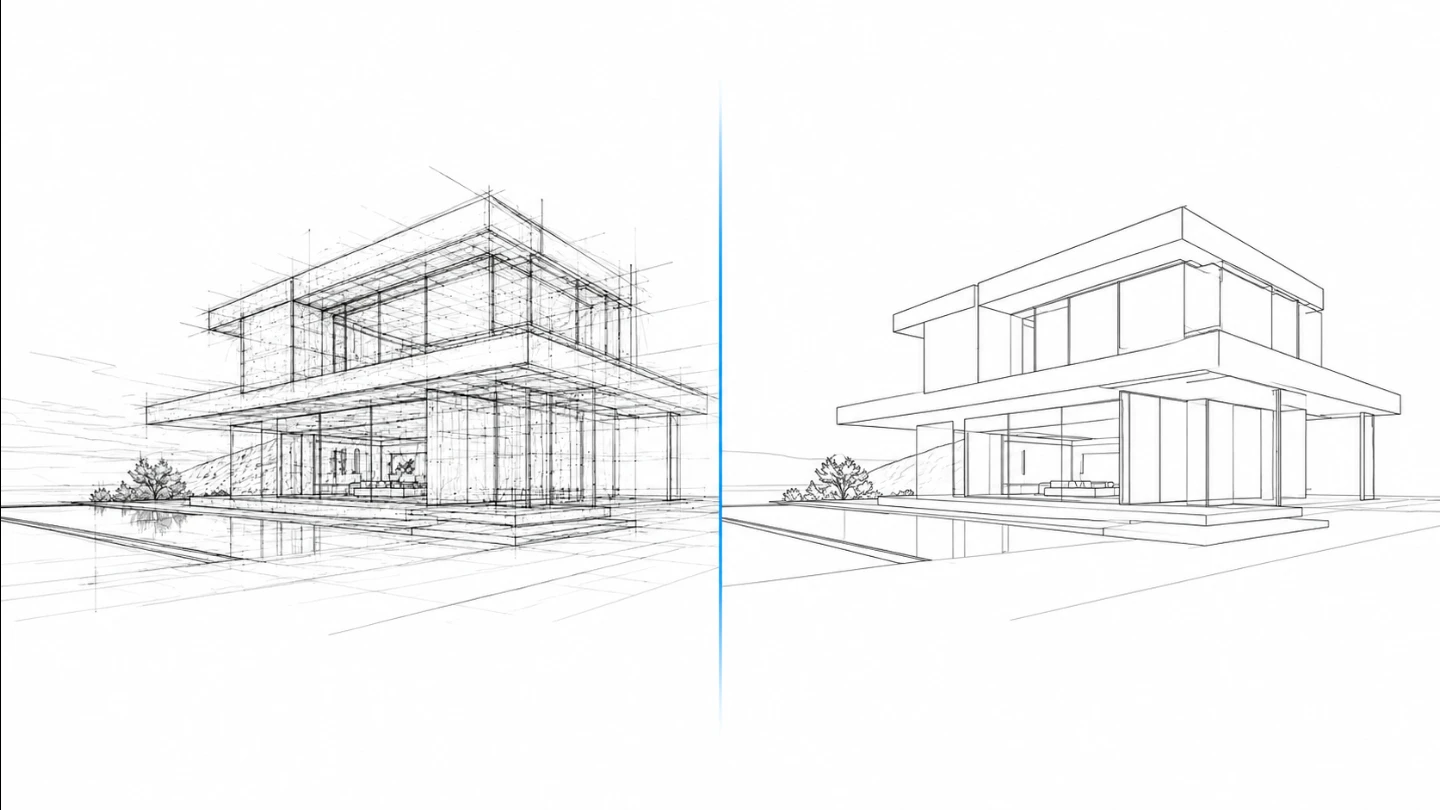
Las fotografías de edificios llevan mucho ruido visual: textura de los muros, reflejos, sombras y plantas. Un filtro de bordes ingenuo lo convierte todo en líneas. ArchitectLine prioriza los bordes estructurales largos y conectados y descarta los fragmentos cortos, de modo que el resultado se lee como un edificio y no como una maraña.
Si faltan bordes importantes, sube la Sensibilidad de bordes. Si el dibujo está demasiado recargado, sube la Reducción de ruido y el Suavizado. Como la salida es vectorial, siempre puedes afinar, engrosar o borrar trazos individuales después en tu editor.
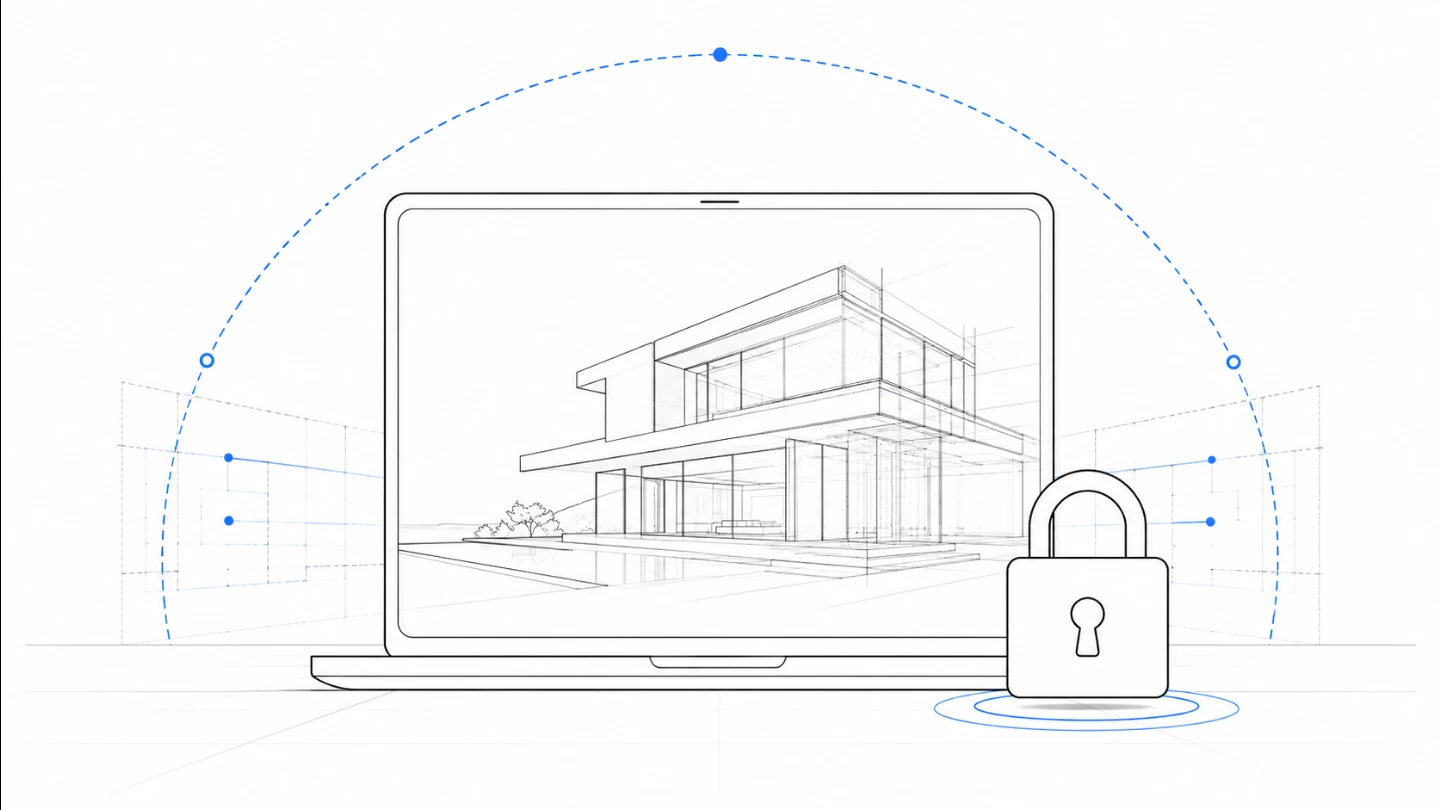
ArchitectLine funciona por completo en tu navegador usando la API Canvas. Tu foto nunca se sube, nunca se almacena y nunca se usa para entrenar ningún modelo. En cuanto cierras la pestaña, la imagen desaparece.
Eso lo hace seguro para proyectos de clientes, diseños no construidos y cualquier imagen que no querrías que estuviera en un servidor de terceros. Aquí la privacidad es lo predeterminado, no una función de pago.

Line art listo para trazar con control manual profesional, todo procesado localmente.
Abrir herramienta →
Superpón una cuadrícula precisa, fija el tamaño real e imprime a escala en hojas A4.
Abrir herramienta →
Convierte fotos en arte callejero estilo stencil en paredes reales.
Abrir herramienta →
Convierte fotos de edificios en dibujos lineales — SVG y PNG.
Abrir herramienta →
Coloca imágenes en un lienzo fijo, ajusta posición y tamaño libremente, y exporta con dimensiones exactas en píxeles. Sin subidas, sin rastreo — todo en tu navegador.
Abrir herramienta →
Reduce, controla y reutiliza los colores de una imagen con precisión — exporta a HEX, CSS, JSON, .gpl y .ase.
Abrir herramienta →
Calcula tela según puntadas, compara cuentas y añade márgenes.
Abrir herramienta →
Previsualiza fotos o dibujos como un folioscopio. Ajusta orden, tiempos e ida y vuelta.

Cualquier foto → una historia 9:16 impecable. Desenfoque, degradado, extensión y tarjeta.
Abrir herramienta →