Hide sensitive details
Quickly blur or blackout names, addresses, license plates and more before sharing screenshots or photos.
Blur or blackout names, addresses and other private details before sharing images. All processing runs locally in your browser.
Use the tools on the right to hide sensitive areas.
Quickly blur or blackout names, addresses, license plates and more before sharing screenshots or photos.
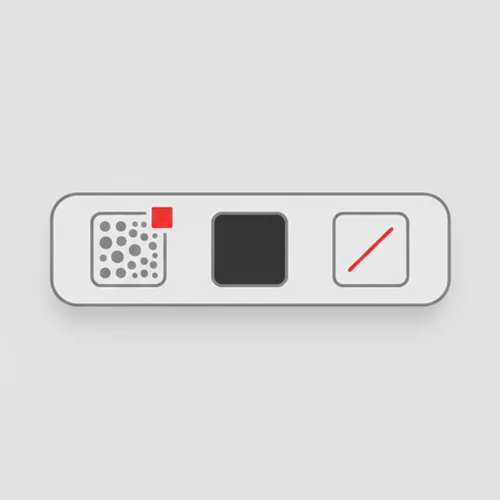
Switch between blur, black box and line tools. Adjust brush size with a single slider.
All redaction runs locally in your browser. Images never leave your device.
Perfect for customer support screenshots, invoices, school documents and any image that needs quick masking.
Anyone who needs to share images without exposing private details — no app, no upload.
Trace-ready line art with manual control — all processed locally.
Open tool →
Reduce file size without visible quality loss.
Open tool →
Prepare images for precise tracing. Refine details and scale images before using TraceLine.
Open tool →
One-click looks that feel natural on social feeds.
Open tool →
Resize images for web and social media.
Open tool →
Convert between JPEG, PNG, WebP.
Open tool →
Crop freely or with fixed aspect ratios.
Open tool →
Improve brightness and clarity automatically.
Open tool →
Delete location and camera metadata safely.
Open tool →
Process multiple images at once.
Open tool →
Blur or mask sensitive information.
Open tool →
Automatically balance light and color.
Open tool →