Lighter files
Make images lighter for the web while keeping them crisp. Smaller files help pages load faster.
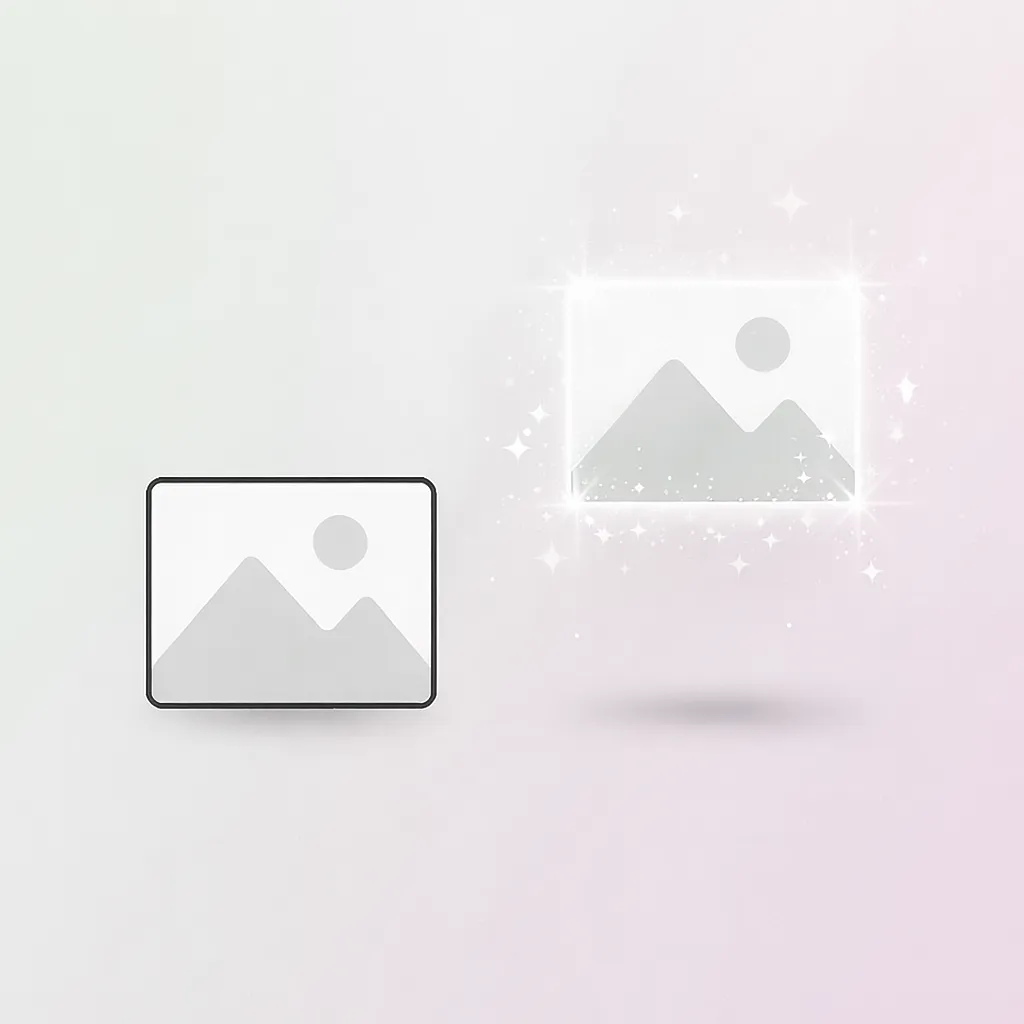
Same dimensions. Smaller file size.
Make images lighter for the web while keeping them crisp. Smaller files help pages load faster.
Adjust quality and output format with clean sliders. Compare changes instantly.
All processing happens in your browser. Images never leave your device.
Fast processing powered by your own device. Nothing is sent to a server.
Anyone who works with images on the web — no account, no upload.
Reduce image payload before deployment. Faster Core Web Vitals, better Lighthouse scores — without touching a terminal.
Compress hero images and thumbnails before uploading to WordPress or any CMS. Keep quality high, keep hosting costs low.
Share portfolio images online without sacrificing detail. Your originals never leave your device — compression stays private.
Optimize product photos for faster shop pages. Lighter images load faster on mobile — and that directly improves conversions.
Export assets at the right weight for handoff or delivery. Use the before/after slider to verify quality before sending.
Prepare images for Instagram, X, or LinkedIn without re-uploading to a cloud service. Fast, private, and browser-only.
No. All compression happens entirely in your browser using local processing. Your files never leave your device and are never sent to any server.
Tracelyx Compress supports JPEG, PNG, and WebP. You can also convert between these formats during compression.
For most web images, a quality of 75–85 strikes the best balance between file size and visual quality. Use the before/after slider to judge for yourself before downloading.
EXIF data includes GPS location, camera model, and capture time embedded in the image file. Removing it protects your privacy and slightly reduces file size.
Yes, completely free. No account required, no usage limits, no watermarks.
This tool processes one image at a time with full quality control. For batch compression of multiple files, use the Batch tool.

Trace-ready line art with manual control — all processed locally.
Open tool →
Reduce file size without visible quality loss.
Open tool →
Prepare images for precise tracing. Refine details and scale images before using TraceLine.
Open tool →
One-click looks that feel natural on social feeds.
Open tool →
Resize images for web and social media.
Open tool →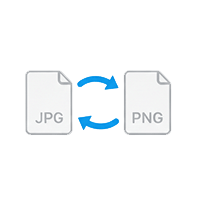
Convert between JPEG, PNG, WebP.
Open tool →
Crop freely or with fixed aspect ratios.
Open tool →
Improve brightness and clarity automatically.
Open tool →
Delete location and camera metadata safely.
Open tool →
Process multiple images at once.
Open tool →
Blur or mask sensitive information.
Open tool →
Automatically balance light and color.
Open tool →